split Cut Cut video editing BGM239 bgm239
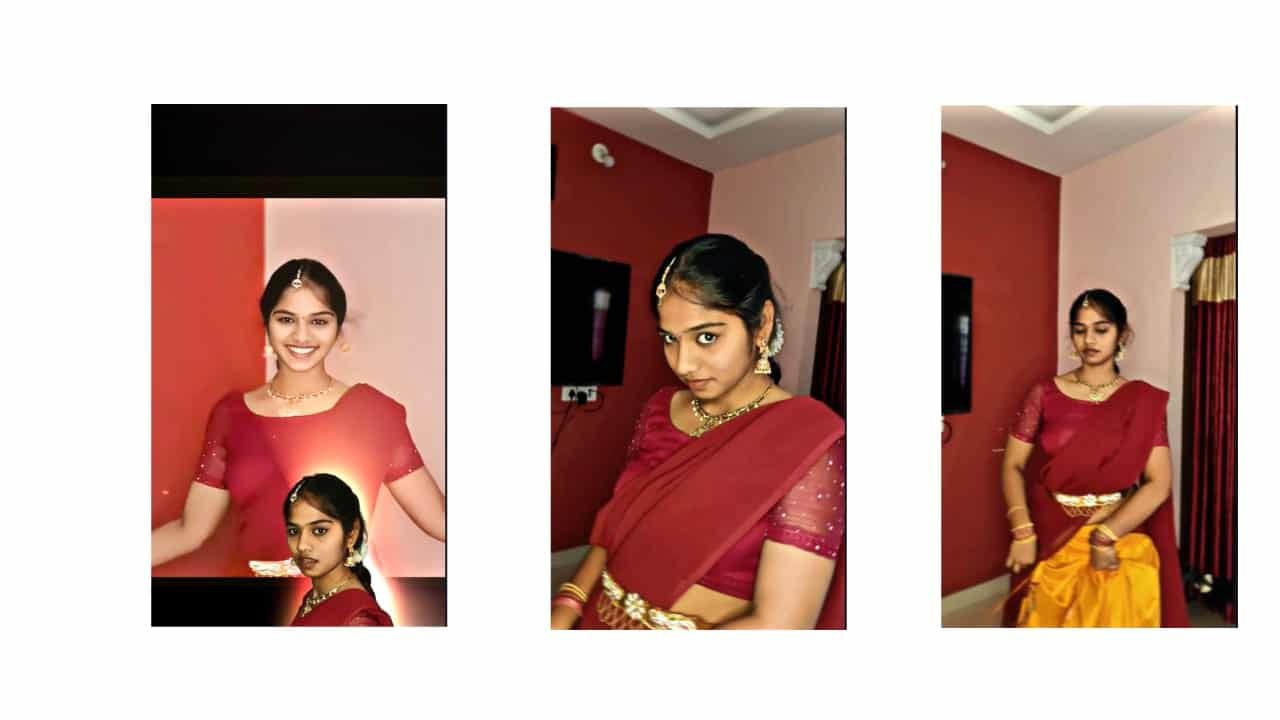
Cut Cut Video Editing – Fast Transitions for Trending Reels
Cut cut video editing is one of the most viral and energetic styles used in Instagram reels, YouTube Shorts, and status videos. This editing style focuses on quick transitions, beat-synced cuts, and rapid changes of clips or photos, creating a sharp, cinematic impact that grabs the viewer’s attention in seconds. It’s mostly used in attitude videos, lyrical edits, love stories, and stylish photo montages.
To create a cut cut video edit, start by selecting a powerful BGM or a trending beat-drop audio. The strength of this style lies in syncing each visual change exactly with the beat. Whether it’s a slow intro that leads into a high-energy drop, or a constant rhythmic BGM, make sure every cut matches the sound for the best effect. You can easily identify the beats using the waveform in apps like Alight Motion or CapCut.
Open Alight Motion and create a 9:16 project for vertical reels. Add your clips or photos to the timeline. If you’re working with photos, convert them into dynamic visuals by adding keyframe movements like zoom, rotate, slide, or a light shake. If you’re using video clips, trim them into short 1-2 second parts, each one matching the beat exactly.
Now comes the main part — cut cut transitions. Between each clip or image, add fast-paced effects like blur, spin, flash, glitch, or zoom blur. These transitions should hit hard and disappear quickly, keeping the viewer’s eyes engaged. Use easing controls to smooth out each transition so it feels polished.
If you’re adding lyrics or text overlays, use bold, modern fonts with glow or shadow effects. Make the text appear and disappear rapidly using fade or pop animations synced with the audio. Keep the text short — just one or two words per scene. Use motion blur and shake effects to increase the intensity.
To make your cut cut video feel more premium, add overlays like particles, fire sparks, flash flares, or even glitch effects. Use blend modes like screen or add to make these elements sit naturally over your clips. Color grading is also key — use high contrast, neon, or cinematic color tones that make the visuals stand out even more.
Once your timeline is complete, preview the entire project and fine-tune every beat. Check if each cut is sharp and well-timed. Even a 0.1-second mismatch can break the flow. Export your final video in high resolution for the best quality.
Cut cut video editing is not about showing everything — it’s about showing just enough, just fast enough to hook the viewer emotionally and visually. With practice and creativity, you can turn simple photos or short clips into high-impact reels that look professional and feel exciting.
Full project
xml
song


















Post Comment