Instagram trending bgm251 BGM251 lyrical video
Instagram Trending – How to Create Viral Content with Mobile Editing
Instagram trending content has a special way of capturing attention and going viral across feeds, stories, and Reels. From eye-catching videos and photos to creative edits, every Instagram trend comes with unique visual elements, catchy audio, and smooth animations that increase engagement. Whether it’s a dance challenge, a funny moment, a cinematic edit, or a lyrical video, learning how to leverage the right tools on your mobile can help your content get discovered and shared.
The key to creating trending content on Instagram is to align your edit with the current trends while adding your unique style. The most successful trending content often includes popular audio tracks or songs that are viral on Reels. Start by choosing a trending audio clip. You can browse the Instagram Reels feed, TikTok, or other platforms for inspiration. Trending sounds are usually in the Explore section, and these audios often have a growing number of posts.
Once you have the audio ready, open a mobile video editing app like Alight Motion, CapCut, or InShot, and create a 9:16 vertical project to match Instagram’s Reel format. Import your video clips or images and start syncing them with the beat of the music. For instance, if the track has a drop or beat change, make sure your transition or visual effect matches that moment. You can use keyframe animations to animate your photo, zooming in or adding smooth slide effects. For extra visual impact, use transitions like spin, slide, or shake on the beat, creating energy and fluidity.
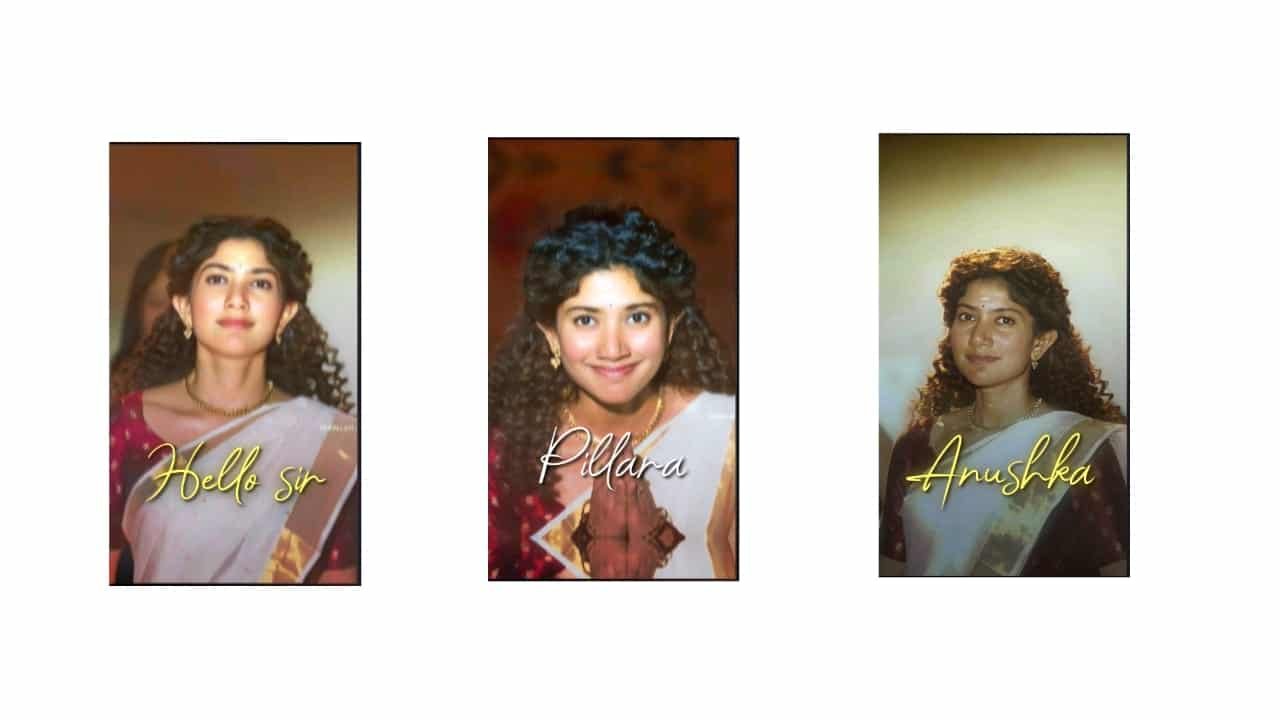
One trend that’s always popular is the use of lyrical video edits where text is synced to music. Using apps like Alight Motion, you can animate the lyrics line by line in stylish fonts. Experiment with glow effects, 3D text, and shadowing to make the words pop and stand out against a background. Whether you’re using a love song, an inspirational quote, or a fun phrase, making your text align with the rhythm will help keep the viewer’s attention.
Another powerful method is creating photo slideshows. Import multiple photos and create a beat-synced video, transitioning smoothly from one image to the next. Make sure the transitions are clean and seamless — you can use zoom-in, fade, or blur effects. Overlays like light leaks, confetti, or sparkles can enhance the vibe of your video, adding a pop of color and excitement. If your photos are of a party, birthday, or event, animated stickers like balloons or gifts can boost the celebratory feel.
For a more professional effect, apply color grading to your photos or clips. Use warm tones for love and friendship vibes, or cool tones for dramatic, cinematic moments. Alight Motion, CapCut, and other apps offer built-in filters to enhance the color grading process. Adjust brightness, contrast, and saturation to make your content eye-catching. Add a soft vignette around your subject to make them stand out more.
Instagram stories also benefit from text animations, stickers, and GIFs. You can create an attention-grabbing story with the same techniques used for Reels but with simpler transitions. Use trending hashtags, gifs, or location tags to increase your story’s reach and visibility.
Once your content is ready, ensure it’s optimized for maximum engagement. Add relevant hashtags like #trending, #Reels, #viral, and ones specific to the content you’re posting. Catchy captions are just as important — keep them short, fun, and directly related to the vibe of the video. Always include a call-to-action, like asking followers to share or tag friends, which increases interaction.
Trending Instagram content is all about staying ahead of the curve. By keeping up with the latest trends and using your mobile editing skills creatively, you can create videos and photos that capture attention, increase engagement, and ultimately go viral. Whether it’s an emotional lyrical video, a fun challenge, or a cinematic photo edit, Instagram is the perfect platform to showcase your talent.
Full project
Xml
Song


















Post Comment