Boys attitude status bgm287 BGM287
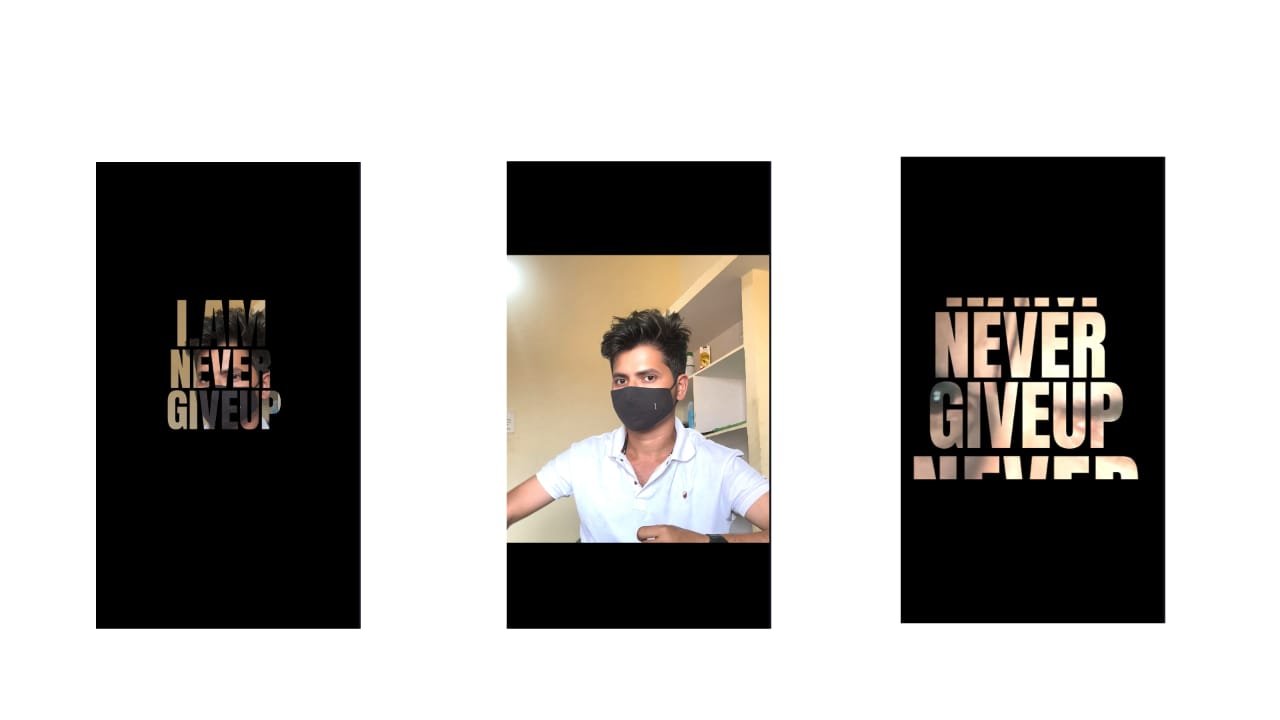
Boys Attitude Status Video Editing on Mobile
In today’s world of social media, status videos are a powerful way for people to express their personality, mood, and style. For boys who want to showcase confidence, strength, and boldness, attitude status videos are the perfect trend. These videos reflect a strong mindset and are usually synced with powerful background music, stylish text, and intense visual effects. Creating a boys attitude status video doesn’t require a computer—everything can be done smoothly using a mobile phone with the right editing apps like Alight Motion, CapCut, or Kinemaster.
To start, the most important thing is the song or background dialogue. Choose something with powerful lyrics, heavy beats, or a punchy dialogue that gives off a strong attitude vibe. This could be from a Telugu movie, a trending Instagram reel, or a background BGM that’s currently viral. The music sets the mood, and everything else—visuals, text, and transitions—should match that energy.
Next, collect the video clips or photos you want to include. These could be slow-motion walking shots, stylish poses, bike rides, gym moments, or simple expressions that reflect a bold, fearless attitude. If you’re using photos, try using portrait shots with a dark background or dramatic lighting—it adds more impact. If you’re using video clips, shoot them in daylight or with cinematic lighting for a better result. Use high-quality footage to keep your final video sharp and professional-looking.
Open your editing app and import the clips and music. In apps like Alight Motion, you can use layers to control each part of the video: background, music, effects, and text. Start editing by cutting the clips to match the beat of the music. Every beat drop or lyric change should have a scene switch, camera zoom, or visual effect to keep the viewer hooked.
Text animation is a must in boys attitude videos. Add bold statements or short one-liners like “Single life, king size,” “Born to rule,” or “No rules, no limits.” Choose a solid, bold font like Montserrat, Anton, or Bebas Neue to give the words a powerful look. Use white or yellow for the text color with a dark shadow or glow behind to make it stand out. Animate the text to bounce, zoom, or slide in with every beat. Keep the text short and sharp—it should hit hard, just like the music.
Then comes color grading and effects, which give the video its cinematic attitude. Apply dark filters, contrast boosts, and vignette effects to bring out a moody, powerful look. Many apps offer one-tap presets that turn your normal footage into a stylized, high-attitude clip. You can also manually adjust brightness, contrast, saturation, and tone to get the exact mood you want. Red and black tones work especially well for bold and aggressive themes.
Use slow-motion effects for powerful poses, sunglasses flips, or walking shots. Combine this with camera shake or motion blur at key moments for that dramatic impact. In CapCut and Alight Motion, these effects are easy to apply and customize. Add zoom-ins or focus shifts to highlight expressions or strong lines in the song. Motion keyframes are useful to make the video dynamic and full of energy.
Transitions between scenes should be fast and stylish. Use whip transitions, glitch cuts, or smooth zooms to keep the flow intense. Avoid basic cuts or fades—attitude videos are all about impact. Also, sync every change with the beat of the music for that professional touch.
As a final touch, you can add glow effects, dust particles, smoke overlays, or light leaks to give the video a gritty or cinematic finish. But don’t overdo it—balance is key. Too many effects can make the video look messy. The main focus should still be on the attitude, expressions, and vibe.
Once your edit is complete, preview the full video. Check if all text is readable, music is perfectly synced, and the effects enhance rather than distract. Then export the video in high resolution—preferably 1080p with 30 or 60 FPS—for best quality on Instagram or WhatsApp status.
Posting the final video with a strong caption like “This is me. No filter, no fear.” or “I don’t follow trends—I set them.” adds to the attitude you’re showcasing. With regular uploads and creative ideas, these types of videos can also help grow your Instagram or YouTube channel if you’re into content creation.
A well-edited boys attitude status video not only makes a bold statement but also shows your style and personality. With mobile editing apps getting more powerful every day, all it takes is creativity, timing, and a bit of practice to create a viral-worthy video right from your phone.
Full project
XML file
Fontink


















Post Comment