Trending video editing in Alight Motion Instagram bgm257 BGM257
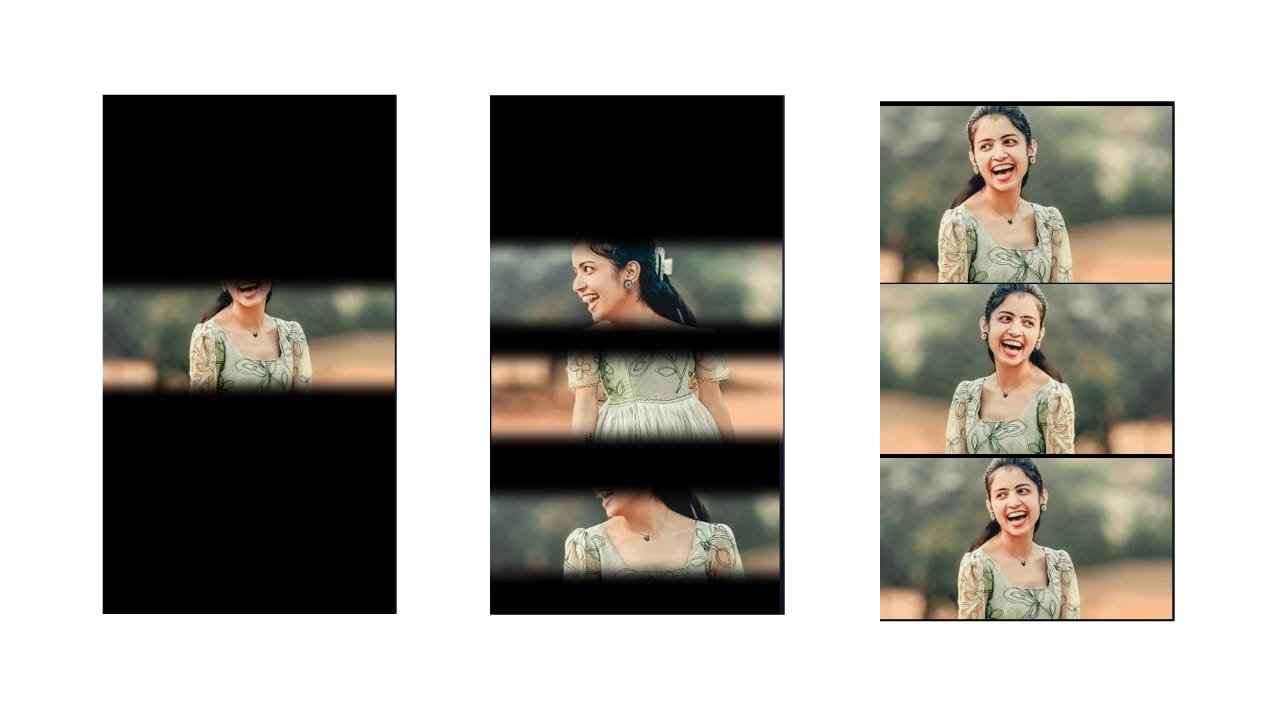
Trending Video Editing in Alight Motion for Instagram – Viral Style Made Easy
Trending video editing in Alight Motion has become a major part of Instagram content creation. From cinematic transitions to fast-paced lyric syncing and stylish photo edits, Alight Motion gives creators the tools to craft eye-catching videos that go viral on Reels. Whether it’s a birthday video, a love lyrical post, or a mass attitude edit, the app is perfect for creating professional-style videos directly on your mobile.
To start, open Alight Motion and create a 9:16 aspect ratio project which is ideal for Instagram Reels. Select your trending audio — it can be a lyrical song, cinematic BGM, attitude dialogue, or even a remix. Instagram trends often use beats with strong transitions, so try to match your edit to the pace of the audio.
Now import your visuals — either photos or short video clips. For photo edits, use high-quality portrait photos with clear backgrounds. Arrange them on the timeline, and then start syncing them with the beat. Use keyframes to animate each photo. You can zoom in, rotate, or slide left to right smoothly.
Add glow effects, blur transitions, and overlays to bring life to your video. Alight Motion’s motion blur, directional blur, and glow settings help give a premium feel to every frame. On beat drops, use shake effects or a quick zoom-out to highlight the moment. You can also add particles, light leaks, or flash effects using blend modes like “Screen” or “Add.”
Text plays a key role in Instagram edits. Add lyrics or dialogue line by line using stylish fonts like Montserrat, Bebas Neue, or script styles for love videos. Use fade-in, slide-up, or pop animations and time them perfectly with the voice or lyrics. To give your text more impact, add shadows or a stroke for better visibility against any background.
To create Instagram trending style, make use of color grading and overlays. Try warm filters for emotional edits or high-contrast tones for attitude and mass videos. Many users apply a cinematic LUT or use Alight’s built-in color adjustment features to balance brightness and saturation.
Don’t forget to include speed ramping — for fast-paced reels, increase the photo speed slightly and then slow down during emotional parts. Use letterbox bars (black bars top and bottom) to give a movie-style look. Add a soft vignette or corner blur to bring focus to the center of the video.
Transitions are key to making your video smooth and stylish. Use whip, spin, zoom, blur, and luma fade transitions between each clip or photo. These add dynamic movement and keep the viewer engaged.
End your edit with a strong visual, like a glowing name, final lyric, or a quote. Hold this last frame for a second and slowly fade out the audio for a clean finish. Export the video in 1080p at 30fps or 60fps for the best quality on Instagram.
Once your video is ready, post it with a short caption related to the mood — whether it’s love, attitude, or celebration. Trending edits usually perform better when posted with audio that’s already popular on Reels.
Alight Motion editing is all about syncing visuals with music, adding motion and emotion, and using creative effects. With regular practice and staying updated with Reels trends, your edits can stand out and reach a wide audience on Instagram.
Full project
Xml
Song


















Post Comment