Trending IPL trending bgm258 BGM258
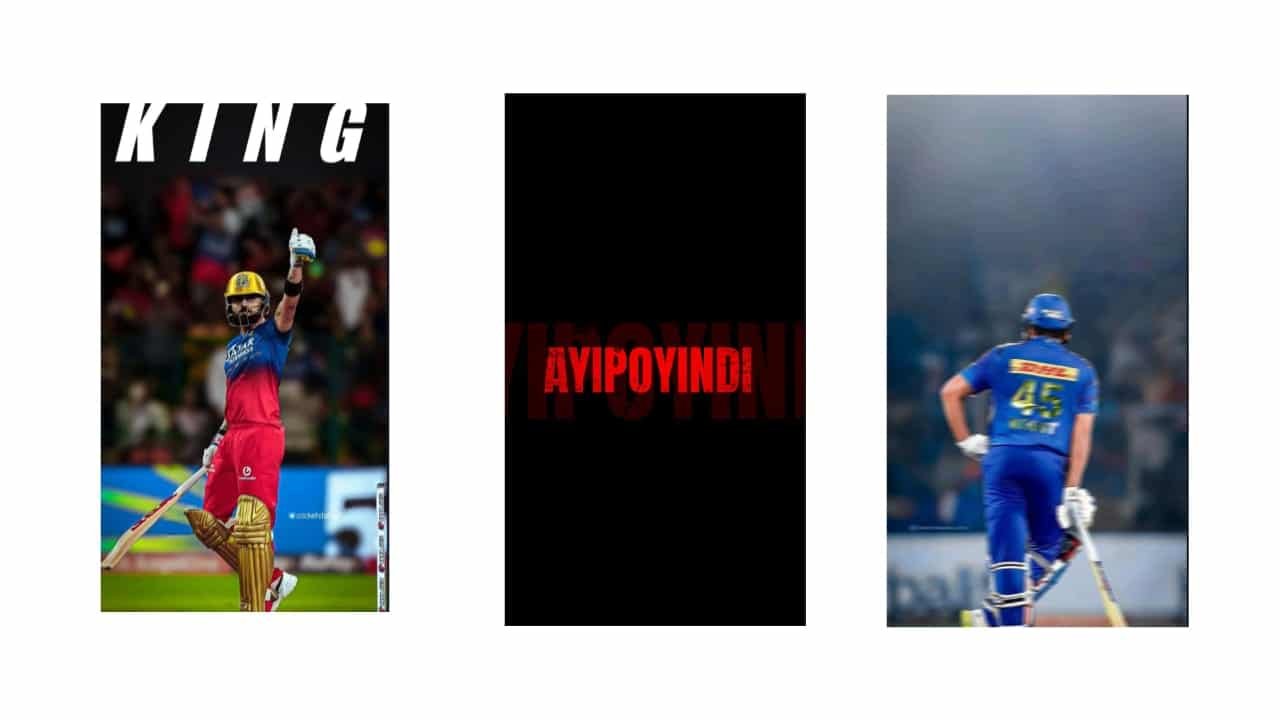
IPL Trending Video Editing – Create Stylish Cricket Reels on Mobile
IPL trending video editing is one of the hottest styles during the cricket season, especially on platforms like Instagram Reels and YouTube Shorts. Whether you’re supporting your favorite team like CSK, MI, RCB, or SRH, or highlighting epic moments from recent matches, this editing style captures the excitement and energy of the IPL in a modern, stylish way. With just your mobile and an app like Alight Motion or CapCut, you can make eye-catching edits that feel just like official match promos.
Start by selecting a powerful IPL background track. This could be a stadium chant, commentary highlight, or a music beat synced with bat hits and crowd cheers. Many fans also use BGM from cricket promos, like “Whistle Podu,” “Ee Sala Cup Namde,” or Hindi beats like “Jeetega Bhai Jeetega.” Pick an audio that matches the mood — energetic, emotional, or victorious.
Open your editing app and start a 9:16 vertical project. Import your cricket clips — these can be short videos of player entrances, big shots, celebrations, or crowd moments. Use high-quality footage if possible for a clean result. Begin your video with a cinematic intro — for example, a blurred stadium with team logo fading in, followed by a glowing title like “Game On” or “The Battle Begins.”
Next, sync key moments with the beat. When the ball hits the bat or a player celebrates, add a slow-motion effect or camera shake. Use speed ramping to make moments feel more intense — slow down a six shot, then speed up the crowd reaction. For wicket scenes or catches, use dramatic flash effects with “Zoom Out + Blur” transitions.
Now add text overlays with team names, player stats, or trending slogans. Use bold fonts with glow, stroke, or shadows to match the IPL theme. Color-code based on teams — yellow for CSK, blue for MI, red for RCB, etc. Don’t overcrowd the video — let visuals speak with minimal but impactful text like “Mass Finisher,” “Captain Cool,” or “Power Play Beast.”
You can add transition effects between scenes, like whip-pan, shake, or spin transitions. Keep it smooth and not too fast. For extra IPL feel, insert short logo animations, flashing team flags, or “versus” screens before key clips. Background effects like light leaks, particles, or even fire overlays work well if blended subtly.
Apply color grading — use cool tones and high contrast for powerful edits, or golden tones for highlight reels. Add a vignette to focus the viewer’s eye on the main action. Some editors also add commentary audio clips or crowd noise layers to boost the realism.
End your video with a team chant or a fan message, like “Bleed Blue Forever” or “Chennai-ku Whistle Podu,” and fade out the music as the team logo or IPL trophy glows in the center. Hold this final frame for a second before export.
Export your video in 1080p HD and double-check for beat sync and text clarity. When posting online, choose captions that match the energy of the video, and keep it focused on cricket, team pride, or match hype.
IPL trending edits are all about celebrating the thrill of cricket and the passion of fans. With the right music, timing, and mobile creativity, you can make powerful cricket edits that go viral during the season.
Full project
Xml
Song


















Post Comment