Beautiful photoshoot Bgm280 BGM280
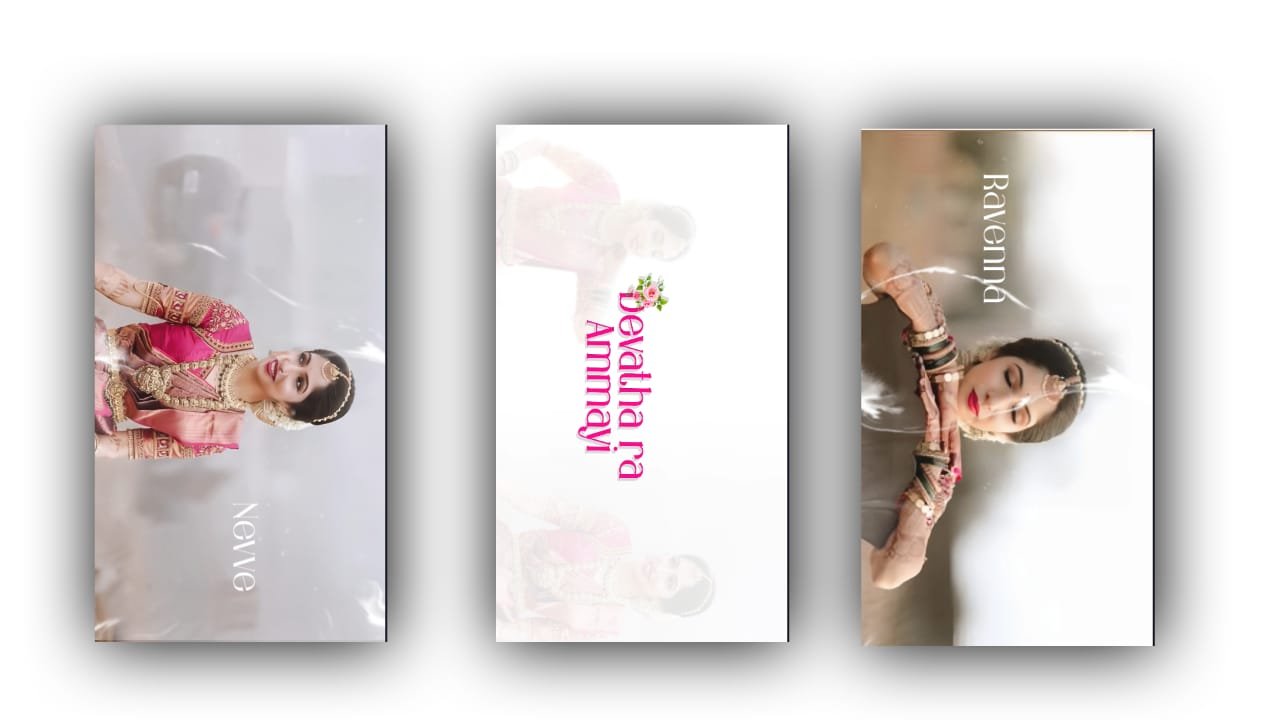
Beautiful Photoshoot Video Editing on Mobile – Instagram Trending Style
In today’s social media world, especially on platforms like Instagram and YouTube Shorts, beautiful photoshoot videos have become a stylish and emotional way to share memories. Whether it’s a birthday shoot, a travel moment, a traditional outfit, or just a casual day with great lighting, turning your photos into a cinematic video is both trending and easy. You don’t need a PC or expensive software — just your mobile and the right apps like Alight Motion, CapCut, or VN Editor.
Start with your best high-quality photos from the photoshoot. Make sure the lighting is natural and the background is clean. If needed, you can use Snapseed or Lightroom to enhance the photo — increase brightness, smooth the skin, adjust contrast, and apply warm or soft filters. Soft golden hour tones, pastels, or faded vintage styles look amazing and give an emotional feel.
Once your photos are ready, open Alight Motion and create a vertical project (1080×1920). Now, import your photos one by one into the timeline. Pick a trending reel BGM that fits your shoot mood — emotional piano music, soft romantic tunes, or something modern and clean with slow beats. Import the audio and add markers on every beat so that you can match your photo transitions with it.
Now apply photo animation using keyframes. Use gentle zoom-in or zoom-out movements to make still images come alive. You can also pan from left to right or tilt slightly to create cinematic motion. Timing is everything — each photo should appear and move perfectly on the beat.
Add stylish text overlays with short captions like “Golden Hour”, “Captured Elegance”, “Her Vibe”, or “Forever Beautiful”. Choose elegant fonts like Playfair Display, Montserrat, or Great Vibes. Use effects like glow, stroke, shadow, or gradient to make the text pop without distracting from the photo.
Now bring in light overlays, like bokeh particles, flare effects, or soft glow animations. These can be added as PNG or MP4 overlays and blended using the “Screen” or “Add” mode. Keep the effects soft and dreamy — they should enhance the mood, not overpower it. A soft white flash or lens blur between photos adds a cinematic transition.
If your shoot includes multiple outfits or locations, you can use smooth transitions like blur, slide, or slow fade. Between each transition, keep the flow gentle and matching with the BGM. Add a slight vignette to draw focus to the center of the frame.
In the final part of the video, you can add a slow fade-out effect, and finish with a signature line like “Shot with love” or “Moments that last forever”. Apply a dark vignette, reduce brightness slightly, and fade the music gently.
Once done, export in 1080p 30FPS or 60FPS for best quality. Your video is now ready to upload on Instagram, WhatsApp, or YouTube Shorts. It will stand out with its cinematic feel, emotional tone, and stylish motion — all made from simple photos on your mobile.
A beautiful photoshoot video is more than just editing — it’s a visual memory filled with emotion, light, and elegance.
Full Project
Font link
XML file
DOWNLOAD
Song link


















Post Comment