Boys love lyrics bgm281 BGM281
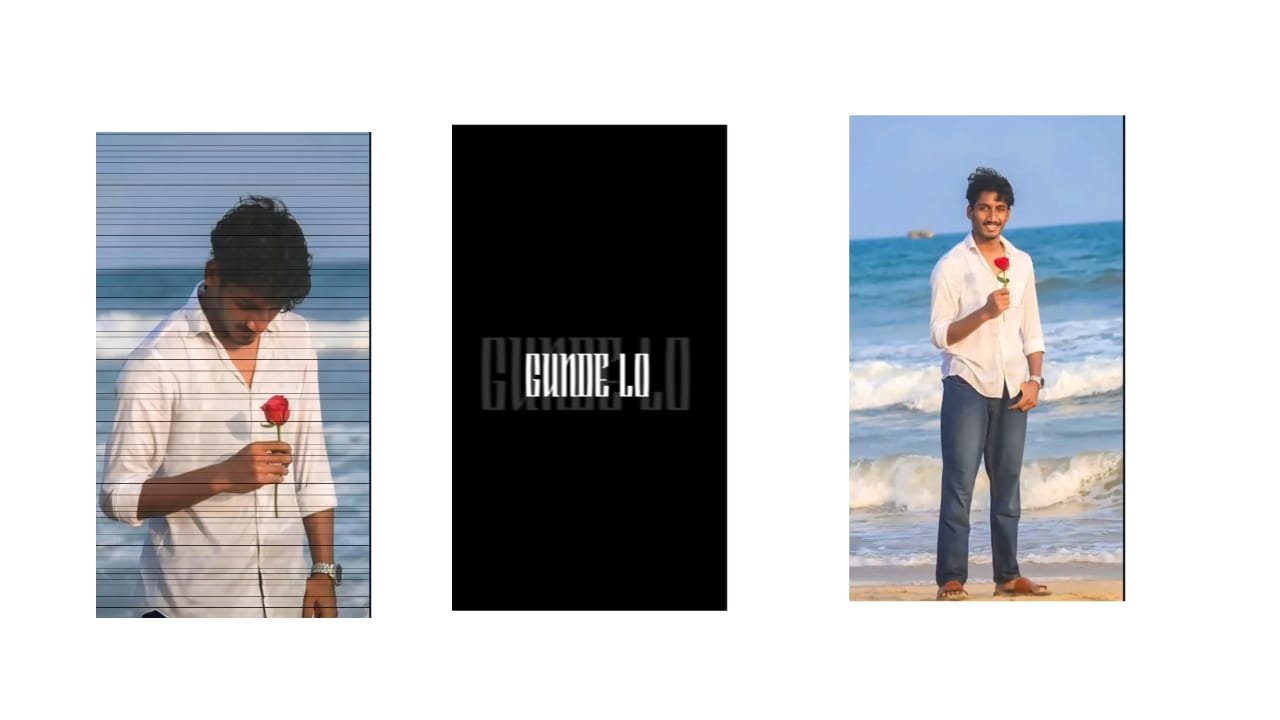
Boys Love Lyrics Video Editing on Mobile – Trending Instagram Style
In today’s reel culture, boys love lyrics videos have become a powerful trend on Instagram and YouTube Shorts. These videos mix emotional love dialogues, romantic BGMs, and stylish animations to express feelings in a cinematic and personal way. Whether it’s one-sided love, breakup pain, or deep emotional connection, love lyrical edits let boys share their emotions through music and visuals. The best part is — you can create these edits easily on your mobile using apps like Alight Motion or CapCut.
First, choose the perfect romantic or emotional dialogue or song line. It could be from a movie, web series, or a trending reel audio. Lines like “Tere bina zindagi se koi shikwa nahi,” or “You are my favourite hello and hardest goodbye” create deep impact. Make sure the audio has clear quality and soft background music to keep it emotional and soothing.
Now, select a high-quality portrait photo or a stylish slow-motion video of yourself or the person you’re dedicating it to. This photo should reflect the emotion — calm, sad, smiling, or thoughtful. You can use image enhancer apps to make the photo look more cinematic by adjusting brightness, warmth, and contrast.
Open Alight Motion, set the project to 1080×1920 (vertical), and import your audio first. Then bring your photo or video to the timeline. Use keyframes to slowly zoom in on the photo, creating a smooth motion that gives life to the still image. Keep the motion soft and slow to match the romantic vibe.
Now add the lyrics or dialogue line by line using clean and elegant fonts like “Playfair Display”, “Great Vibes”, or “Montserrat SemiBold”. You can make each line appear one after another using fade-in or typewriter-style animation. Sync each word with the beat or emotion in the audio for a perfect match.
Apply color overlays like warm orange, soft pink, or bluish tones to bring out the romantic or emotional mood. You can use blending modes like “Overlay” or “Soft Light” to merge the colors with your image. Add particles, bokeh effects, or heart animations to enhance the feel, but keep them soft and not too flashy.
If there’s a beat drop or emotional high point in the audio, add light flashes or shake effects with camera movement. This gives the viewer a rush of emotion and helps your video stand out. At the end, fade out slowly with a line like “Miss you forever” or “Love never ends,” along with a subtle background blur.
Finally, export your video in 1080p resolution and upload it to Instagram with a short caption that connects with the video’s emotion. This type of boys love lyrics video is not just editing — it’s a way to express your feelings with art, music, and mobile creativity.
Full project
XML file
Font


















Post Comment