Mass trending video editing in Alight in hindi Bgm284 BGM284 IN
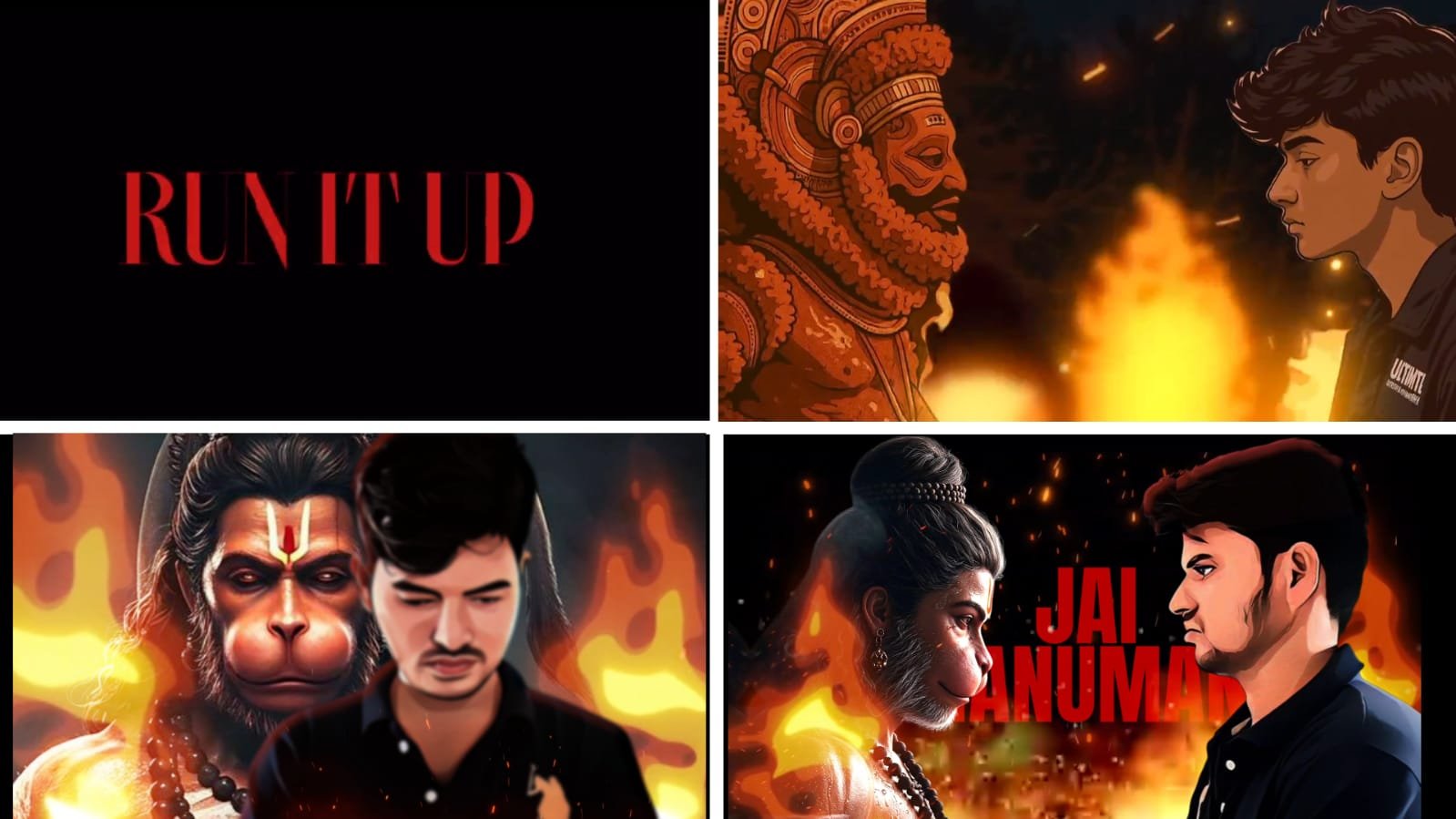
Mass Trending Video Editing in Alight Motion (Mobile Editing)
Mass trending video editing is one of the most popular styles in social media right now, especially on platforms like Instagram Reels, YouTube Shorts, and WhatsApp Status. These videos are full of power, style, and high energy, usually featuring cinematic visuals, fast transitions, bold text, and heavy BGM or attitude dialogues. With the Alight Motion app, you can create professional-quality mass edits directly from your mobile, without needing a PC.
To start, choose a trending background music or dialogue. This sets the base mood of the edit. Mass BGMs usually include strong beats, cinematic drops, or powerful punch dialogues from movies. You can find these trending BGMs on Instagram, YouTube audio libraries, or Telegram channels that share viral edit sounds. Make sure the audio is clean and of good quality to match your visuals.
Next, import your main video clips or photos into Alight Motion. For a perfect mass edit, use clips with strong expressions, slow-motion walks, bike rides, or cinematic close-ups. If you’re using still photos, try to include high-contrast images with shadows and stylish poses. Make sure your footage is well-lit and preferably shot in daylight or with a soft cinematic filter.
Once your media is ready, begin your timeline editing. First, sync the visuals to the beat of the music. Every time the beat drops or the dialogue hits, place a transition, zoom, or shake effect. Use keyframes in Alight Motion to control camera movements like scale, position, and rotation. This helps you achieve that dynamic motion style seen in most mass edits.
Text animations are very important in mass trending edits. Add bold one-liners or parts of the dialogue in stylish fonts like Bebas Neue, Anton, or Montserrat Black. Animate them using bounce, zoom, or rotate effects. Make the text enter and exit exactly with the beat to create visual sync. You can also add outlines, glow, and drop shadow to make the text more powerful.
Use video effects and transitions to boost the impact. Alight Motion has built-in effects like Motion Blur, Tiles, Turbulence, and Shake which are perfect for mass edits. Use camera shake on every beat or drop for that energetic look. You can also add flash or glow effects at key moments for visual highlights.
Color grading is another key part of a mass video. Use red, orange, and black tones for a bold, gritty style. You can manually adjust brightness, contrast, saturation, and shadows in Alight Motion or apply custom LUT filters using blending layers. A cinematic color filter immediately upgrades your video look.
You can also add overlays to make your video more dramatic. Dust, fire sparks, fog, and light leaks are popular in mass edits. Add them on top layers and set their blending mode to Screen or Add for a smooth merge. Keep opacity low to avoid overpowering the main visuals.
When the edit is ready, watch it from start to end to check the sync between audio, visuals, and effects. Export your video in 1080p 30fps or 60fps for the best quality. Keep the file size optimized so that it’s easy to share on social media platforms without quality loss.
Posting the final video with proper background audio and caption will increase its reach. Use trending sounds, remix the audio with transitions, and maintain a consistent upload style. These videos not only show your editing skills but also give your content a unique identity.
With a powerful app like Alight Motion, some creativity, and perfect timing, you can create stunning mass trending video edits on your phone that stand out from the crowd and have the potential to go viral.
Full project
Full project 2
XML file
Song link


















Post Comment