Boys trending attitude dialogue editing in BGM285 bgm285
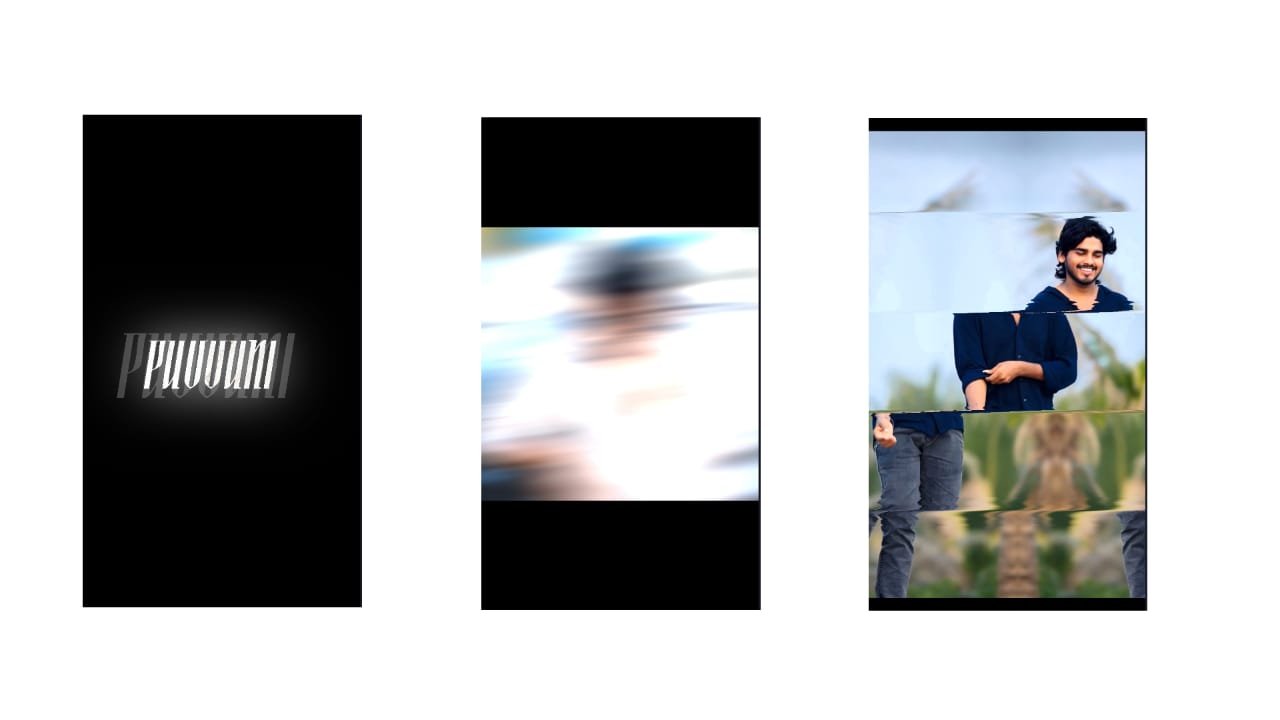
Boys Trending Attitude Dialogue Editing in Android
Creating trending boys attitude dialogue videos on Android has become one of the most popular video styles on social media. These videos mix bold dialogues, stylish visuals, and powerful background music to reflect strong personality and confidence. Whether it’s for a WhatsApp status, Instagram reel, or YouTube short, attitude dialogue edits are perfect for showing off your unique vibe. With Android apps like Alight Motion, CapCut, Kinemaster, and VN Editor, editing these videos is now easier and more stylish than ever.
The first step in making a great attitude dialogue video is selecting the right dialogue or voice clip. These dialogues are usually short, punchy, and filled with mass appeal—often taken from popular movies, web series, or trending reels. Telugu, Hindi, or Tamil movie dialogues are especially famous for their bold tone and powerful delivery. Choose a dialogue that matches your mood, personality, or the message you want to give. It could be about loyalty, fearlessness, self-respect, or swag. Make sure the audio is clear and has strong impact.
Once you have the dialogue ready, open your video editing app. In apps like Alight Motion, create a new project and set the resolution (usually 1080×1920 for vertical reels). Import the dialogue audio into the timeline first. Now, add your video clips or photos. If you don’t have custom footage, you can shoot a short clip of yourself with confident expressions or download cinematic B-rolls that match the attitude theme.
The key to good dialogue editing is perfect lip sync and timing. If you are speaking the dialogue in your video, align your lip movements exactly with the audio using the cut and trim tools. Zoom in on the timeline for better accuracy. If it’s just a background dialogue over visuals, make sure the expressions, movements, or transitions match the tone and beat of the dialogue.
To increase the impact, add text animations of the dialogue. Displaying the words on-screen in a stylish font makes the video more engaging. Use fonts like Bebas Neue, Montserrat, or Urban Jungle for that bold attitude vibe. Apply animation effects like typewriter, bounce, or zoom-in on each word or sentence to match the dialogue delivery. You can also highlight key words like “Attitude”, “Power”, “Sil
Full project
XML file
Fontink


















Post Comment