Wedding video bgm241 BGM241 WEDDING INVITATION
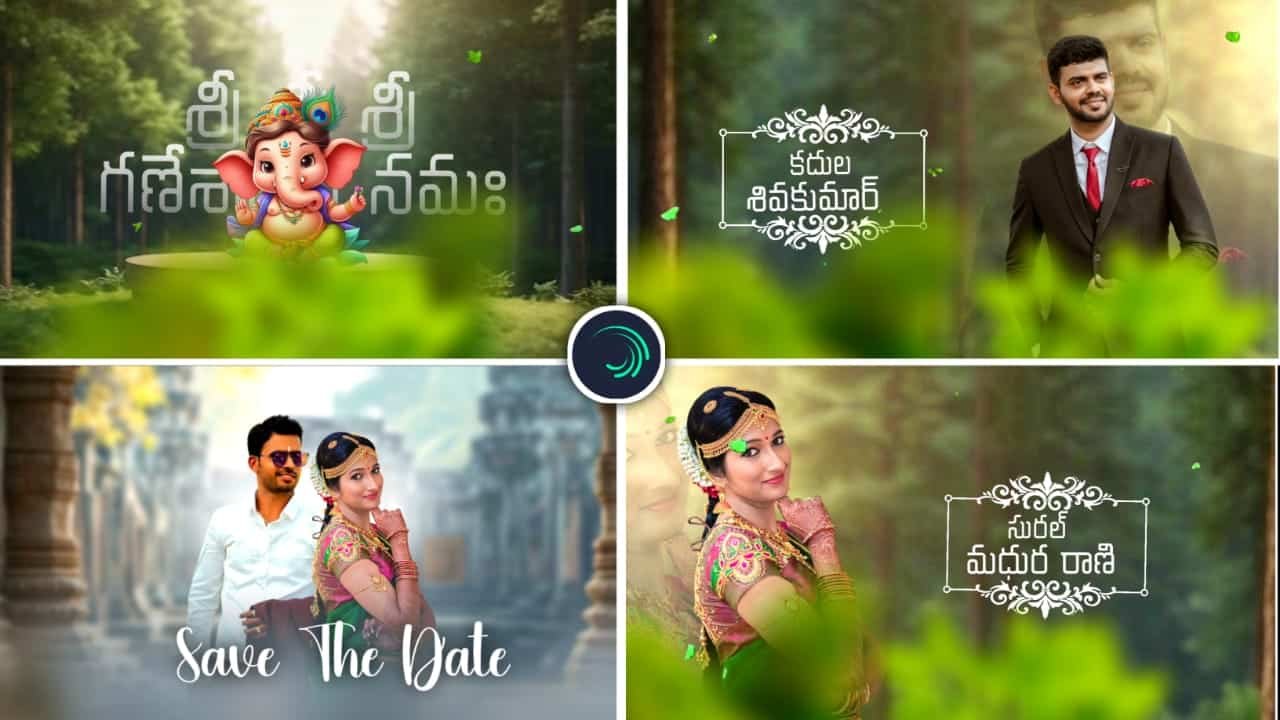
Wedding Invitation Video Editing – Create Beautiful Wedding Invites on Mobile
Wedding invitation video editing has become a trending and elegant way to invite your loved ones in a creative, digital format. With apps like Alight Motion, CapCut, and KineMaster, you can now design stunning wedding invitation videos right from your smartphone, blending photos, text, music, and effects for a cinematic look that stands out on Instagram and WhatsApp.
To begin, collect the main details of the wedding: bride and groom names, wedding date, venue, and timing. Choose a soft and romantic background music (BGM) that sets the mood. Trending wedding BGMs like “BGM293”, cinematic flute, or instrumental love tunes add a graceful touch to your video. These music choices help your invitation feel emotional and classy.
Open Alight Motion and set your video ratio, preferably 9:16 for Instagram stories or 1:1 for WhatsApp. Now, import beautiful couple photos or name art designed with floral or golden frames. You can also use animated backgrounds or soft overlays like particles, bokeh lights, and lens flares for a royal wedding feel.
Add text overlays using stylish fonts like calligraphy, script, or serif fonts. Highlight the names of the couple with golden or pink colors and use effects like glow, shadow, and blur for a magical appearance. Make sure to add smooth text animations such as fade-in, slide-up, or bounce for a gentle and premium look.
Use keyframe animations to slowly zoom in or pan across the couple’s photos. Combine this with transitions between each scene, like zoom blur, light flash, or fade to maintain a smooth and cinematic flow. You can also add decorative elements like rings, hearts, mandap graphics, or doli icons as PNGs.
Include a section for event details like Mehendi, Haldi, Sangeet, and Reception if needed. Keep each section clear, short, and elegant. Maintain soft background visuals like temples, flowers, or sky views to create an emotional yet rich experience for the viewer.
As a finishing touch, add a thank you note at the end, such as “We request your presence to bless the couple” or “Save the Date.” Add your contact number or RSVP if required. Once complete, preview your full video and ensure it flows with the music.
Export your project in 1080p or 4K resolution for the best quality. Now your wedding invitation is ready to share on social media platforms or send directly to friends and family.
Creating a wedding invitation video in Alight Motion or any mobile app is not just trendy — it’s personal, unique, and deeply memorable. With a perfect mix of visuals, music, and emotion, your invite becomes a story — your story — shared beautifully with the world.
Wedding project
1 DOWNLOAD
2 DOWNLOAD
Font


















Post Comment