Photo project editing in Alight Motion PH89 ph89
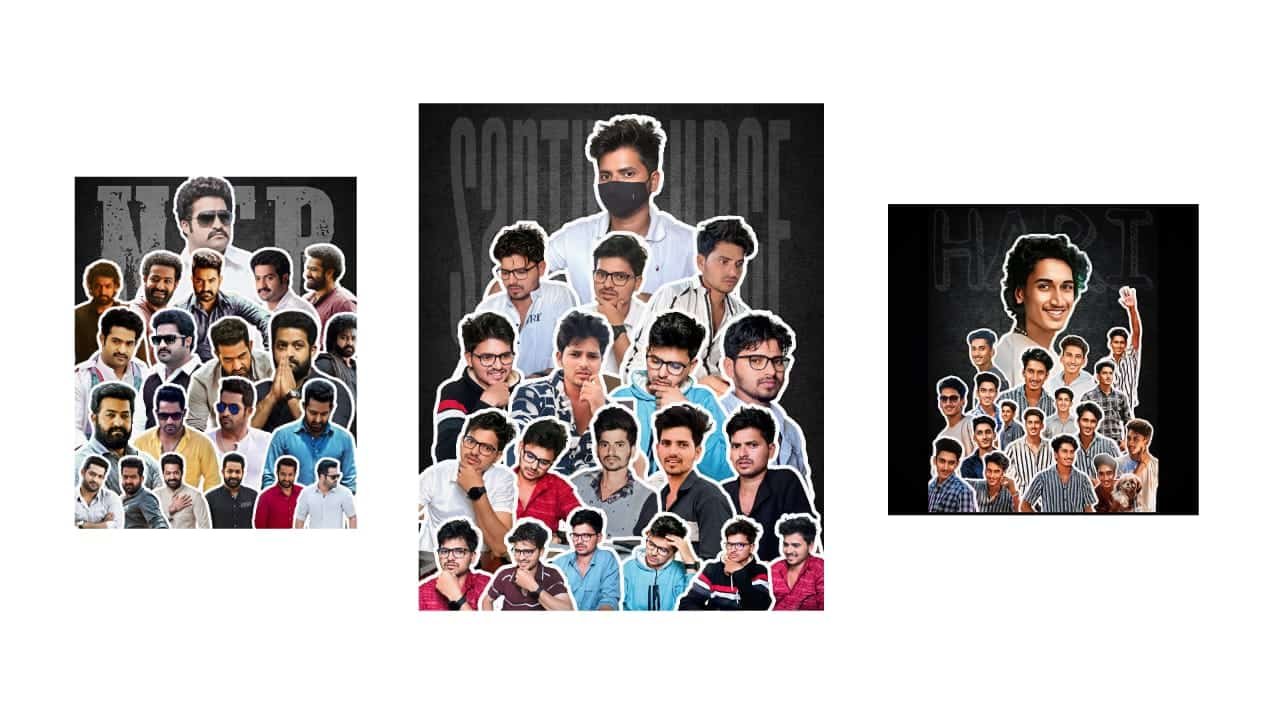
Photo Project Editing in Alight Motion – Mobile Editing Masterpiece
Creating a professional photo project in Alight Motion is one of the most trending ways to showcase your creativity on Instagram, YouTube Shorts, and reels. Alight Motion gives you the power to turn simple photos into visually appealing videos with smooth transitions, animated text, and cinematic effects — all on your mobile phone.
To begin your photo project, open Alight Motion and start a new project. Choose the 9:16 vertical ratio for reels or stories, or 1:1 for square videos. Import your selected photos — they could be birthday moments, a photoshoot, travel memories, or themed content like friendship, love, or attitude. Arrange the photos in your timeline and set a suitable duration for each photo, usually 2–3 seconds depending on the music and mood.
Now comes the creative part: keyframe animation. Use keyframes to zoom in, zoom out, slide, rotate, or add bounce to each photo. These simple animations give movement to static photos and make your project dynamic. Add a motion blur effect for a smooth and stylish feel, especially when the photo slides or rotates.
Next, focus on transitions. Use blur, spin, stretch, flash, or shake transitions between each photo to maintain flow and energy. Adjust easing to “ease-in-out” or “bounce” for smoother motion. Transition speed should match the beat of the background music. Speaking of music — choose a trending BGM or soft instrumental, depending on the project theme. Syncing your visuals to the music beat gives a pro-level touch.
Now add text if needed. You can include names, quotes, dates, or captions on each photo. Use trending fonts and add stroke, glow, or shadow effects. Animate the text with slide-in or pop-in effects using keyframes. You can also use blend modes and opacity effects for a stylish overlay.
If your project needs extra sparkle, use overlays like light leaks, particles, fireflies, or confetti. Add them in layers and set blend mode to “screen” or “add” for a natural effect. You can also use PNG graphics like hearts, flowers, or emojis depending on the theme.
Don’t forget about color grading. Adjust brightness, contrast, and saturation. Apply color filters or use a soft blue, pink, or vintage tone to create mood. If you’re doing a cinematic photo project, keep the colors rich and shadows deeper.
Once your photo project looks complete, preview it fully, fine-tune keyframes and effects, and finally export in 1080p HD. Your final output will be ready for upload to Instagram or YouTube Shorts. This editing style works beautifully for birthday videos, love story edits, name art projects, wedding highlights, or travel memories.
Photo project editing in Alight Motion is not just trendy — it’s powerful. It helps you express your emotion and creativity with just photos, music, and motion. Stay consistent, follow new trends, and soon your edits will catch eyes and hearts across social platforms.
Photo project
Xml


















Post Comment