Trending lyrics Video Editing Alight Motion BGM255 BGM255
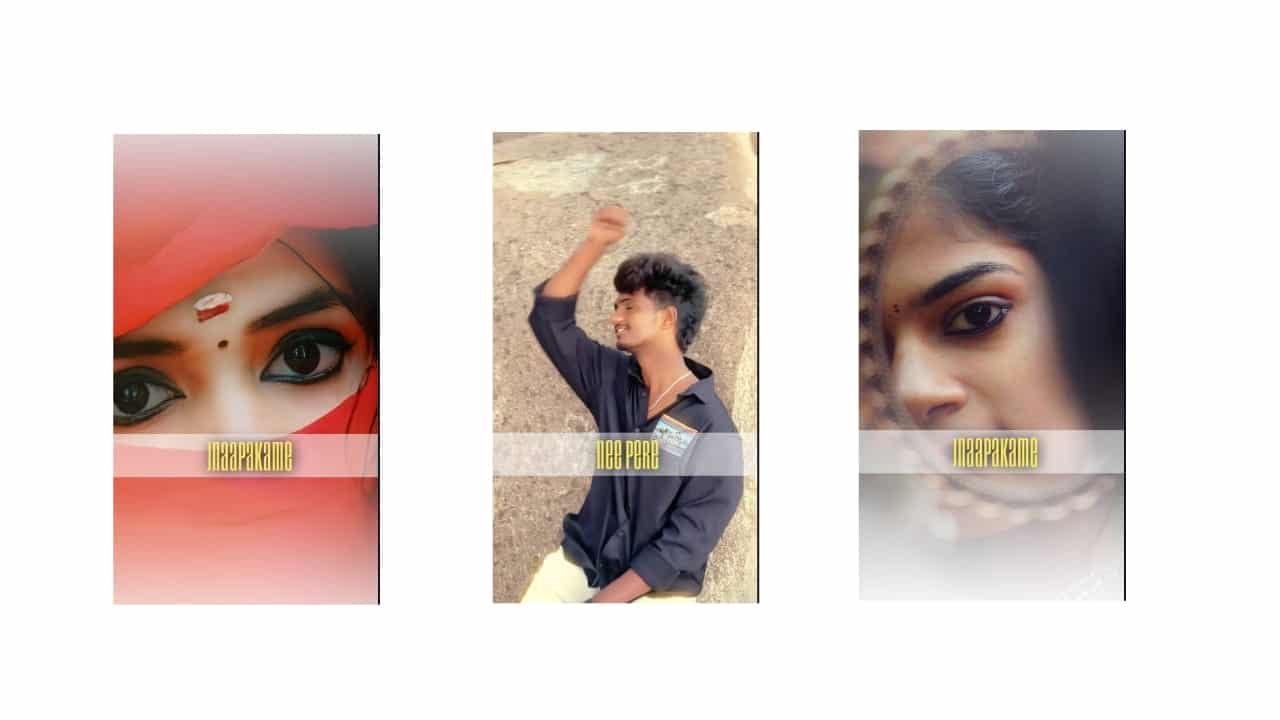
Trending Lyrics Video Editing in Alight Motion – Instagram Style Mobile Edit
Trending lyrics video editing in Alight Motion has become one of the most popular ways to create stylish and emotional content for Instagram Reels, Shorts, and status videos. Whether it’s a love song, friendship vibe, attitude line, or feel-good beat, Alight Motion helps turn lyrics into dynamic visual stories with smooth animations and cinematic effects — all on your mobile.
Start by selecting a trending audio clip — it can be a soft lyrical line, a romantic beat, or a punchy dialogue remix. Instagram Reels often push lyrical trends, especially when paired with the right visuals and mood. Once you have your audio, open Alight Motion and create a 9:16 vertical project, ideal for Reels and mobile screens.
Now, add your background — it could be a single photo, a slow-motion clip, or a soft gradient layer. Many editors use blurred backgrounds with a subject photo in the center. You can apply glow, vignette, or motion blur to give the video a smooth, dreamy feel.
Next comes the most important part — typing and syncing the lyrics. Add the lyrics line by line using clean, stylish fonts. Fonts like Montserrat, Bebas Neue, and Italic scripts are popular. Align the text to appear with the beat or voice — for example, let each word pop on each syllable or let a full line slide in and fade out. Use keyframe animations for this, and keep movements smooth.
To enhance each lyric, apply shadow, stroke, or glowing edges to the text. Add particle overlays like sparkles, smoke, or light streaks behind the lyrics. Use blend modes like “Add” or “Screen” to make them merge naturally with the background.
You can animate the background as well — for example, a slow zoom in on the photo, or a pulsing blur when the beat drops. When you switch scenes or lines, use smooth transitions like zoom, spin, blur, or even glitch for attitude edits.
For dramatic lyrics or beats, add effects like shake, flash, or neon glow on the keyword. For love edits, use soft heart overlays or light leaks. For sad edits, cold tones with slow fades look emotional and clean.
Once your lyrics are fully synced and animated, double-check timing and smoothness. Keep the total duration under 30 seconds to suit Reels. Export in 1080p HD, 30fps or 60fps, and make sure the video is sharp and the lyrics are readable.
Trending lyrics edits made in Alight Motion are perfect for showcasing emotion, creativity, and timing. When posted with the right audio and visual balance, they grab attention fast and have high chances of going viral on Instagram.
Full project
Xml
Font


















Post Comment