3D Cinematic Lyrical Video Editing in Kinemastar Attitude video editing cinematic video editing
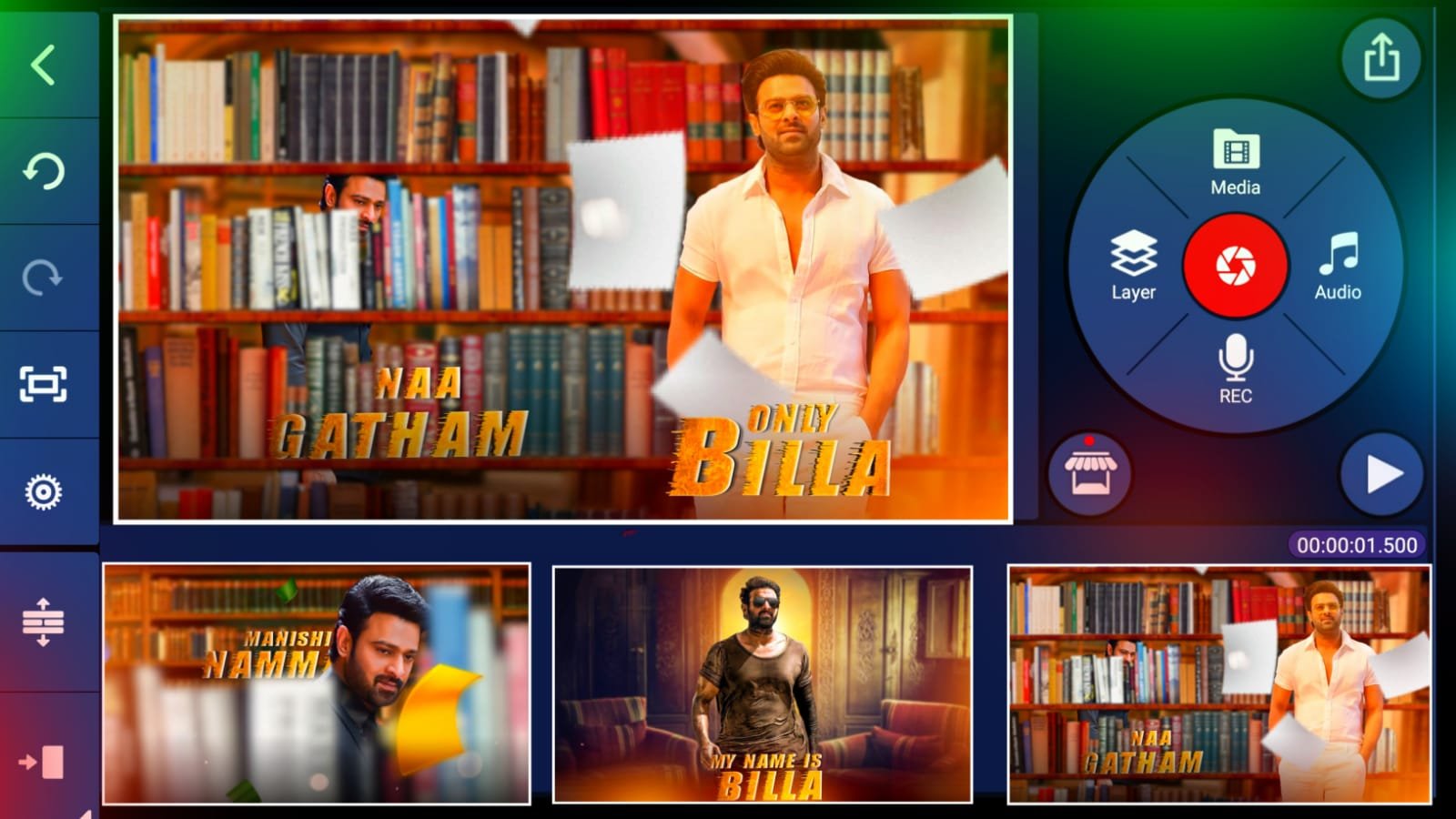
hi welcome to our website santhoshrcf.com today I edited instag post trending Attitude video editing in Kinemaster
FOLLOW THIS STEPS :-
Let’s see how to edit the video before start editing download all Meterials Links after read this article and with with own and i given Kinemaster preset also you using Kinemaster import and edit you using alight motion i already given alight motion preset also import the project
OPEN ALIGHT MOTION
First open the alight motion this app link in our telegram channel if you want alight motion apk to join our telegram and download new version alight motion first open beat mark project go to 8seconds 22 milliseconds after click on plus icon after add your images first add image trim to 2nd beat mark same process to add all photos this video I used 6 photos same process add your 6 photos.
LYRICS EDITING :-
Open shake effect project and starting text Animation is there first open shake effect project and copy starting text Animation effects after open beat mark project and select first lyrics and paste this effect and after select 2nd lyrics paste this effect same process paste this effect all lyrics after open shake effect project After copy image effects and open beat mark project paste this effect all photos and you using xml file I given this website png image and Kinemaster preset alight motion preset all Meterials links download and add all stuff video is completed thanks for reading this article was ❤️
ALL METERIALS LINK :
Kinemastar preset
Video Photos link


















Post Comment