Instag Trending Pushpa Song Buri Nazar Wale Song Video Editing in Alight motion Attitude status
Open Alight Motion :-
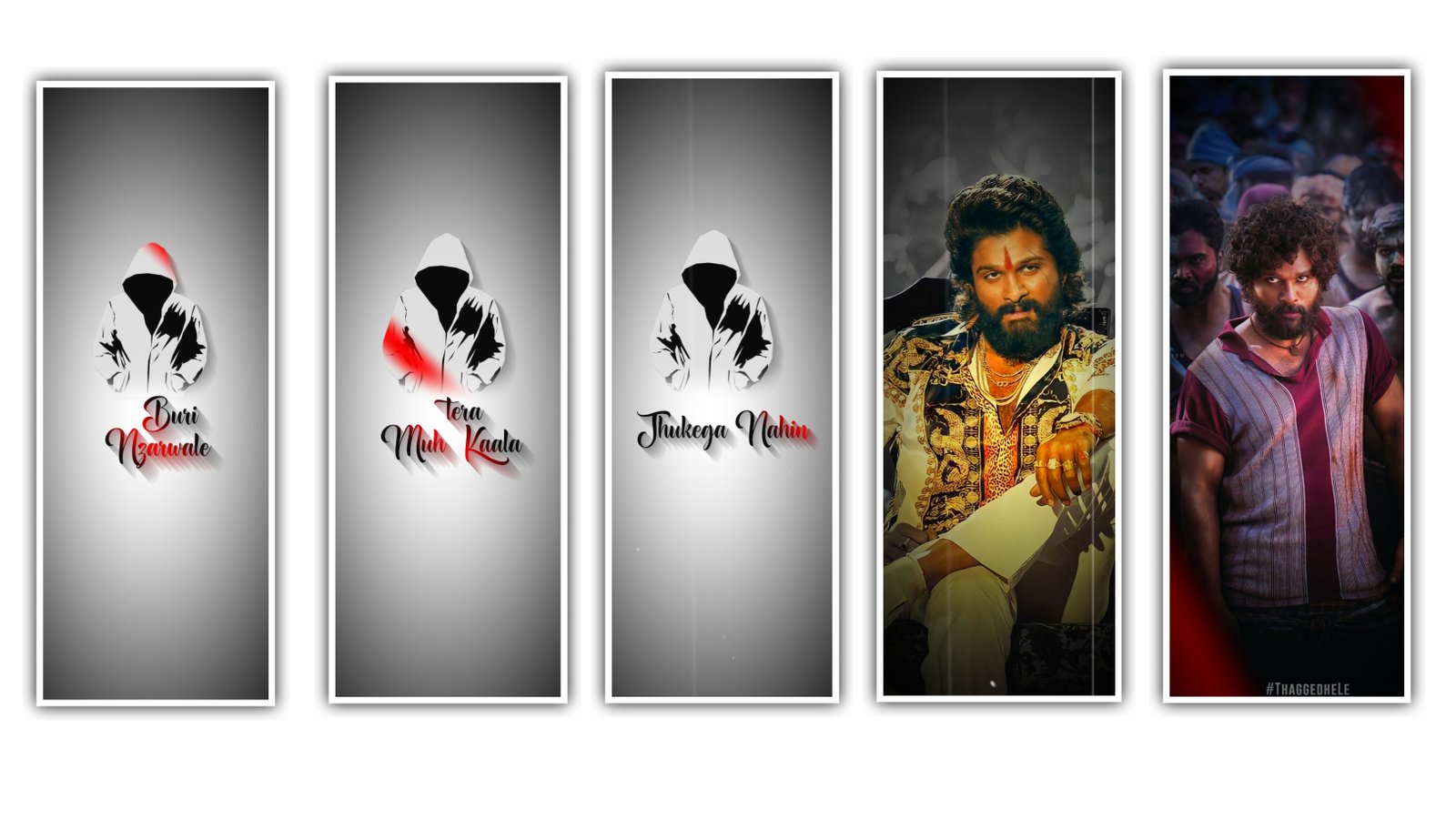
open alight motion go to projects section i given beat mark and shake effect and xml you using Preset import the preset you using xml import the xml file first open the beat mark project after comes 2photos preview before editing cut your image in 9:16 size how to crop images i already maked the video watch video and crop your image 9:16 after replace that images with your 9:16 cropped images go to 4 seconds 52 milliseconds beat marks available almost add 20 pics just add bookmark in image after ends extra part trim the part and add another image and make same process add your pics fully after open Shake effect project after opening shake effect project is available In 4photos with shake animations first you select 4th image and click the effects after click on three dots copy the effect and
after open beat mark project go to end and apply the effect last three photos after open shake effect copy the 3nd photo effects and get back open again beat mark project you already added last 3photos now add the effect before 2 photos 20 seconds to click the plus icon add a shape after zoom fully select black colour red line beat mark to trim the shape after go to blending and opacity decrease the opacity.
Animating easing for more fluid motion: Pick from presets or build your own timing curves
Velocity-based motion blur
Export MP4 video or GIF animation
Solid color and gradient fill effects
Border and shadow effects
Group layers together
Save your favorite elements for easy re-use in future projects.
This problem does not come to everyone, it is only alight motion mod apk users facing this error how to fix I’ll tell you this problem fix in single click just you login alight motion with fb account it I’ll be fix problem don’t Sign Google account because thats problem coming Google account users Login to fb account 100% fixed this issue try it
Alight motion lyrical video, there are a few things you’ll need to keep in mind. First, choose your song and download it onto your computer. Then, open up Alight motion and import your video. From there, you can start editing! The first step is to trim your video to the correct length. Then, add text and graphics as desired. You can also use the built-in filters to enhance the look of your video. When you’re finished editing, export it and share with your friends thank you
All Meterials Link :
►Kinemastar Preset Link 👇
DOWNLOAD NOW
►Beat Mark Presets LINK :-
DOWNLOAD NOW
►Beat Mark XML file LINK :-
DOWNLOAD NOW
►Shake effect Preset LINK 👇
DOWNLOAD NOW
►Shake effect XML LINK 👇
DOWNLOAD NOW
► Video All photo LINK👇
DOWNLOAD NOW
► Song Download Link 🔗
DOWNLOAD NOW


















Post Comment