Happy Birthday video editing in alight motion Sudigali Sudheer Birthday video editing Birthday Edit
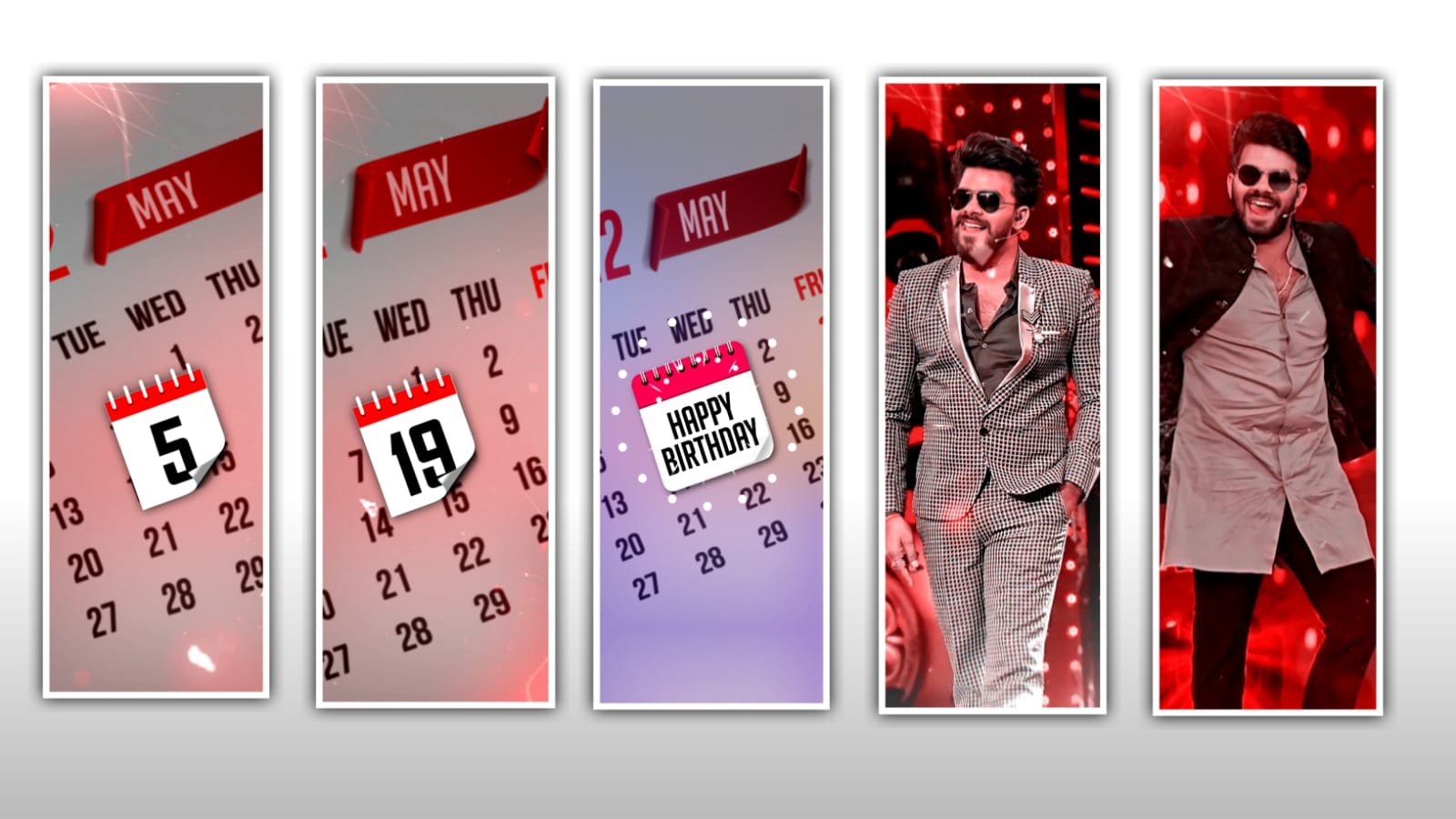
Hi hello friends this is santhoshrcf how are you today i edited trending beat snyc video in alight motion let’s see how to edit this video before start editing download all Meterials and after read this article.
alight motion app for this video, this video will be edit to do alight motion link will be under this website install it if you using alight motion open the alight motion See also kinemaster Preset link in under this site check it, and under this site font link i Given download the font and import alight motion.
Under this website beat Mark & shake effect links available first you import the projects in alight motion and XML also I gived and I’m using 4 photos for this video editing 4 photos links available under this website you want xml first you download 4 photos and after import the xml you using Preset i tell you how to edit this video first import your beat Mark and shake effect after open the beat mark project 6 second 4 milliseconds add your image after end beat Mark to Trim left side part and add another image and Trim the end of beat mark same process add your all images.
Alight Motion is a free motion graphics software that you can use to make videos. It’s easy to use and has a wide variety of templates and graphics to choose from. You can also create your own graphics or import your own images to use in your videos
The main thing if you want more detailed returns you can contact me in the below section I mean in the comments section so that I get an idea how to edit your own videos with by my talent I will make for you all templates and poster templates in our website so that you can download it freely without any cost and edit your own videos with your own pics
All Meterials Link :
►Kinemastar Preset Link 👇
DOWNLOAD NOW
►Beat Mark Presets LINK :-
DOWNLOAD NOW
►Beat Mark XML file LINK :-
DOWNLOAD NOW
►Shake effect Preset LINK 👇
DOWNLOAD NOW
►Shake effect XML LINK 👇
DOWNLOAD NOW
► Video All photo LINK👇
DOWNLOAD NOW
► Song Download Link 🔗
DOWNLOAD NOW


















Post Comment