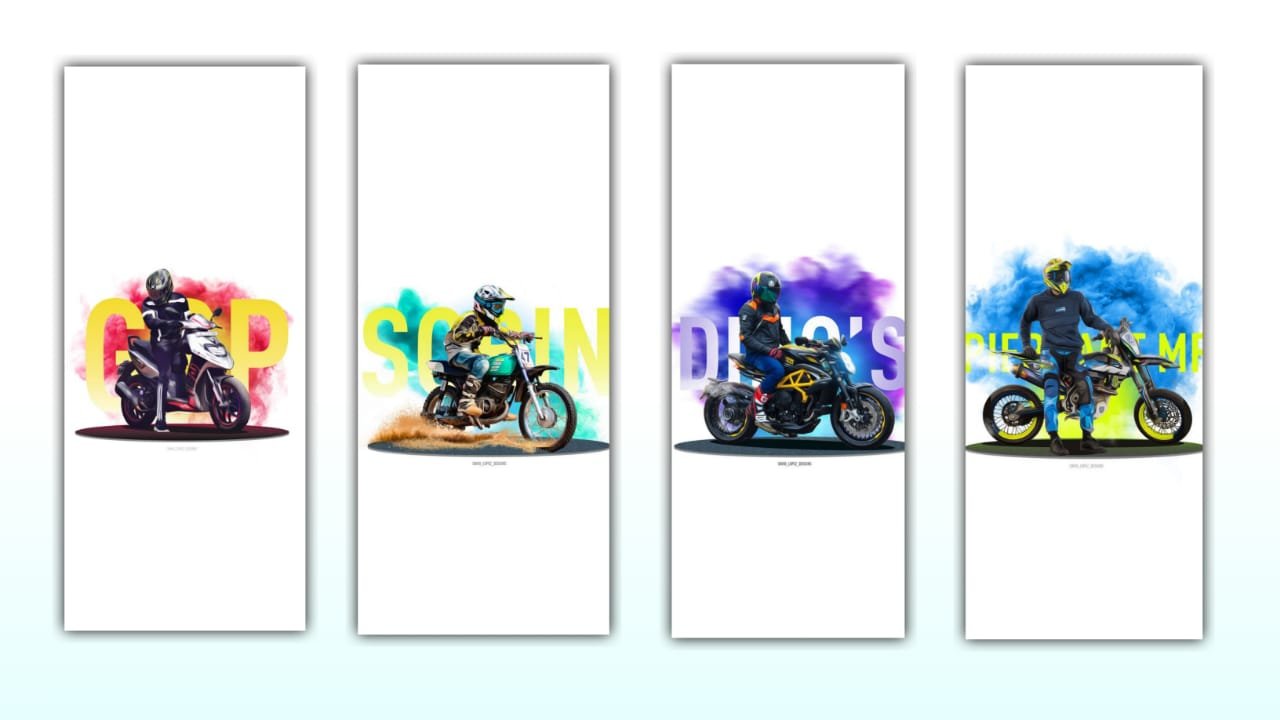
New Trending Attitude Bike Lovers Status editing in Alight motion video editing Bike Lovers status
Open alight motion new version alight motion link i uploaded in telegram channel, and you using kinemaster preset only importing
5.2.10 version apk if you using another version not importing kinemaster preset only preset importing 5.2.10 this version link in this video discription download the kinemaster latest version before starting editing, you download the font after import in alight motion
First you have to open the alight motion app and click on the icon and I will show you the 1080 × 2340 Full Screen in Customization but I will give you the preset 4:5 Ratio and full screen ratio so you can use it as you like depending on the project 1080 I will create and now I will click on the plus icon and add the song. This song link and photo link are all under this article. Let’s see how to edit text layers and then go to the photos. What we did was give 120 Shake Presets. black font This font is the default in alight motion. Select this font. Color is Bl ue Color Select I Adjust Size Perfect Adjust After Extending to 2nd Bookmark I add an effect to this lyric. You can paste the effect to the entire lyrics depending on it. Now let’s see how to edit it.
Open the shake effect project starting lyrics is available first you copy the lyrics animation and paste to the beat mark project paste this effects starting lyrics and after go back open again shake effect project copy the image effect and open beat Mark project paste the effects all 7 photos and i tell you another process under this website i given template first you download Template and open alight motion click on plus icon and go to media and select the template video after rotate that video and click the three dots after click Fill Composition area and trim the extra part after select template video and click effects option add the Brightness & Contrast increase contrast +30% after click blending and opacity after enable screen video is completed reading article all Meterials link below download the all stuff rcf creations guruji.
All Meterials Link :-
►Kinemastar Preset Link 👇
DOWNLOAD NOW
►Beat Mark Presets LINK :-
DOWNLOAD NOW
►Beat Mark XML file LINK :-
DOWNLOAD NOW
►Shake effect Preset LINK 👇
DOWNLOAD NOW
►Shake effect XML LINK 👇
DOWNLOAD NOW
► Video All photo LINK👇
DOWNLOAD NOW
► Song Download Link 🔗
DOWNLOAD NOW

















Post Comment