New Type Trending Single Boys & Girls Video Editing in Alight motion Full screen attitude status
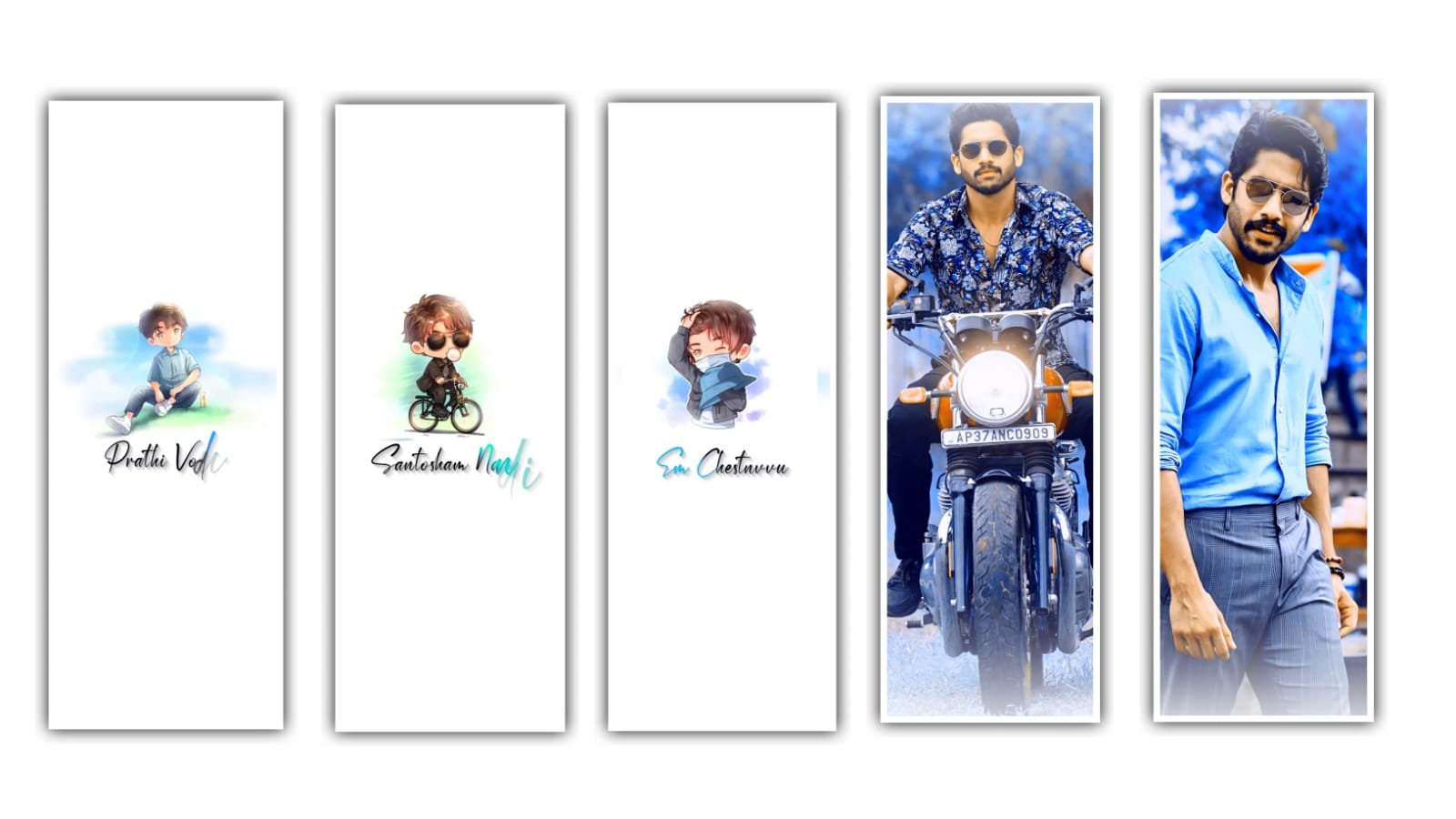
Hi friends this is santhoshrcf from rcf creations guruji today i edited trending mass beat sync 4k status video in alight motion let’s see how to edit this video
first there is a beat Mark and you want to add the images for your song. for example you add the image to the first beat Mark and the image will be extend until to second beat Mark and then trim the right side part and add the another image and go some far and that place there is another beat Mark and then trim the right side part and the same process can be applicable for the song till the end.
Alight Motion is one of the best video editing tools out there. It offers users a wide range of features and options, as well as a powerful yet easy-to-use interface. Here are a few tips to help you get the most out of the software
after open beat mark project go to end and apply the effect last three photos after open shake effect copy the 3nd photo effects and get back open again beat mark project you already added last 3photos now add the effect before 2 photos 20 seconds to click the plus icon add a shape after zoom fully select black colour red line beat mark to trim the shape after go to blending and opacity decrease the opacity
after open shake effect
after copy the 2nd photo effects get back and open paste the effect not applyed images thank you for reading this article i think you understand how to edit this video any doubts comment me after thanks for visiting our site i give you all meterials download links in down you just scroll down and get download links
after open shake effect project and copy first lyrics effect and open beat mark project and paste this effect all lyrics after open shake effect project after copy first image effect open beat mark 4 second 25 milliseconds after paste 4 images in this effect after open shake effect project and copy 2nd image effect and open beat mark project already i edited 4 photos now add extra photos this effect just copy and paste effects now add a particular video under this website i given video link download and add video is completed click the effect icon and export High quality thanks for visiting our website and scroll down and get all Meterials Links
All Meterials Link :-
►Kinemastar Preset Link 👇
DOWNLOAD NOW
►Beat Mark Presets LINK :-
DOWNLOAD NOW
►Beat Mark XML file LINK :-
DOWNLOAD NOW
►Shake effect Preset LINK 👇
DOWNLOAD NOW
►Shake effect XML LINK 👇
DOWNLOAD NOW
► Video All photo LINK👇
DOWNLOAD NOW
► Song Download Link 🔗
DOWNLOAD NOW

















Post Comment