Instag Trending Darshana song video editing in alight motion Lyrical Video Editing in telugu 4k status
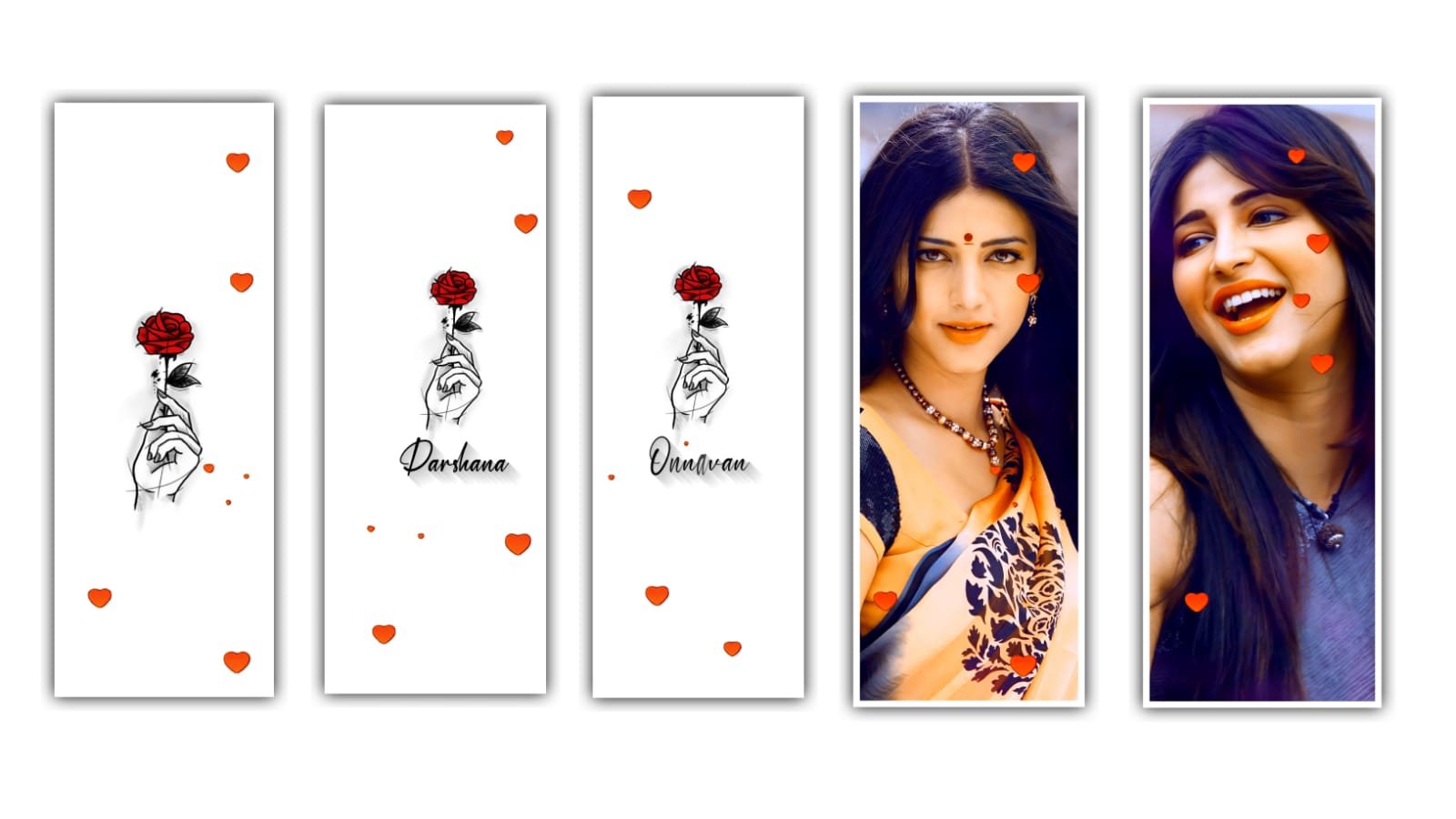
hi friends this is rcf creations Guruji today i edited 4k status video in Alight motion
Open alight motion :-
Open first beat mark project you using xml I given font link and images link first you download and after import XML file after click the plus icon under this site i given lyrical video link download the video add in alight motion after remove all lyrics layers after go to 5 seconds 52 milliseconds add your friends photos first add the image after click three dots after select fill composition area after trim the image in 2nd beat mark after add another image trim to next beat mark same process add all images and you using lyrical template no need to add text animation you
using beat mark project lyrics you need to add text animation now i tell you how to add text animation
First open shake effect project starting is there text animation first select that layer click effects option after click left side three dots copy effects after open beat mark project paste this effect all lyrics after open shake effect project after select 1 photo copy the effects open beat mark project paste this effect first 5 photos after open shake effect project copy 2nd photo effects go back and open beat mark project paste this effects all photos video is completed thank you bro reading this article under this site i given all meterials scroll down get all links
All Meterials links :-
►Kinemastar Preset Link
DOWNLOAD NOW
►Beat Mark Presets LINK :-
DOWNLOAD NOW
►Beat Mark XML file LINK :-
DOWNLOAD NOW
►Shake effect Preset LINK
DOWNLOAD NOW
►Shake effect XML LINK
DOWNLOAD NOW
► Video All photo LINK
DOWNLOAD NOW
► Song Download Link
DOWNLOAD NOW

















Post Comment