Best Photo Editing app for Android (2021)
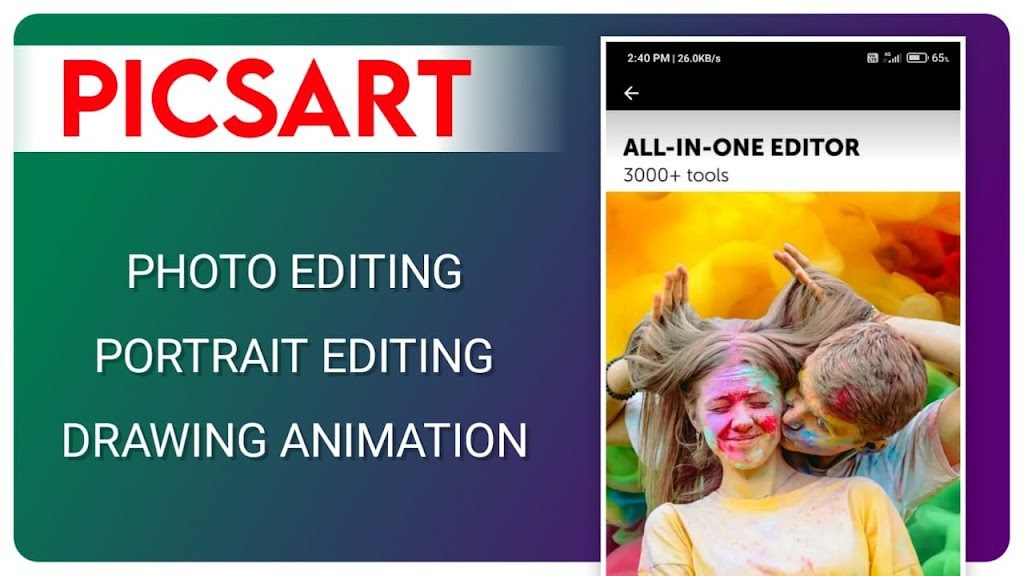
Hello friends if you want a best photo editor app i will tell a most popular photo editing app. All peoples are capture with mobile so many photos with any occation or any time. But almost peoples are using low end mobile camera not good, So all suffering this problem. Don’t worry about this beacause today i have write a article about this.
Edit your normal photos to pro level like photoshop. In this application are very good for you and also it’s coming free. So without wasting any time let’s go.
Best photo editing app “Picsart”
Picsart is the number one app for photo editings. Use the app very easy simple interface. All features available like photoshop. This is most popular editor app. Using picsart app and edit your normal photos to add amazing effects like a pro. Let’s talk about these application deeply.
Picsart app Features
Highlights
- Picsart all in one editor app comes with 3000+ tools.
- Apply amazing FX, Filters, on your photos.
- Blur any photo background you want very easy.
- Change your photo background & Add awesome backgrounds.
- Create backgrounds your own style.
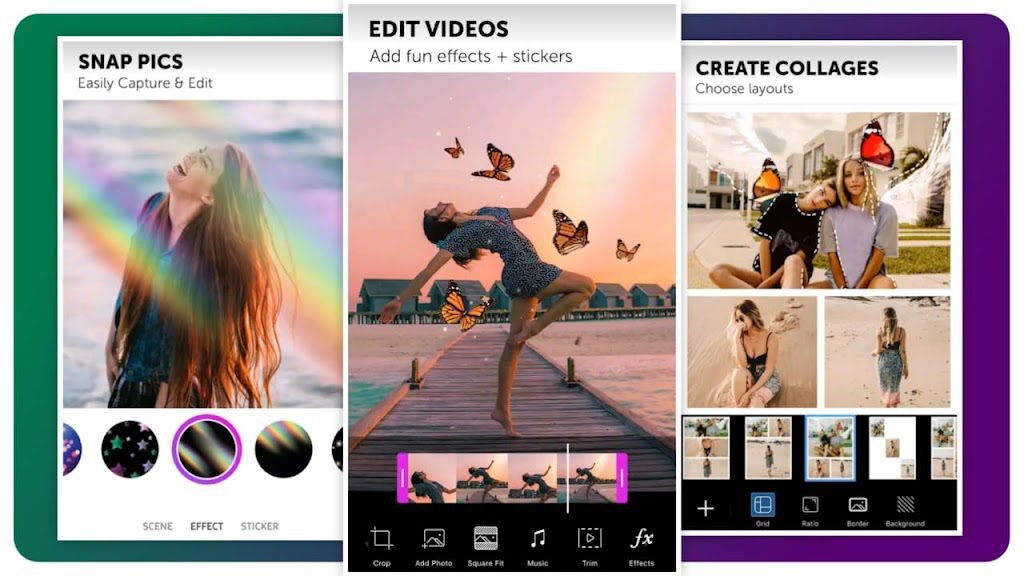
Use the draw option to draw anything you want, And also available different styles brushes tri it you want, Add colors with color picker. Add photo layers, Stickers anything you want and adjust that all layers.
Using brush option to draw different types of effect on your photo in your favorite place love effect, particle effect, Bokeh effect, Butterfly, Stars, flowers and more amazing effects available. Just select you want and draw on your photo favorite place.
Fx (Effects) artistic, Popart, Magic, Distort and more filters.
Tools Crop, Free crop, Shape crop, Dispersion, Clone, Stretch, Motion, Selection, Curves, Adjust, Enhance, Tilt shift, Perspective, Resize, Flip/Rotate and more amazing useful tools available.
Beauty like Auto, Skin tone, Hair color, Smooth, Face fix, Detail, Blemish fix, Eye color, Reshape, Teeth whiten, Red eye use to add face beauty.
Download your favorite stickers you want using sticker option and add stickers on your project.
Add realistic lens flare with adjusting colors, All most 30+ lens flare designs available.
Add beautiful frame on your photo and also adjust.
Using cutout or free crop option to select red color only on your photo erase your photo background very easy. And also save that photo as a sticker in stickers option.
Add photos in photo upside minimum 1 selection 10 photos add.
Text add on your photo and select your favorite font style and also add custom fonts, Add stroke on your text, Add shadow on text, Bend your text you want, Select your favorite color you want also select gradient, texture, Opacity adjust, Available blend mode.
And also available more amazing features like callout, shape mask, mask.
Picsart gold (premium) features
If you want more amazing features just go on subscription.
Picsart premium features remove your photo in perticular items or animals on peoples and more you want remove very easy.
Beautiful premium filters unlock, Stylish fonts unlock, Unlock amazing features.
Conclusion
If you are a normal basic editor you editing only day 5 minutes, Edit only your or family or frends photos yo don’t buy a subscription use only normal version.
You are a pro editor, And also your work is editing, You spend daily 3-4 hours in the application just you blindly go to purchase premium beacuase more features unlocked.
How to use Picsart application
Edit your normal photos to pro level, Increase your photo colors & brightness, Add more effects, Apply filters.
Change your photo background add your favorite background on you favorite photo.
CDP editing, Birthday editing, Banner editing, Occasion editings, any thing edit using your thoughts.
Just click the download button to downolad the app & use it.
DOWNLOAD

















3 comments