🔥Instag Trending Mabbe Song Video Editing in Alight motion Tutorial Attitude status editing
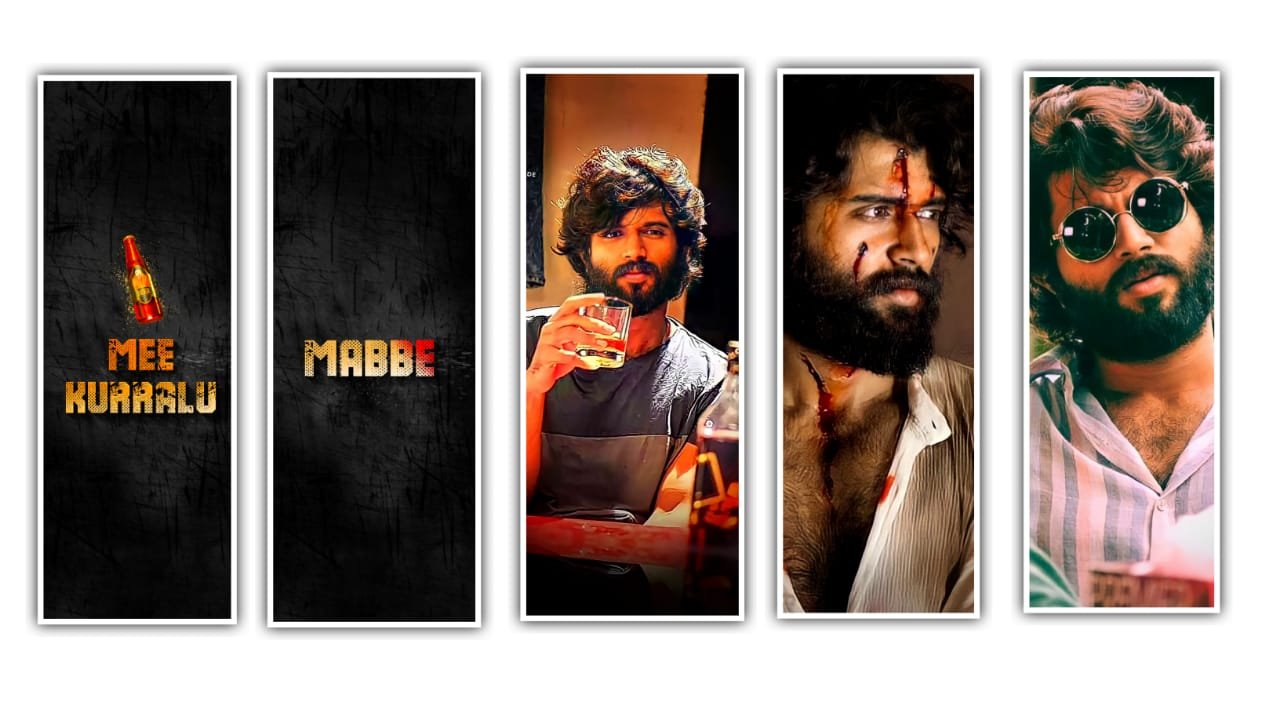
Hi Friends This Is Santhosh from rcf creations Guruji
today i edited trending mobile frame video editing in alight motion
lets see how to edit this video before start editing download lyrics preset and beat mark project shake effect i given in this site
Download after read this article first open alight motion go to projects section now open beat mark project
Under this site i given lyrical video template
Download after open beat mark project
Click plus icon go to media option
Add lyrical video in starting after go to 5 seconds copy background
Image effects after remove image
Add your image after trim end of video move to lyrical video down
After paste copied effects after click i phone mobile frame click edit group
After replace with your image same process edit all Images
select another i phone Frame after click edit group replace another
Image all photos replace after add template
Under this site i given template link download and add template video now i tell you how to add template video click plus icon go to media option
After select template video after click
Blending and opacity select screen
video is completed thanks for visiting our website scroll down to get all Meterials links thank you.
All Meterials links :-
►Kinemastar Preset Link
DOWNLOAD NOW
►Beat Mark Presets LINK :-
DOWNLOAD NOW
►Beat Mark XML file LINK :-
DOWNLOAD NOW
►Shake effect Preset LINK
DOWNLOAD NOW
►Shake effect XML LINK
DOWNLOAD NOW
► Video All photo LINK
DOWNLOAD NOW
► Song Download Link
DOWNLOAD NOW


















Post Comment