New Style Trending Video Editing in Alight motion
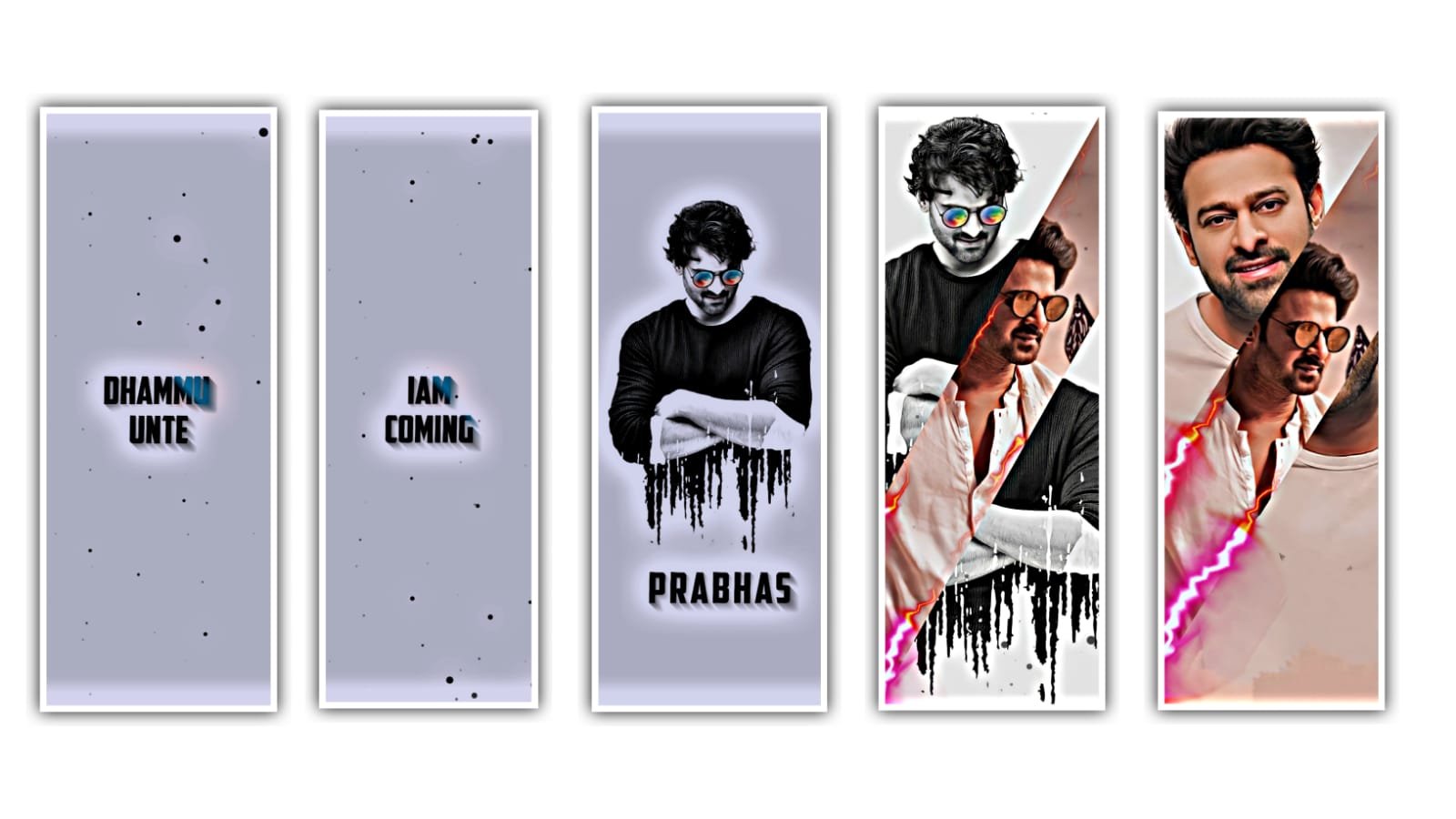
Hi friends this is santhoshrcf from rcf creations guruji today i edited trending 4k mass bgm status video editing in alight motion
first there is a beat Mark and you want to add the images for your song. for example you add the image to the first beat Mark and the image will be extend until to second beat Mark and then trim the right side part and add the another image and go some far and that place there is another beat Mark and then trim the right side part and the same process can be applicable for the song till the end.
open shake effect project after copy first image effects you just select image after click effects option click three dots click copy effects after open beat mark project paste this effect 2 after 2 images just you select image after click effects option click three dots after click paste effects after open shake effect project after copy 2nd photo effects again open beat mark project after paste this 1 photo after gap 1 photo after paste 3nd photo same process paste this effects all photos after open shake effect project after copy last Image effects again open beat mark project paste this effect not applied images video is completed export your video thanks for visiting our website all Meterials links.
All Meterials Links :-
►Kinemastar Preset Link
DOWNLOAD NOW
►Beat Mark Presets LINK :-
DOWNLOAD NOW
►Beat Mark XML file LINK :-
DOWNLOAD NOW
►Shake effect Preset LINK
DOWNLOAD NOW
►Shake effect XML LINK
DOWNLOAD NOW
► Video All photo LINK
DOWNLOAD NOW
► Song Download Link
DOWNLOAD NOW

















Post Comment