New Trending Mirchi Mass Theme Video Editing in Alight motion Trending video editing insta trending
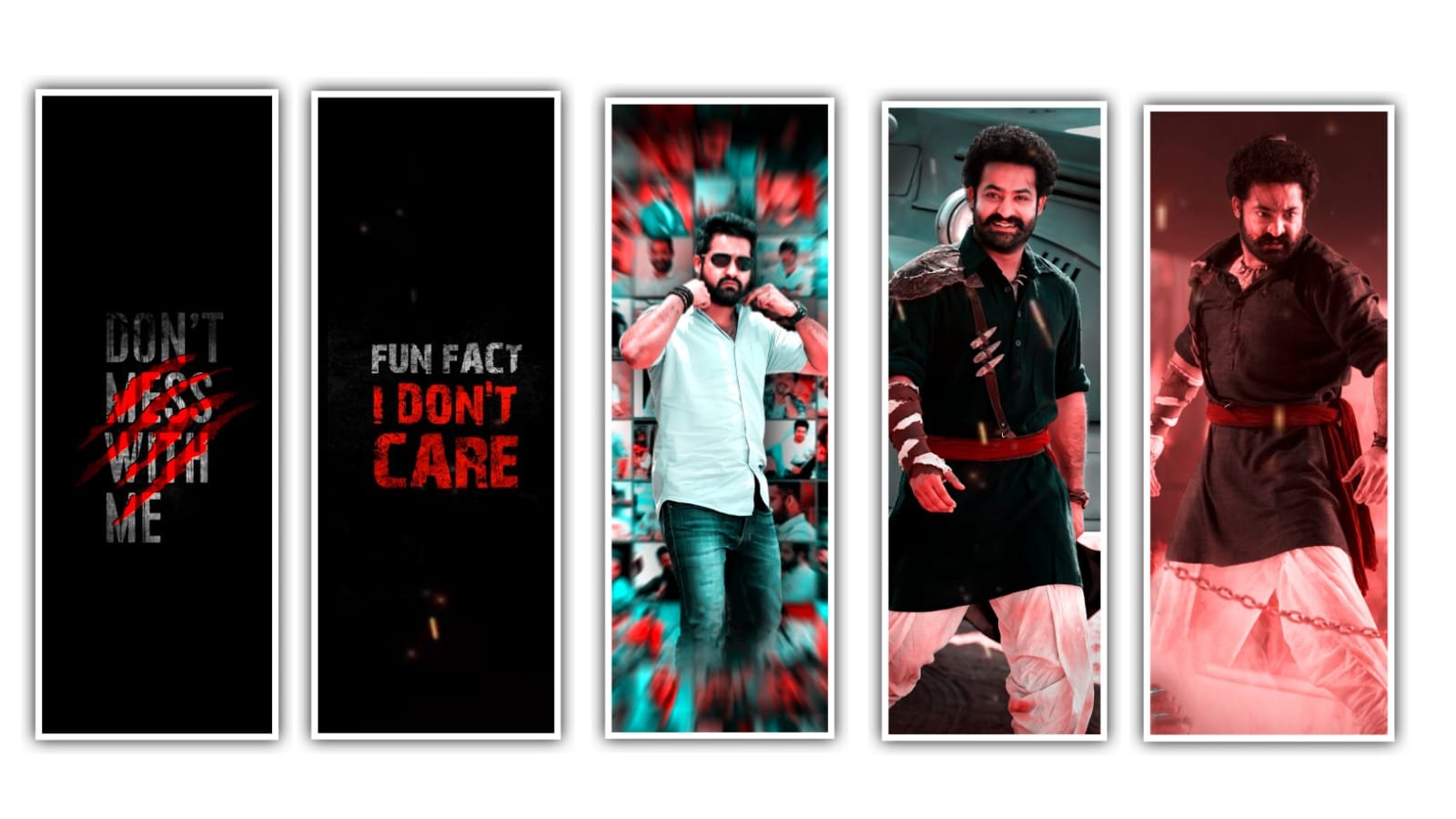
hi friends this is santhoshrcf from rcf creations guruji today i edited Instag trending sfx sound video editing in alight motion let’s see how to edit this.
OPEN ALIGHT MOTION :-
under this website i given download link download font after add in Alight motion and i given beat mark also import two projects after open alight motion go to projects section.
OPEN BEAT MARK :-
after click plus icon go to media option under this website i given one background image download and add alight motion text animation i used texture image you change another texture image follow this step select group click edit group after select texture image click color & fill select your texture image after go to 2nd red mark is there group layers i added images with effects you just replace with your images now i tell you how to replace your images first crop your image 1080×2340 after open beat mark project go to 2nd red mark select group click edit group option after select image layer click color & fill select you croped image go back after select another group click edit group option go to color & fill replace you edited image same process replace all your images video is completed thanks for visiting our website
All Meterials Links :-
►Kinemastar Preset Link
DOWNLOAD NOW
►Beat Mark Presets LINK :-
DOWNLOAD NOW
►Beat Mark XML file LINK :-
DOWNLOAD NOW
►Shake effect Preset LINK
DOWNLOAD NOW
►Shake effect XML LINK
DOWNLOAD NOW
► Video All photo LINK
DOWNLOAD NOW
► Song Download Link
DOWNLOAD NOW


















Post Comment