Beautiful Lyrical WhatsApp status editing in kinemaster cinematic Lyrical Video Editing Trending
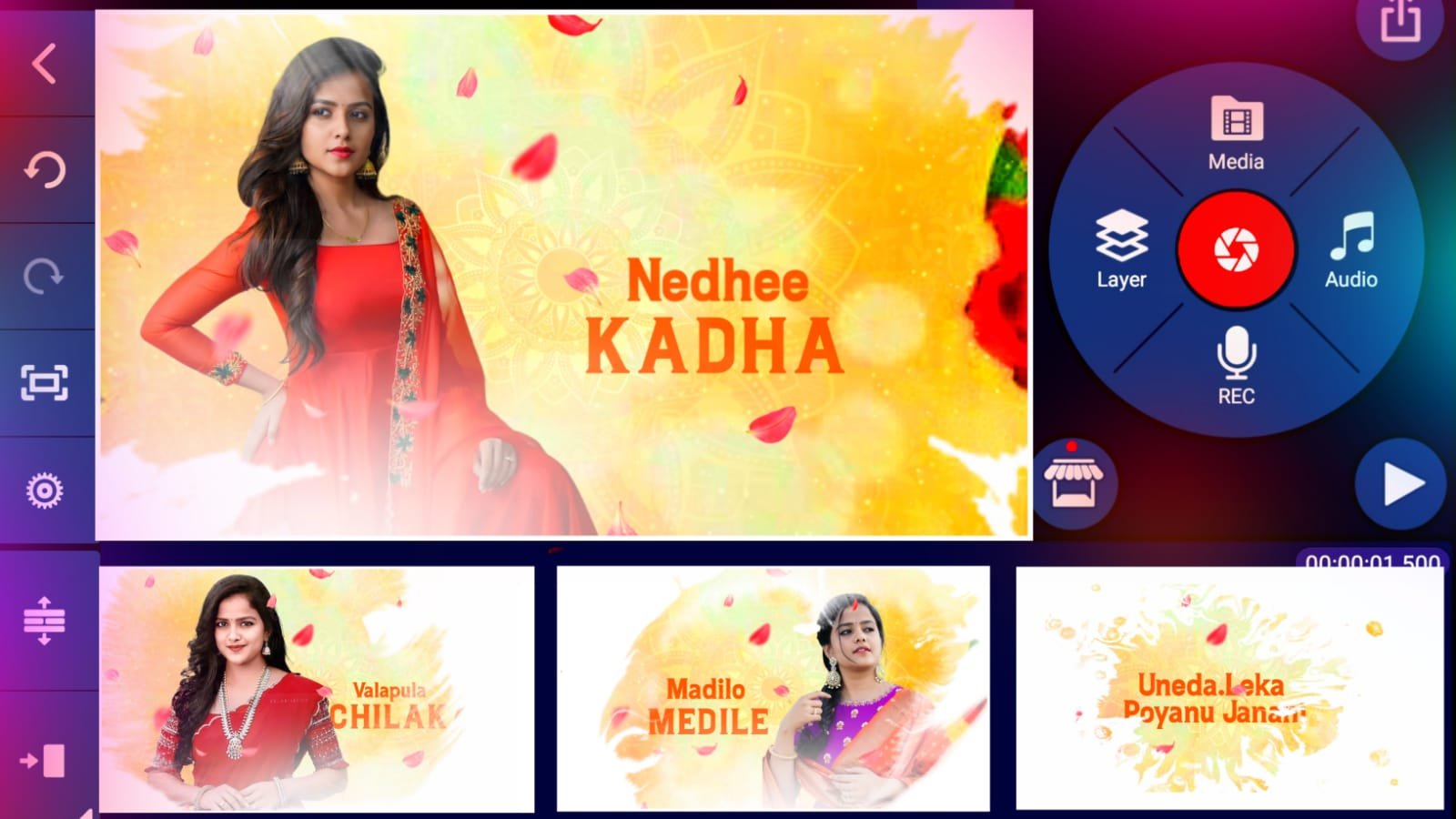
after open beat mark project go to end and apply the effect last three photos after open shake effect copy the 3nd photo effects and get back open again beat mark project you already added last 3photos now add the effect before 2 photos 20 seconds to click the plus icon add a shape after zoom fully select black colour red line beat mark to trim the shape after go to blending and opacity decrease the opacity
Open Shake Effect :-
After select first photo click effects option click three dots copy effects after go back open beat mark project paste this effects starting red mark to 4th red mark 1to4 images paste this effects after open shake effect project copy 2nd photo effects open beat mark project after go to 5:51 seconds is there long photo only paste this effect long image after go back and open shake effect project 3rd photo effects copy and open beat mark project after go to 7 seconds to add all photos Just select image after click effects option click three dots after press paste effects same process add this effects all images thanks for visiting our website all Meterials links scroll down to get.
All Meterials Links :-
Video photos link
DOWNLOAD NOW
Kinemaster Preset Link
DOWNLOAD NOW















Post Comment