New Style Trending 3D mobile Frame Video Editing in Alight motion Trending Attitude status Editing
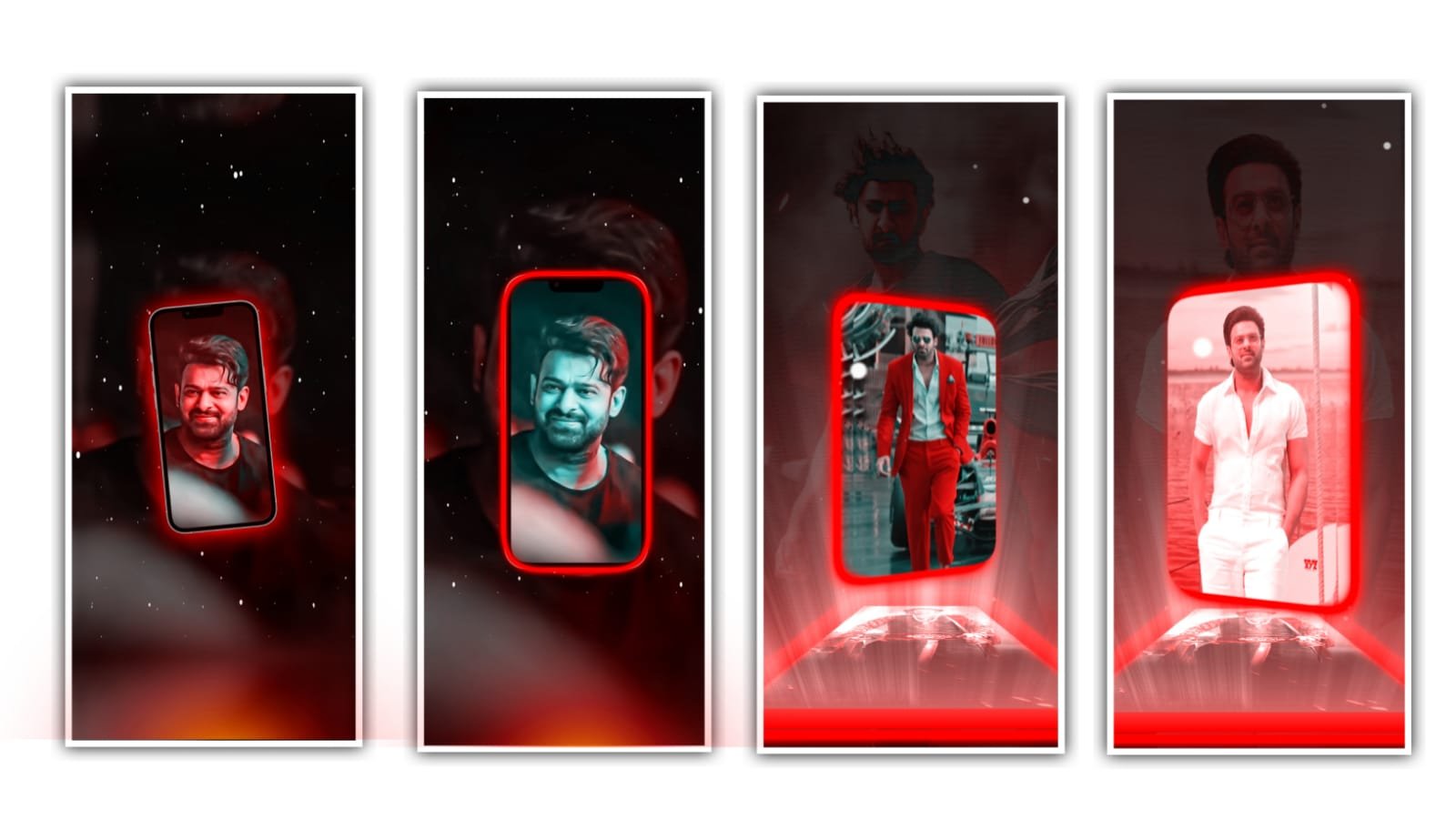
hi friends how are you this is santhosh rcf creations guruji youtube channel today i edited awasome trending lyrics video editing let’s see how to edit this video.
This video I edited using kinemaster and i give you kinemastar import also and apk is available our telegram channel if you want Apk join rcf creations guruji telegram channel after get kinemastar latest version apk and preset importing only latest version kinemastars not open older versions download all Meterials after read this article.
OPEN KINEMASTAR APK
Now i tell you how to import preset and after tell you how to edit this tutorial first you click plus after scroll down click import project.
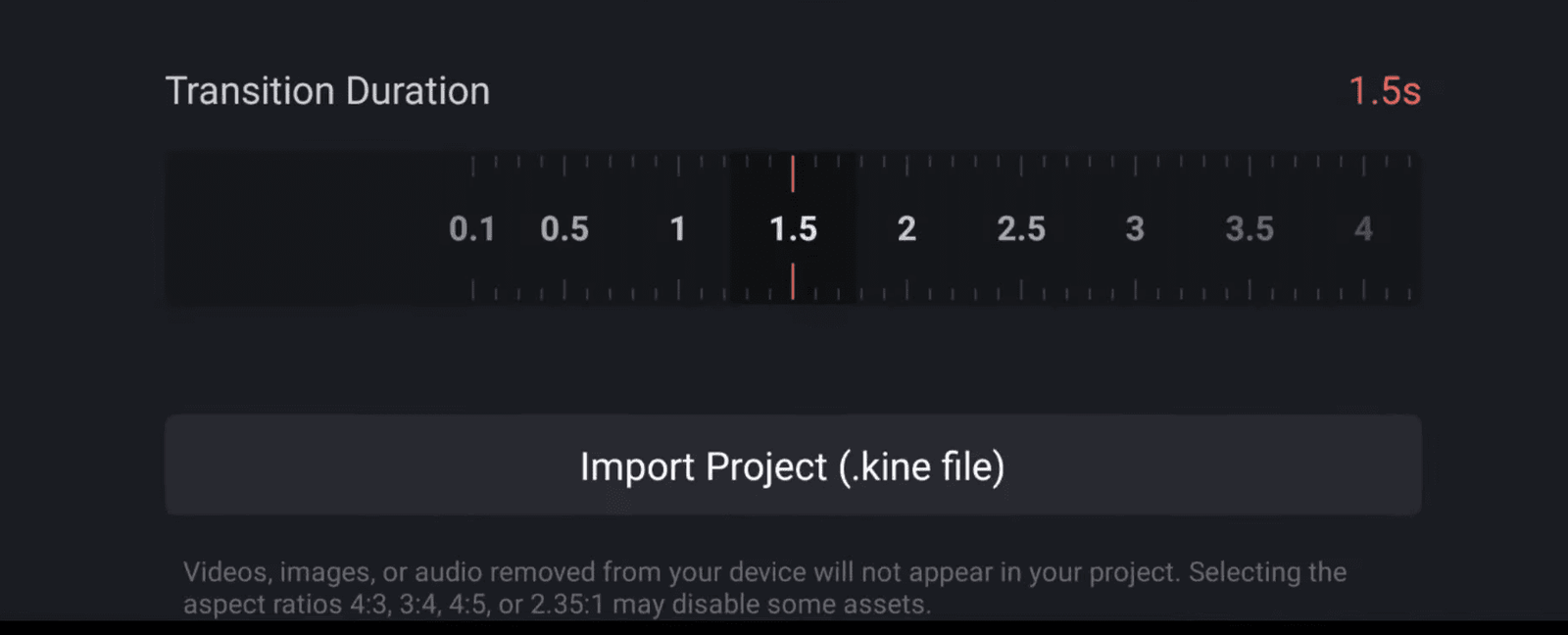
Under this website i given kinemastar preset you download and select file to import project now start editing tutorial. After click create project option select any ratio I’m editing 16:9 after add white background image under this website i given one flower background image you download and add in kinemaster click media option select downloaded flower background video after zoom full screen after select flower background video go to blending option select multiply after click media option under this website i given shadow image download add add in kinemaster now add here images but only add png images you have only jpg to edit png how to edit png i already uploaded our channel Video is here 👇
click plus icon go to media option after select now add one png image after click three dots select send to back option after move right side now add lyrical video click plus icon go to media option under this website i given green screen lyrical video you download and add in kinemaster after zoom full screen after go blending opacity select multiply after go to 07:60 seconds trim first image right side part after add key frame in starting and add key 0:02 seconds move left side after add key frame ending before and add another key frame in ending after move right side.
After click plus icon go to media option after select another png image after trim extra part 15 seconds after zoom and move to left side after click three dots select send to back option out animation select fade and select first image out animation fade.after animated into lyrics after add another png image after click three dots select send to back option. in animation select fade after add key animation video editing is completed thanks for visiting our website.
All Meterials Links
►Kinemastar Preset Link 👇
DOWNLOAD NOW
►Beat Mark project preset :
DOWNLOAD NOW
►Beat Mark XML file LINK :-
DOWNLOAD NOW
►Shake effect Preset LINK 👇
DOWNLOAD NOW
►Shake effect XML LINK 👇
DOWNLOAD NOW
► Video All photo LINK👇
DOWNLOAD NOW
► Song Download Link 🔗
DOWNLOAD NOW


















Post Comment