different style Trending Lyrics video editing in alight motion Instagram Trending Full Screen video editing
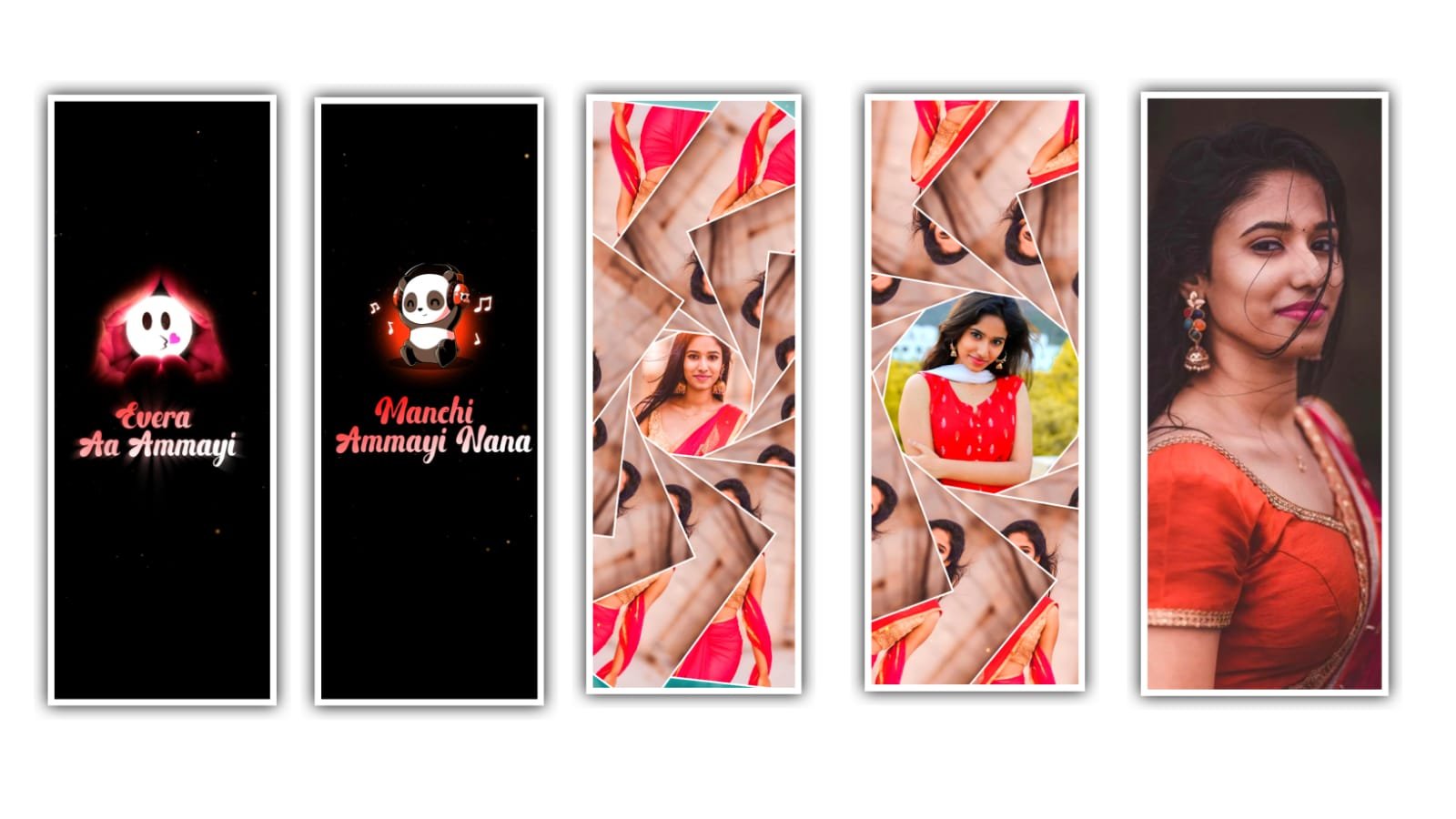
hi friends how are you this is santhoshrcf today i edited amazing happy birthday video editing in alight motion.
After remove starting logo after click plus icon go to media option under this website I given one background image you first download background image after open beat mark project click plus icon after click media option
Select background image after trim extra part 09:21 seconds after go back click plus icon select 9:16 ratio now add your 4 images 9:16 ratio first you click plus icon after select media option add your image.
OPEN BEAT MARK
After click share icon select current frame as PNG after go back and click plus icon go to media option select another image zoom full screen after click here ikon select frames PNG option same process you edit for images. After go back and open beatmark project after go to 12:09 seconds now replace here 9:16 image you select that image after click color and fill option select your image after go next mark and select another image click color and fill option select your 9:16 ratio image after select another image replace with your image same process you replace images.
EFFECT Editing
- Oscillate Effect
• angle 45
• frequency 6.8
• magnitude add key frame in starting adjust 150.7 after add ending one key frame adjust 1.24
Curve adjust like this 👇
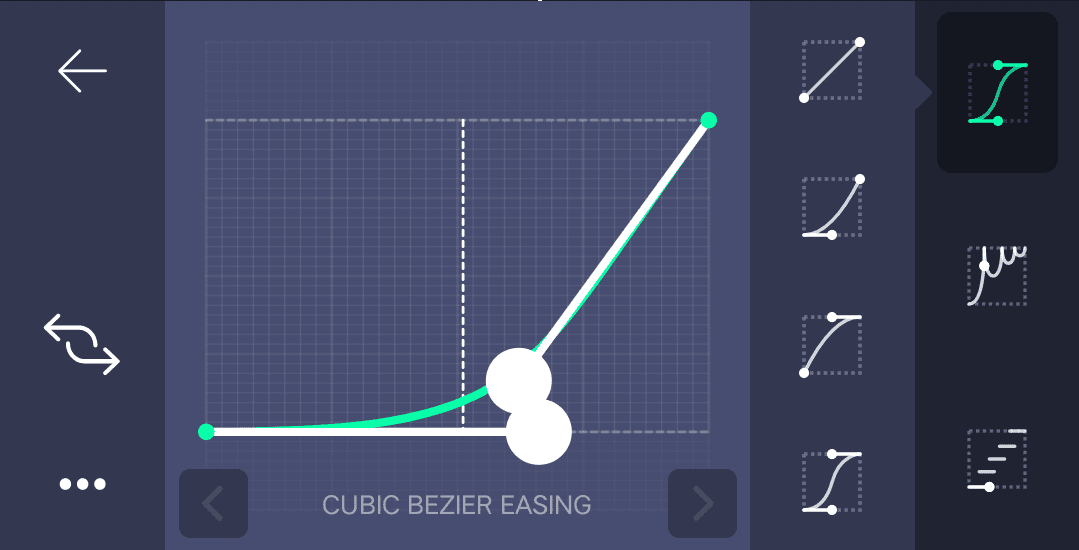
- Oscillate Effect
• angle 190
• frequency 15.9
• magnitude add keyframe starting adjust to 280.8 after add key frame in middle adjust 1.18
Effect is completed copy this effects after open beat mark project paste this effects all images video is completed thanks for visiting our website.
All Meterials Links :-
►Kinemastar Preset Link 👇
DOWNLOAD NOW
►Beat Mark project preset :
DOWNLOAD NOW
►Beat Mark XML file LINK :-
DOWNLOAD NOW
►Shake effect Preset LINK 👇
DOWNLOAD NOW
►Shake effect XML LINK 👇
DOWNLOAD NOW
► Video All photo LINK👇
DOWNLOAD NOW
► Song Download Link 🔗
DOWNLOAD NOW

















Post Comment