Trending unlimited college Photo Video Editing in mobile Alight motion Trending lyrical video edit
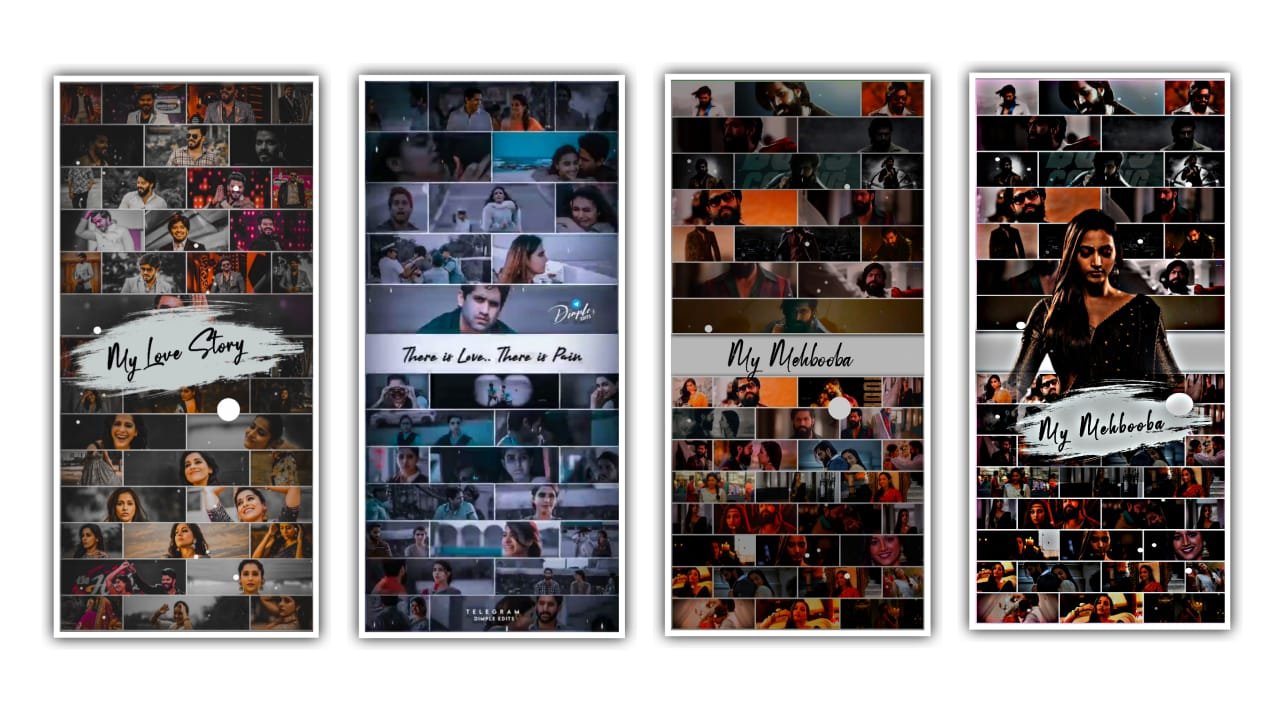
Welcome to our website today i edited Instagram trending beat name art video editing alight motion.
EDITING PROCESS
If you want apk join our Telegram channel and get alight motion latest version APK this video I created using kinemaster also if you edit this video in kinemaster under this website i given kinemaster preset link first you download preset after import kinemaster. now i tell you how to edit this video using alight motion under this website best top 10 backgrounds images i given this website download all images and font also import in alight motion.
OPEN ALIGHT MOTION
Click plus icon after select 9:16 ratio FPS 60 after click create project now add here background image first you click plus icon select media option add downloaded background image I given this website 10 background images. Select any background image. After extend background image 15 seconds after select background image click blending and opacity option 80 decrease capacity. After click plus icon click text option enter your name after click roboto regular option select imported font select any colour increase text size after extend this layer 15 seconds enable shadow.
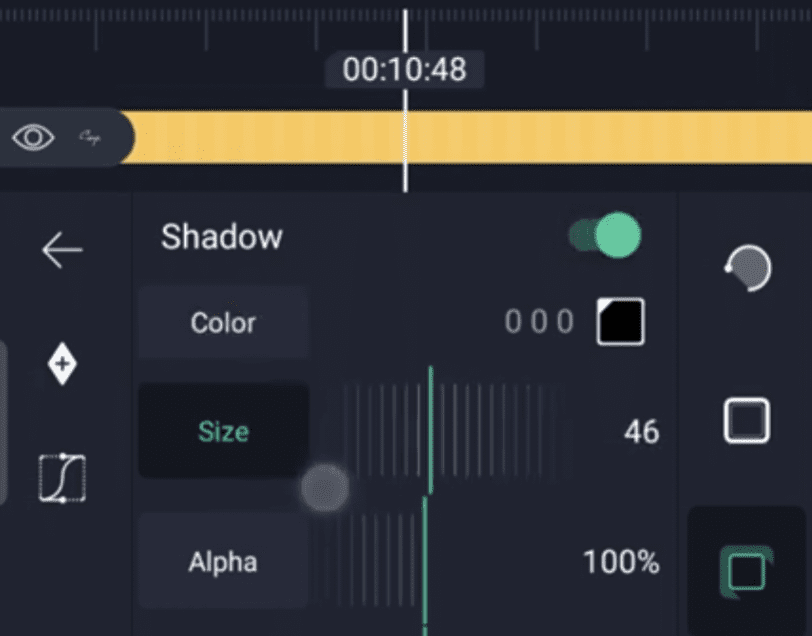
After click plus icon select text option enter here any text for example my love i after click reboto regular after select any bold font after extand this text layer 15 seconds. After click plus icon select text add any emoji after select Colour option after 100 decrease 0 after click roboto regular select apple font after enable shadow. Under this website i given one heart video download and add in alight motion after go to bending option select screen. Vintage particular video i given this website download and add in alight motion video is completed thanks for visiting our website santhosh rcf 🙏
All Meterials Links
►Kinemastar Preset Link 👇
DOWNLOAD NOW
Alight motion Full project
DOWNLOAD NOW
Alight motion Full Xml
DOWNLOAD NOW
Video Song Link
DOWNLOAD NOW


















Post Comment