Alight Motion New Trending Video Editing Insta Trending Attitude Video Editing
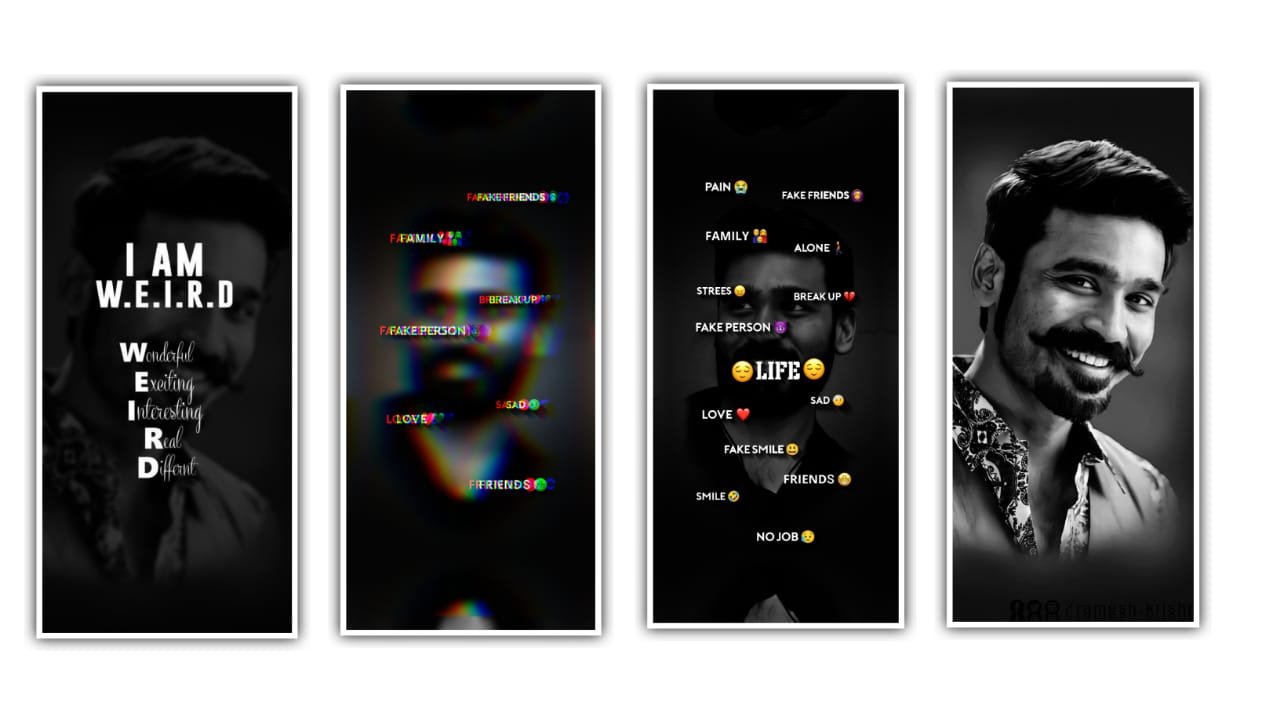
hi hello guys this is santhosh from rcf creations guruji youtube channel welcome to our website today i edited Folk Trending Hey Potti Dj Remix video editing in alight motion.
OPEN ALIGHT MOTION
Now Crop your image in 9:16 ratio in alight motion now i tell you how to crop your image open alight motion after click plus icon select 9:16 ratio FPS 60 after create a project now add your images here click plus icon go to media option after select your image click three dots press fill composition area after click share icon select current frame as png only crop one image.
OPEN BEAT MARK
select last image after click color & fill option select croped image after click group click edit group option is there 6 groups one shape now select group one after click edit group option after is there one image you select that image after click color & fill option select croped image after select group 2 click edit group option after select same image after go back and select group 3 replace same image same process replace all group images. After go to 5:48 seconds add here all your image.
EFFECT EDITING
1. Tiles Effect
• Crop 1.000
2. Zoom Blur Effect
- Strength Select add key frame in starting adjust 0.22 after add key frame in 3 seconds 0.00
3. Repeat Effect
- Count – 10
- Angle add key frame in starting adjust -2.1 add key frame in middle -1.0 add key frame in ending adjust 0.0
- Scale add key frame in starting adjust 0.91 three seconds after add key frame 0.98 add key frame 3 seconds 0.98 add key frame in middle adjust 1.03 after add 2 seconds 0.99
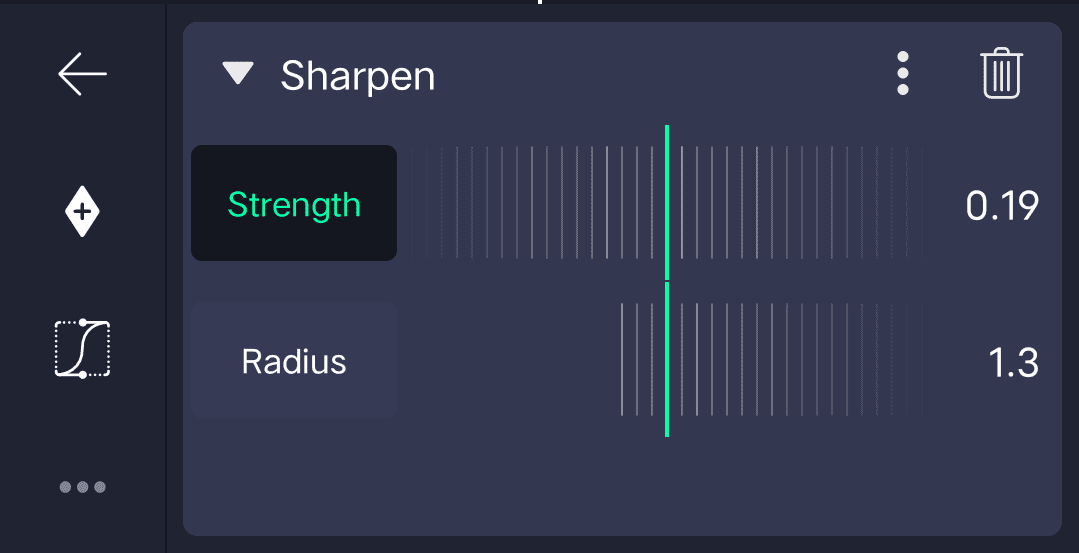
4. Sharpen Effect
All Meterials Links
►Kinemastar Preset Link 👇
DOWNLOAD NOW
►Beat Mark project preset :
DOWNLOAD NOW
►Beat Mark XML file LINK :-
DOWNLOAD NOW
►Shake effect Preset LINK 👇
DOWNLOAD NOW
►Shake effect XML LINK 👇
DOWNLOAD NOW
► Video All photo LINK👇
DOWNLOAD NOW
► Song Download Link 🔗
DOWNLOAD NOW

















Post Comment