Alight motion Instag Trending Attitude status editing in telugu Boys Attitude status editing
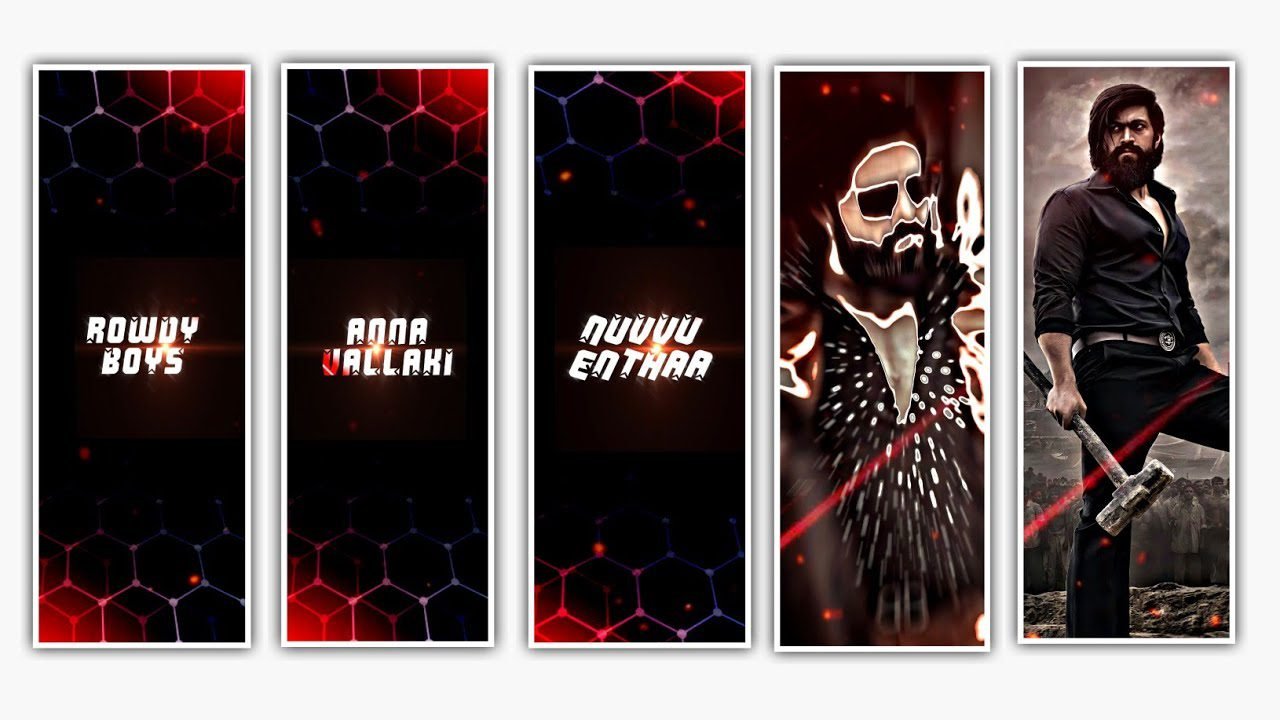
hello hi friends I am Santosh RCF from YouTube channel RCF creation Guruji training topic video editing in today video is boys attitude video explain and step by step please watch it
this video editing tutorial in Alight motion video application this app is available play store and Apple store download install now your mobile and open first selected ratio 1080:2340 this numbers type your ratio and centre of centre option click pin now
second step first add song your selected song green colour plus icon select and id option select song at your mass BGM song add and open text option and dialogue typing mass type dialogue typing and lyrics typing and text animation first text select and right side down option ad affect select and select text effect search now search bar and your photo select step by step 20 photo select your and right side option click fill composition area click and add colour grading effect option click and RGB effect add first second appeared that channel remamp effect ad third effect and saturation effect add 4th affected contestant option 10% place now Photo se kept add auto sek affect add search now I like motion app search bar
that step is and beautiful fire template ad this video play second click and your gallery select and beautiful fire effect template ad your photo and select blending and opportunity optional clip and screen option click perfect you are editing is complete 100% this editing is the save the video gallery right side option click export option and click and export full HD video total editing complete thank you so much watch it
All Materials Link 👇
►Beat Mark Shake Effect Preset 👇
►XML File Link 👇
►Kinemastar Preset Links 👇
►VIDEO photo link:-
►Song Download link:-

















Post Comment