Instag Reels Viral friendship video editing in alight motion Trending video editing Friends status
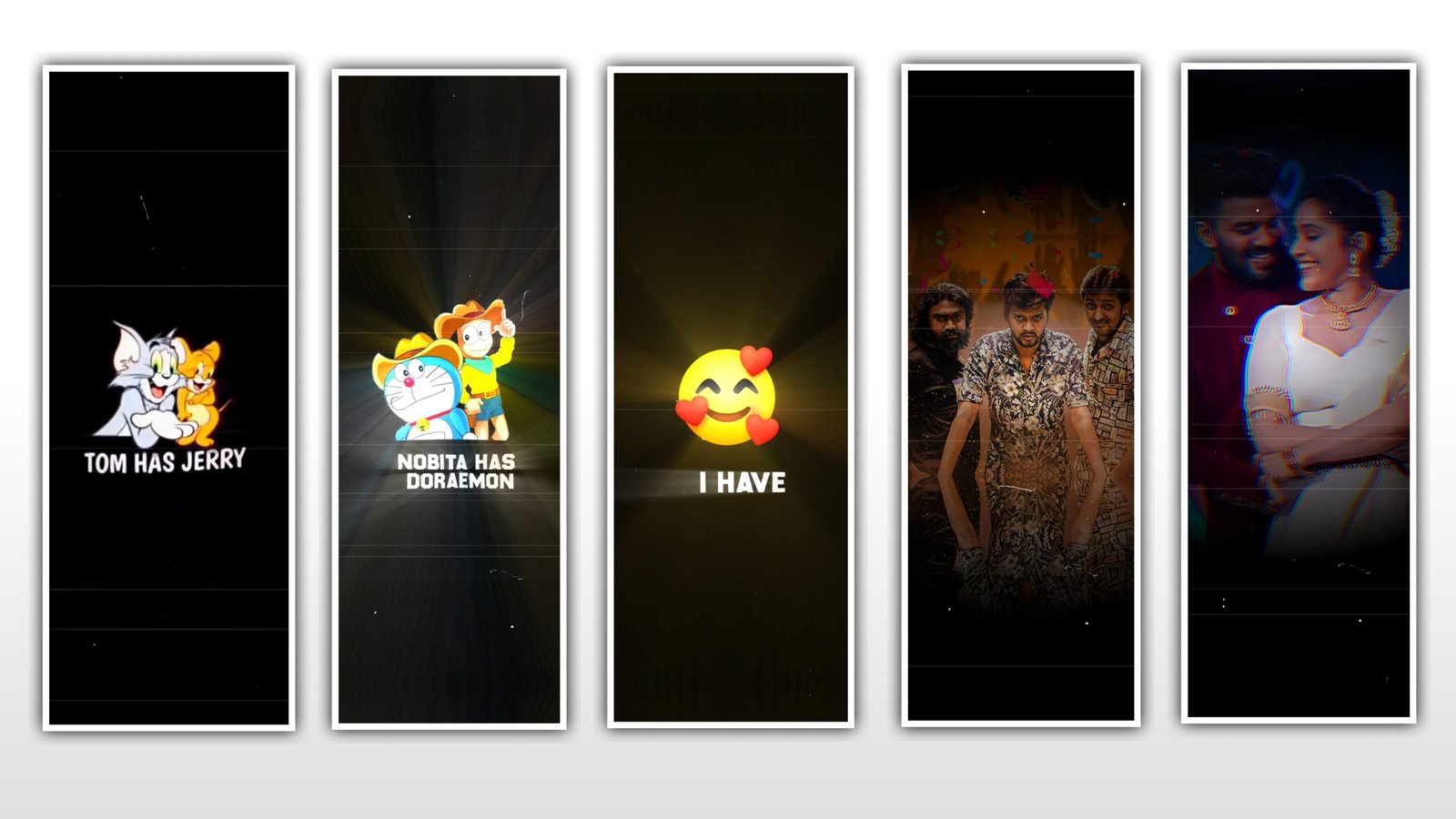
hi friends I am Santosh Iam new tutorial in YouTube channel my RCF Creations Guruji YouTube channel trend video editing making with me full making video
first step open your alight motion app other app kinemaster kinemaster preset import you alight motion Tutorial period import first open Alight motion app play store available this app Apple store available select your ratio your editing ratio I am select full screen ratio and green colour down place a con select and select first idea music add
Instagram trending videos tutorial in Alight motion full screen video editing in Telugu This Type editing making start now
Lyrical making
select your background image first typing lyrical in text editing option click and lyrics first lyrics sad other lyrics trim and select font good font select handwriting font you now a beautiful looking in the your video editing different use and second lyrics typing and all 9 second lyrics type now
Photo Making
3rd step select your photo and first beat mark watch now timing beat mark watch timing wise your photo add and first red line choose and step by step your photo one by one by one all select your photo and right side 3 dots click will composition area option click now all complete your photo add and set up at 10 and very looking in the video auto back home screen now project section first open second project I am link this project my website description down link download now and open
Effect Add
select text animation effect effect option click and three dots click affect coffee text effect copy and back second project written open your lyrics your editing lyrics select all lyrics paste this effect All lyrics paste
and back return secured project open and first photo second select and effect of cement click copy effect this photo effect written back your beat not project written open and lyrical back your photo and this effect all photos akted at this one effect all add and written down place I can green colour plus second select media select description one templates very beautiful tempted and now and export this video very high quality HD type video and post it any social media platform use now this video right side export option click and same now okay thank you thank you very much bye
All Materials Link All
►Kinemastar Preset Link 👇
►Beat Mark Presets LINK :-
►Beat Mark XML file LINK :-
►Shake effect Preset LINK 👇
►Shake effect XML LINK 👇
► Video photo LINK👇
► Song Download Link 🔗👇

















Post Comment