Trending Different Style In The End BGM Video Editing in Alight motion In The End BGM Video Editing Trending 2jul2
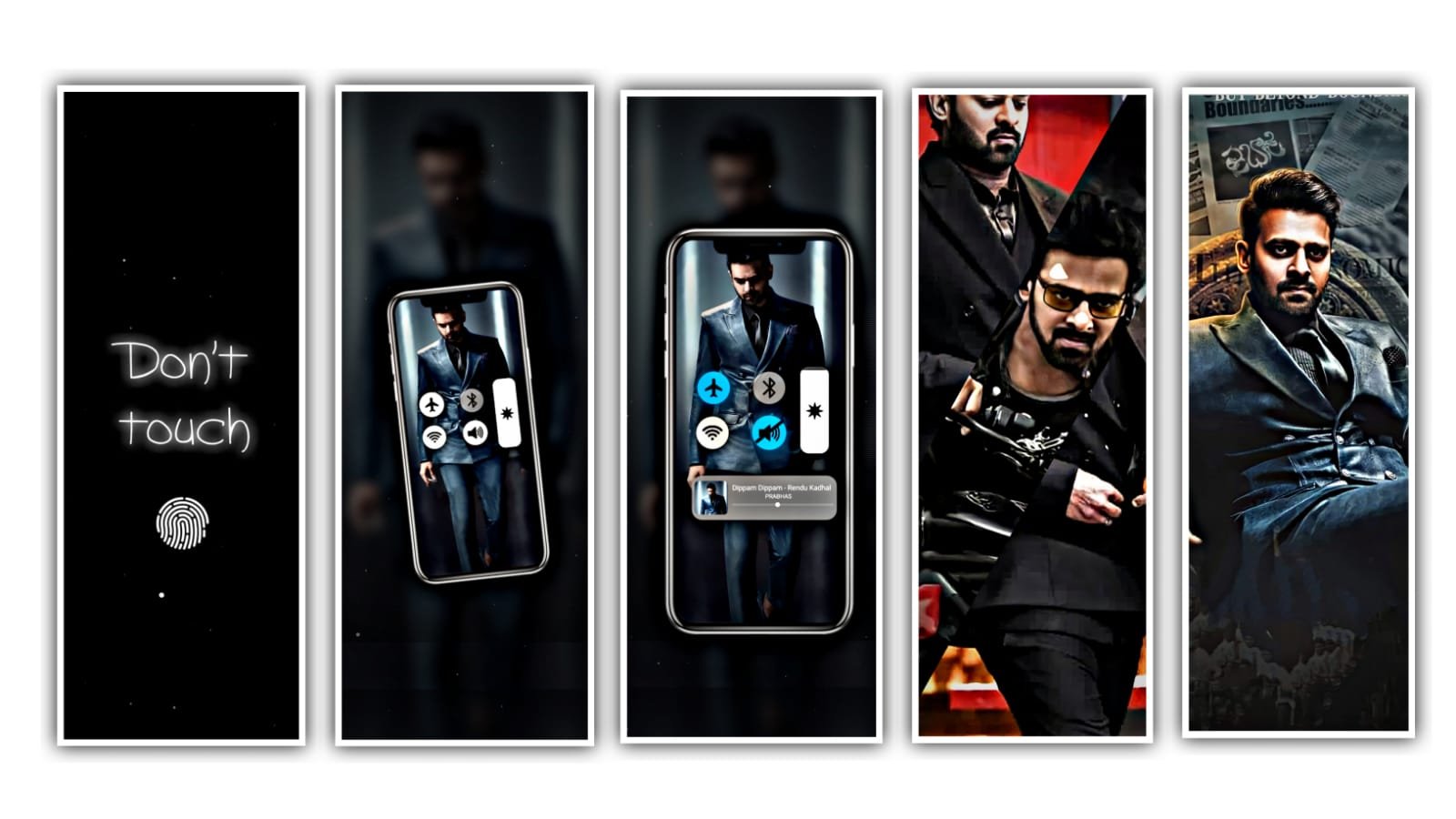
First of all you want to download the alight motion application. And open alight motion application. And then click on create project and add the downloaded preset link and you can be import it to alight motion application. After that open beat mark. From there I will also give you lyrics in description please download it from there and add it to the alight motion application. Then click on photo and then go to effects and then click on plus icon and go to image and video from there you can add the photos. And there is a extra part beat mark and you can be trim it. And then again same process. Click on plus icon and go to image and video from there you can add the photos. And there is a extra part beat mark and you can be trim it. And you want to select the option full composition area and it will be used for the selected images to show you in full screen. After that go to shake effect.Then click on photo and click on effects and click on add effects and copy the effects and then come back to you editing project.
SHAKE EFFECT
I explaining about the shake effect please follow the instructions. Click on the photo and there is an option And there is an effect for it copy the effect. Then open beat mark project and paste the effects to the the photo and again same process will be continued for 4 photos and again there is an another effect and copy the effect from there and add it to remaining photos by using paste effects.after the completion of the project simply click on save option to save in the file manager. Please support us to create more projects Thank you.
All Meterials Links
►Kinemastar Preset Link
DOWNLOAD NOW
►Beat Mark project preset :
DOWNLOAD NOW
►Beat Mark XML file LINK :-
DOWNLOAD NOW
►Shake effect Preset LINK
DOWNLOAD NOW
►Shake effect XML LINK
DOWNLOAD NOW
► Video All photo LINK
DOWNLOAD NOW
► Song Download Link
DOWNLOAD NOW


















Post Comment