Trending English Touch it Video Editing in Alight motion Instagram trending video editing 8jul3
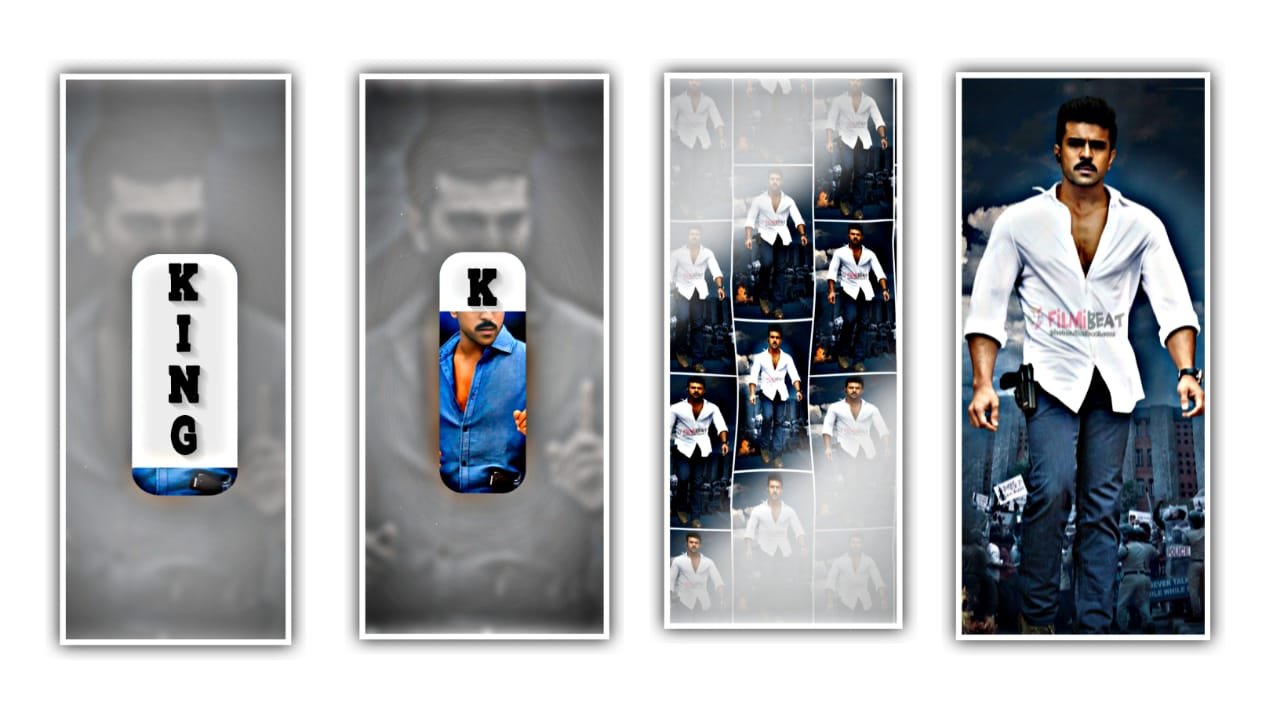
Hi friends this is santhosh I’m from rcf creations guruji youtube channel today i edited Instagram Trending Oh God Ek Baar Dila De Reels Video Editing in Alight Motion
First of all open alight motion application. Before that I will given font in description please download it. And I will also given beat mark, XML, preset and font and also I given background image in description can download it. And open beat mark project. Have the font which is given in description. And also replace the background image.
Ankita last photo and there is an animation effect on it and copy the effect from there and come to starting and effect for the first lyrics and paste the animation effect to it. And same process will be continued till they lyrics end. After that we want to add photos from 6.39 milli seconds onwards. For that click on plus and go to media and select photos from it. After adding the photos we can trim extra part and we can adjust the photos by clicking move and transform and adjust it by your fingertips. And again we want to add photos upto 14.42 milli seconds.
After completion of adding the photos.Now we want to add effects to the images which was added to the beat mark project. And now come back to the homepage and open shake effect. And copy the last photo effects from shake if it and come back to beat mark project project and add the effect to the first photo. And the copied effect can be pasted for 4 photos only. After that again open shake effect and copy the second photo effects from there and come back to beat mark project and paste the effects to small duration photos. After that again open shake effect and copy the first photo photo effects from there and come back to beat mark project and paste the effects to long duration photos. And I will give you a template in description please download it and add it to the beat mark project. And click on fill composition area to zoom it then the editing is completed. Hope you guys will like this editing. Please support us it will make it encouragement for us to create more beatmark projects, thankyou for visiting our website.
All Meterials Links
►Kinemastar Preset Link
DOWNLOAD NOW
►Beat Mark project preset :
DOWNLOAD NOW
►Beat Mark XML file LINK :-
DOWNLOAD NOW
►Shake effect Preset LINK
DOWNLOAD NOW
►Shake effect XML LINK
DOWNLOAD NOW
► Video All photo LINK
DOWNLOAD NOW
► Song Download Link
DOWNLOAD NOW


















Post Comment