Alight Motion Instagram Trending jiggle jiggle video editing Full screen status Attitude status 10jul2
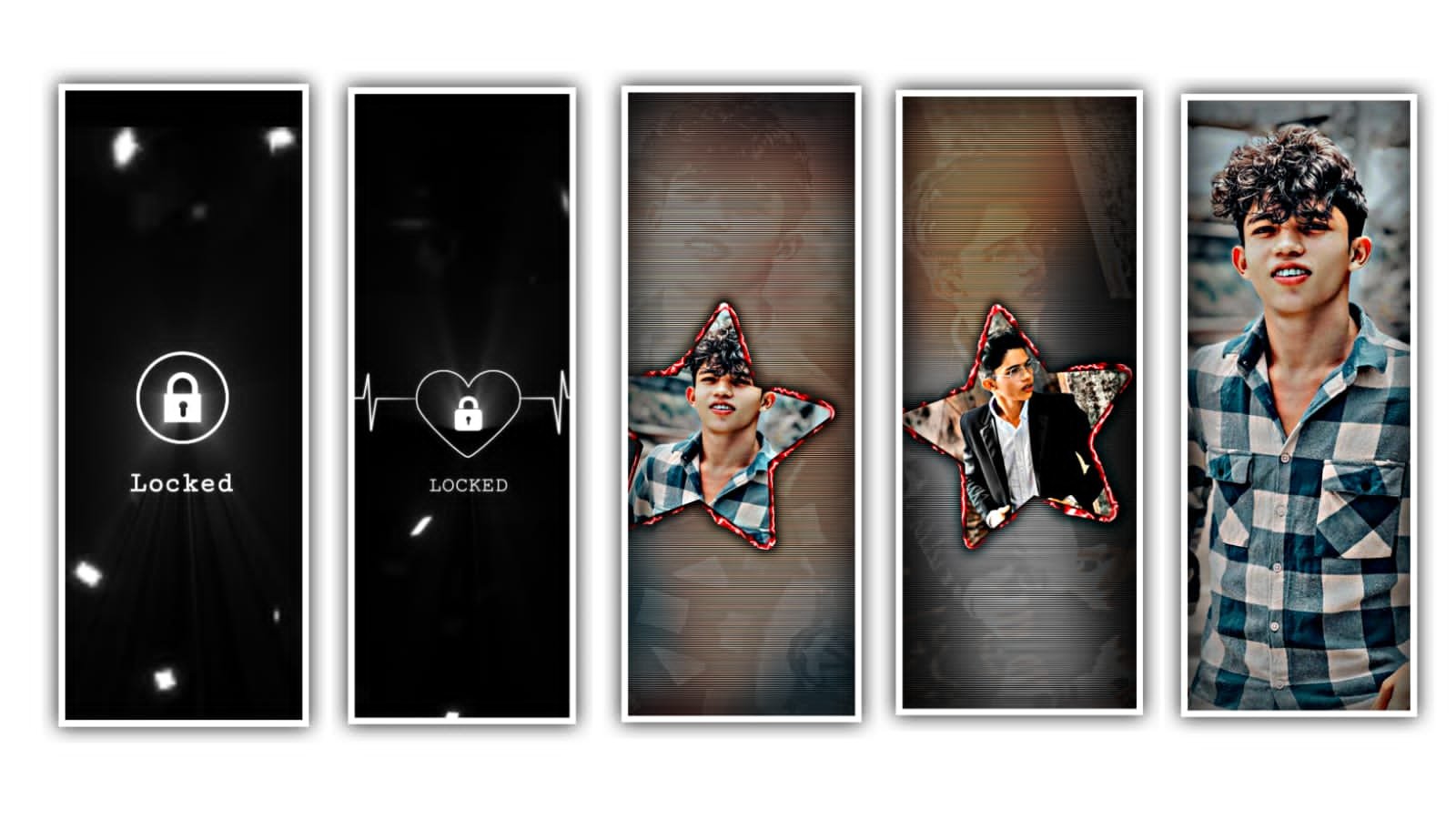
hi hello guys this is santhoshrcf today I edited alight motion next level instgram trending video editing let’s see how to edit this video.
OPEN ALIGHT MOTION
before start editing import font very important step open alight motion after click plus icon select any ratio after create a project under the website I given font link download now you select a text option after click robot to regular option select downloaded font after open beat mark project this project link I given this website shake effect also I given import two projects.
OPEN BEAT MARK
now need to add background video in starting area under this website i given background video link download after open beat mark project. click plus icon go to media option select downloaded background video after go to lyrics ending area and trim extra right side part select this layer after move down 11:12 seconds i add funky boy you replace with your name.
Now add one image link i given this website click plus icon go to media option select your image zoom full screen trim extra part in 13 seconds after long press this layer move to down. Under this website i given video link download and add 10 seconds area after go to next red line add here your images zoom all images trim red line area after add another image add all images video is completed thanks for visiting our website.
All Meterials Links
►Kinemastar Preset Link
DOWNLOAD NOW
►Beat Mark project preset :
DOWNLOAD NOW
►Beat Mark XML file LINK :-
DOWNLOAD NOW
►Shake effect Preset LINK
DOWNLOAD NOW
►Shake effect XML LINK
DOWNLOAD NOW
► Video All photo LINK
DOWNLOAD NOW
► Song Download Link
DOWNLOAD NOW

















Post Comment