Alight Motion Trending I Am Devil Of My World Video Editing Full screen status editing 11jul3
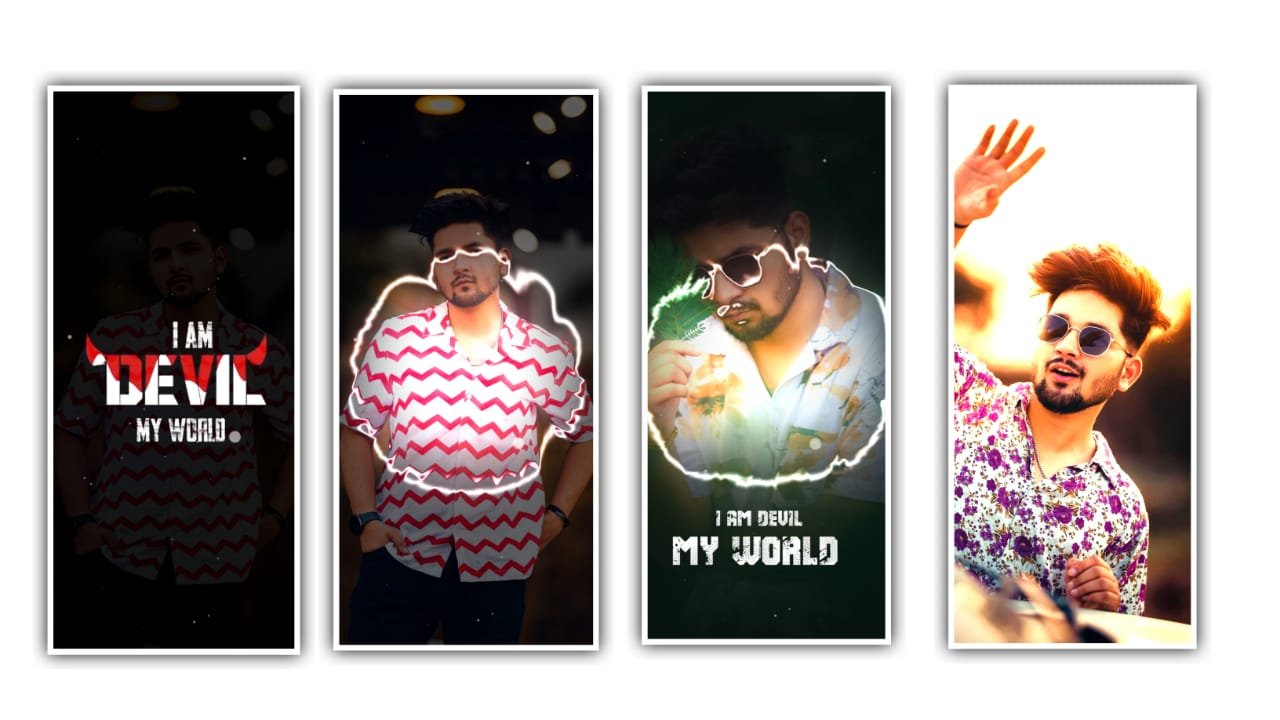
Hey Guys this is santhosh from rcf creations guruji youtube. Today i edited instag trending Flicker text Vennello Uyyaala Lyrical Video Editing let’s see how to edit this video.
OPEN ALIGHT MOTION
before start editing import font click plus icon select any ratio i created full screen ratio now add your image click plus icon go to media option select your image after click three dots press fill composition area. after click plus icon go to audio option select song and trim extra part in ending red line area now add Effect in this image select image after click effects option add feather effect with standard settings after increase strength full after go back.
add another effect name vignette effect with standard settings after add another effect name saturation/ Vibrance saturation value 0. add another effect contrast increase contrast.now add lyrics open chrome browser and search song name with lyrics and coming some websites open any website and copy lyrics paste in notepad after open beat mark project after play song add lyrics. After go to next red line add your images red line to red line add Images.
Now I am explaining about the shake effect. Click on the photo and there is an option And there is an effect in shake effect copy the effect. Then open beat mark project and paste the effects to the first and skip two photos and again paste the effects to 4photos and the same process will be continued until the end of the photos. After that click on second photo for the second photo I will give another effect to it. They are two effects that is small duration photos and long duration photos. You have to click on long duration photos then click on three dots and paste the effects. From this way we will be added to all the photos. Copy the template and paste into the layers. If there any interest to keep it okay after that we want to add template. After that you can export the video with your ratios and it will be saved to the gallery. I hope you guys will like this project and learn how to edit these type of editings in alight motion. We want support for from you. For further editings, Thankyou.
All Meterials Links
►Kinemastar Preset Link
DOWNLOAD NOW
►Beat Mark project preset :
DOWNLOAD NOW
►Beat Mark XML file LINK :-
DOWNLOAD NOW
►Shake effect Preset LINK
DOWNLOAD NOW
►Shake effect XML LINK
DOWNLOAD NOW
► Video All photo LINK
DOWNLOAD NOW
► Song Download Link
DOWNLOAD NOW


















Post Comment