Alight motion Trending Instagram Post Video Editing in New style Trending video editing🔥⚡ 12jul2
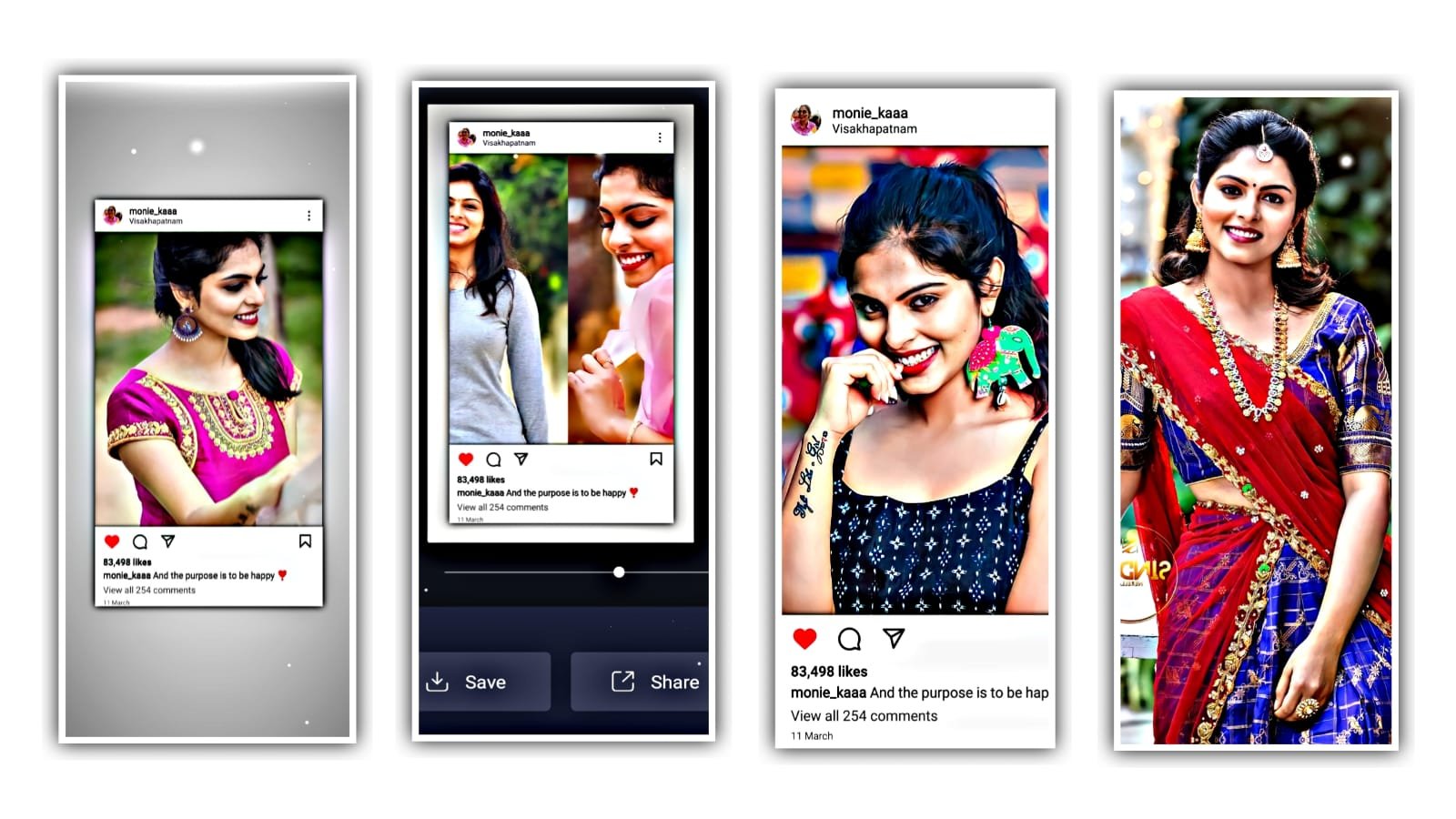
Open alight motion application. And now we can add an image. And we can add PNG photo from clicking media. And added photo will be drag up to 6.00 milli seconds after that click on image and drag it to the last of this project and now we can adjust the size as small.
And click on plus icon and go to effects and click on effects and there is a search button and search exposure Gama. And there is an option Gamma click on it.
we can add another effect saturation. And the score of saturation can be minus. And now we can add the photos from there for that click on plus I can click on media and add photos from gallery. And in the description. And the image can be used as a texture and click on the image as long press and click it to down and we can adjust photo in small by using more and transform. And click on blending and select the option darken.
And again 6.25 in milliseconds now you can add photos from there. I am come back to shake if it and open and copy the effects from there and open beat mark project and there is an option photos the and the effects can be paste for all the photos. and copy the layer from there. Hence the editing is completed. I hope you guys will like this editing process please support us to create more projects. Thankyou.
All Meterials Links
►Kinemastar Preset Link 👇
DOWNLOAD NOW
►Beat Mark project preset :
DOWNLOAD NOW
►Beat Mark XML file LINK :-
DOWNLOAD NOW
►Shake effect Preset LINK 👇
DOWNLOAD NOW
►Shake effect XML LINK 👇
DOWNLOAD NOW
► Video All photo LINK👇
DOWNLOAD NOW
► Song Download Link 🔗
DOWNLOAD NOW


















Post Comment