Alight Motion New Lyrical Video Editing Trending lyrical 14jul3
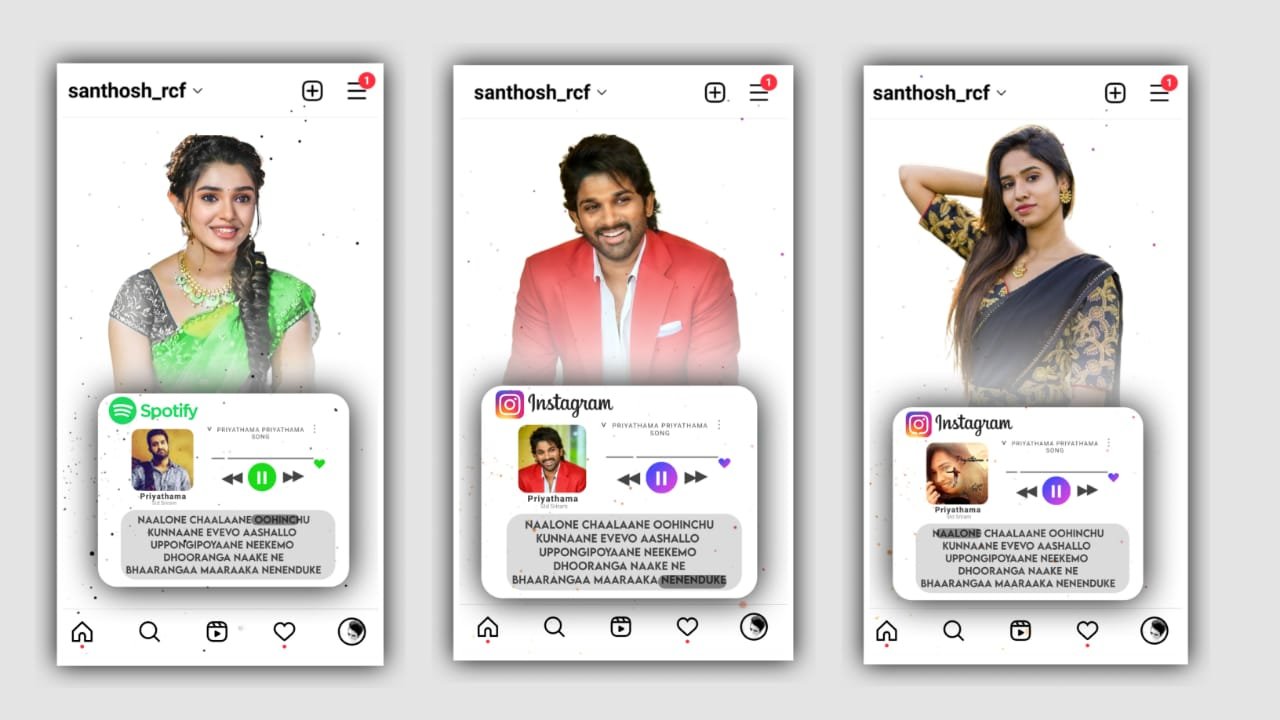
To edit this video we want to go to alight motion application. Click on plus icon and go to beat mark. Before that I will given font in description please download it. And I will also given beat mark, XML, and preset also in description can download it. After click on plus icon and and select the ratio what you want. And select the background black and then click on create project. And go to beat mark. Now click on plus icon and select media. And I will give you one template please download it and added to the project. When you when you adding the template trim the extra part. Click on plus icon and select some photos from gallery and adjust photos by clicking three dots and select fill composition area. And zoom the photos by using move and transform.
SHAKE EFFECTS
Now I am explaining about the shake effect please follow the instructions. Click on the photo and there is an option before that go to shake effect and copy the first photo effects by clicking copy effect and come back to beatmark project And there paste the effect to the the photo and again same process will be continued for 4 photos and again there is an another effect before that go to shake effect and copy the first photo effects by clicking copy effect and come back to beatmark project And there paste the effect copy the effect from there and add it to remaining photos by using paste effects. Then this way we will be added the effects to all the photos. After that you can export the video with your ratios and it will be saved to the gallery.hope you understand the project how to edit these type of videos in alight motion, Thank you.
All Meterials Links
►Kinemastar Preset Link 👇
DOWNLOAD NOW
►Full Presets LINK :-
DOWNLOAD NOW
►Full XML file LINK :-
DOWNLOAD NOW
► Video All photo LINK👇
DOWNLOAD NOW
► Song Download Link 🔗
DOWNLOAD NOW


















Post Comment