Alight Motion Most Trending English BGM Video Editing video editing Attitude video editing 16jul3
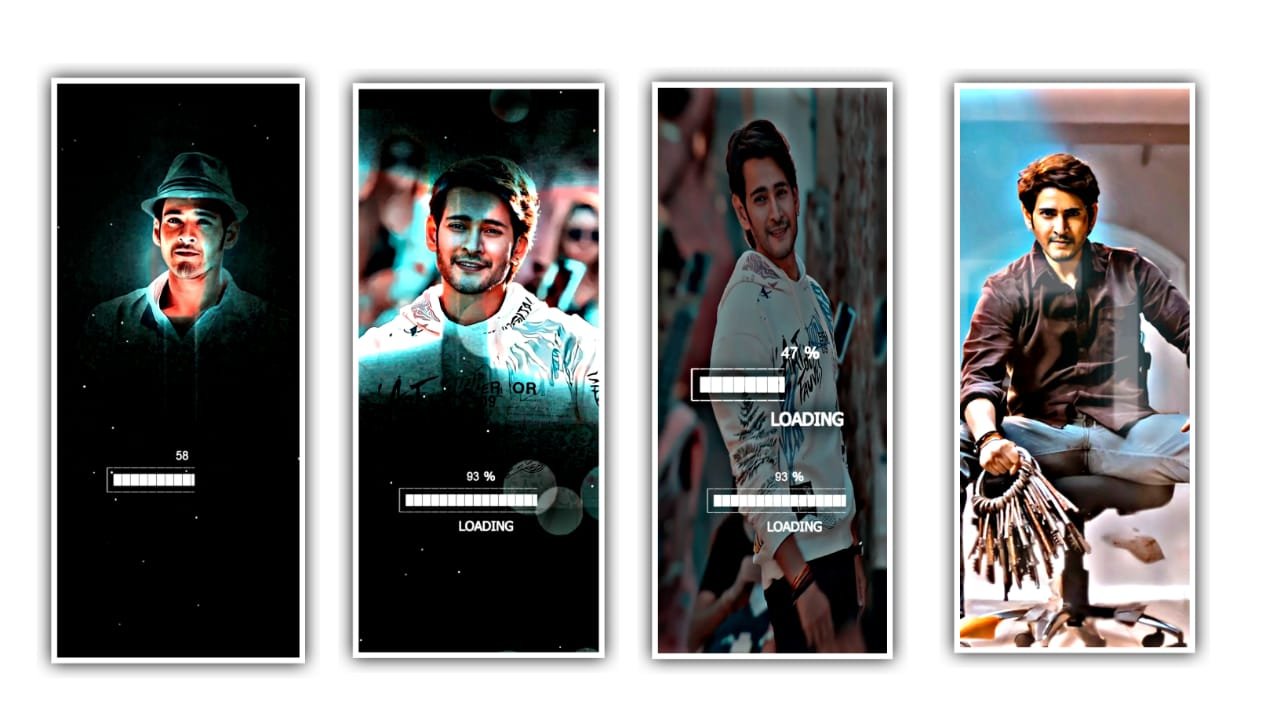
Open alight motion application. Click on plus icon and select the ratio and click on create project. Click on plus icon and select media and I will give you image link in description please download it from there.
After that click on plus icon and click on audio and I will also given audio link in description for that there is a plus icon from there then click on plus Icon to add the song. And extend the image upto song ending . Go to starting and now we want to add song lyrics for that you want to add the lyrics in notepad. Then go to notes on your phone and copy the lyrics from there. And Trim extra part.
After that we want to select a font a October and the font link in description please download it from there. After that click on move and transform and adjust a lyrics. And go to water shadow and select third option shadow enable it. After that and the song and lyrics to it and trim the unnecessary extra part
Now we want to add effects to the images which was added to the beat mark project. And now come back to the homepage and open shake effect. And copy the effects from shake effect it and come back to beat mark project project and add the effect to the photos. And the copied effect can be pasted for 4 remaining part of beat mark project. I will give you a template in description please download it and add it to the beat mark project.
And click on fill composition area to zoom it then the editing is completed. Hope you guys will like this editing. Please support us for create more totorials, thankyou
All Meterials Links
►Kinemastar Preset Link 👇
DOWNLOAD NOW
►Beat Mark project preset :
DOWNLOAD NOW
►Beat Mark XML file LINK :-
DOWNLOAD NOW
► Song Download Link 🔗
DOWNLOAD NOW


















Post Comment