Alight Motion Munna Bhaiya video editing Instagram Trending Boys Attitude video editing Attitude 4aug1
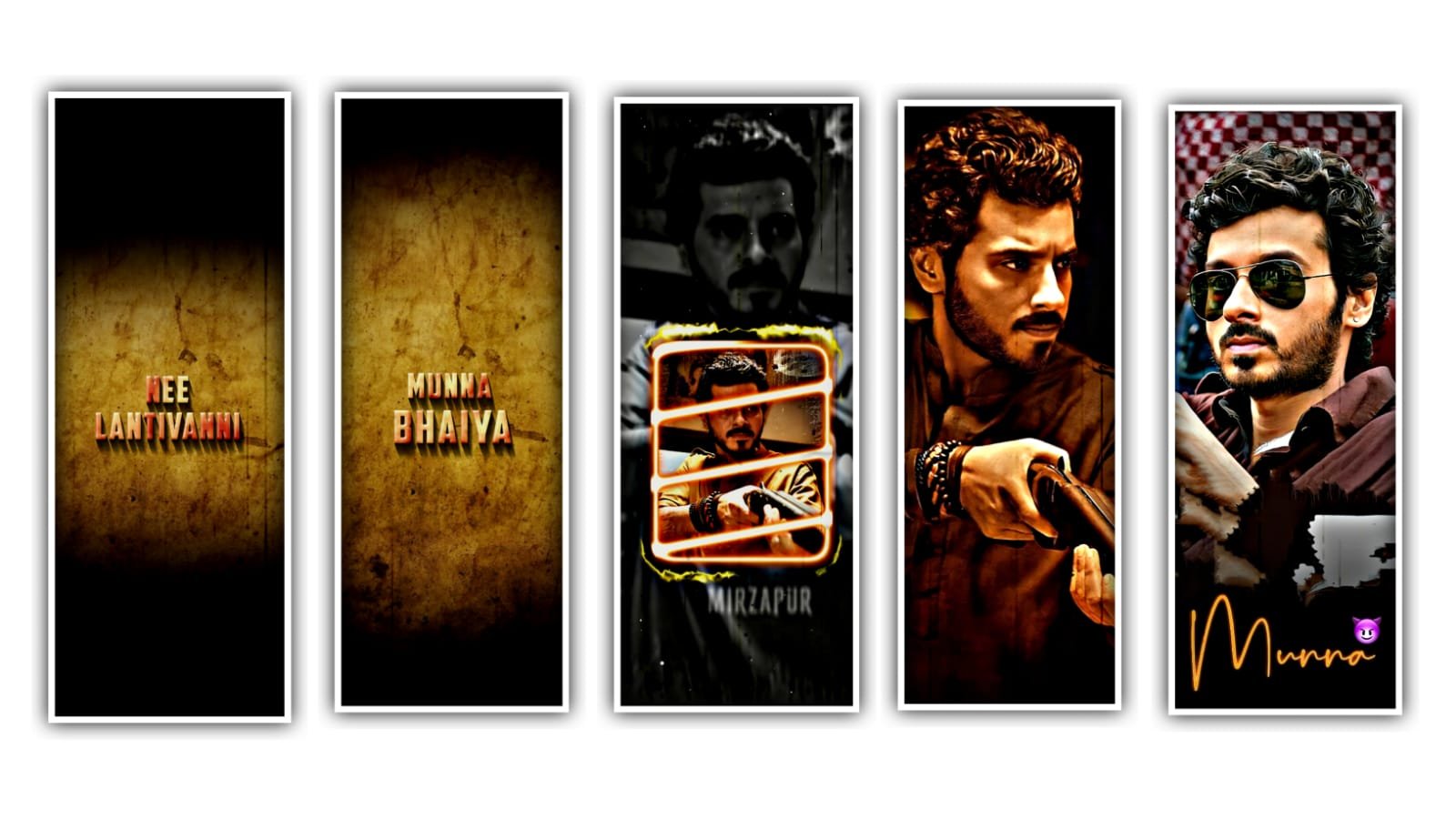
To edit this video we need to download alight motion application and mod APK link can be in description please download it from there. After that open alight motion application and click on plus icon and select the screen ratio and click on create project. And I will also given image link and audio in description please download it from there. And add it to the said beat mark project.
And again click on plus icon and select the audio option and the audio to the said beat mark project. And the image will be extend up to where the song will be end. After that if you want to add the lyric to the said project and you want to add the lyrics to notepad and copy the lyrics from notepad to beat mark project. And now we can add the lyrics and Trim the extra lyrics and again click on 3 dots and copy the layer and paste the layer to second part and continue the lyrics to the said project.
And now we want to add the effect to the lyrics. For that click on three dots and select the option effects and search for we want to search motion blur and select the standard settings. And again add another effect pinch. After that open effects and there is a option strength and this effect is copied and pasted to the said lyrics. Now we want to add a key frame
in starting. And keep the 70%. After that we want to go to curve option and adjust it by clicking move and transform. After that we want to add another effect isolatie and click on standard settings. Open it. And select the angle of 128.frequency and 0.8. and click on magnitude and go back to starting. After that click on curve option and adjust it with your fingertips.
And also select the option oversuit. And again click on effects and click on add effect to the said beatmark project. After that click on export option and select the pixels and export the video to download. Hope you guys will like this editing please support us for visiting our website it will give us encouragement to do new editing projects. Thankyou.
All Meterials Links :-
►Kinemastar Preset Link 👇
DOWNLOAD NOW
►Beat Mark project preset :
DOWNLOAD NOW
►Beat Mark XML file LINK :-
DOWNLOAD NOW
►Shake effect Preset LINK 👇
DOWNLOAD NOW
►Shake effect XML LINK 👇
DOWNLOAD NOW
► Video All photo LINK👇
DOWNLOAD NOW
► Song Download Link 🔗
DOWNLOAD NOW

















Post Comment