Instagram Lo-fi Lyrical Video Editing in Alight Motion Trending Efx lyrical video Editing 5aug2
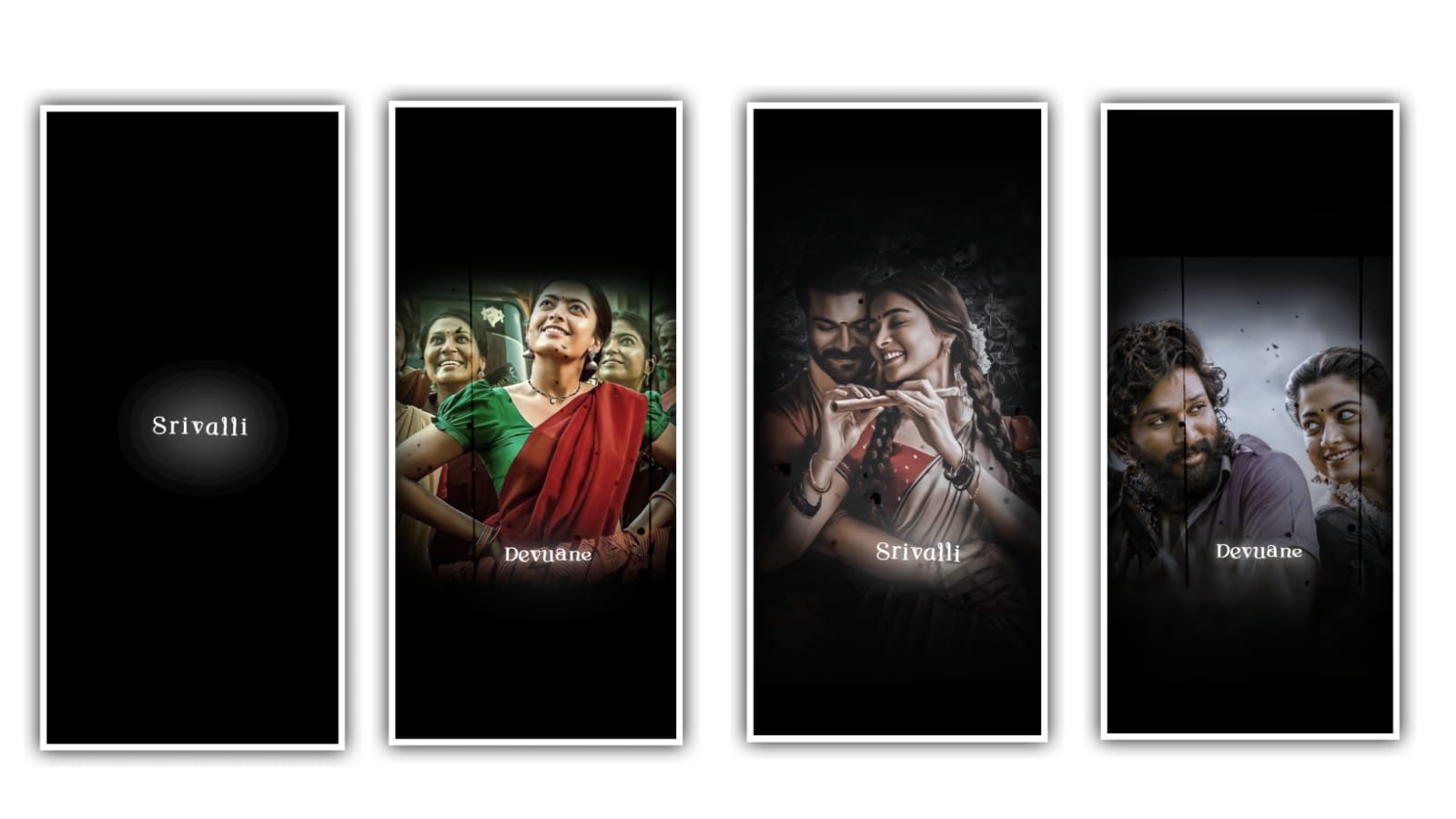
Trending lyrical video can be edited in this project. In this video we can edited by using alight motion application. Click on alight motion application and select the ratio click on create project after that I will give you song link in description download and add to this said project.
After that click on plus icon and select media option and select the song which is given in description and click on plus I can to add to the said project.
And now we can add the image to the said project for that click on media and select the option images and select the image to add. After that extend the image up to where the song is ended. After that we can add the lyrics to the said project.
Furt previously you can add the lyrics in notepad and copy the lyrics from notepad and add the lyrics to the project by clicking text option. And select the option roboto regular and select the font suguna. And now we can add the colour to the project.
And extend the image by listening the song and trim the extra part. And again add the song lyrics by listening and trim the extra part and the same process will be continued till the end of the song.
Now we can add the effects to the said project for that click on first lyric and click on effects and click on add effects and select the effect text spacing with standard settings and increase the letter spacing.
After that again click on effects and click on add effects and select the effect stips with standard settings and there is count keep as 0.5, width=0.83, angle=131, phase 0.82. and add the key frames in starting middle and keep phase 1.85. and select the colour white. Smoothing=0.89, after that go to curve option move the curve with your fingertips. And now we can add the another effect i.e., lens blur with standard settings. Center keep X=-272, Y=84, and select the strength and add the key frame in starting. And add the key frame in middle as 0.3. and keep radius as 100.
Click on lyrics and select the copy effect and paste the sam effect to the said all the lyrics in beatmark project.Click on arrow symbol and select the option 1080p click on export project. It will be taken some time to export. Now the editing process will be completed please support us by visiting our website Thankyou.
All Meterials Links
►Kinemastar Preset Link 👇
DOWNLOAD NOW
►Beat Mark project preset :
DOWNLOAD NOW
►Beat Mark XML file LINK :-
DOWNLOAD NOW
►effect Preset LINK 👇
DOWNLOAD NOW
►effect XML LINK 👇
DOWNLOAD NOW
► Video All photo LINK👇
DOWNLOAD NOW
► Song Download Link 🔗
DOWNLOAD NOW


















Post Comment