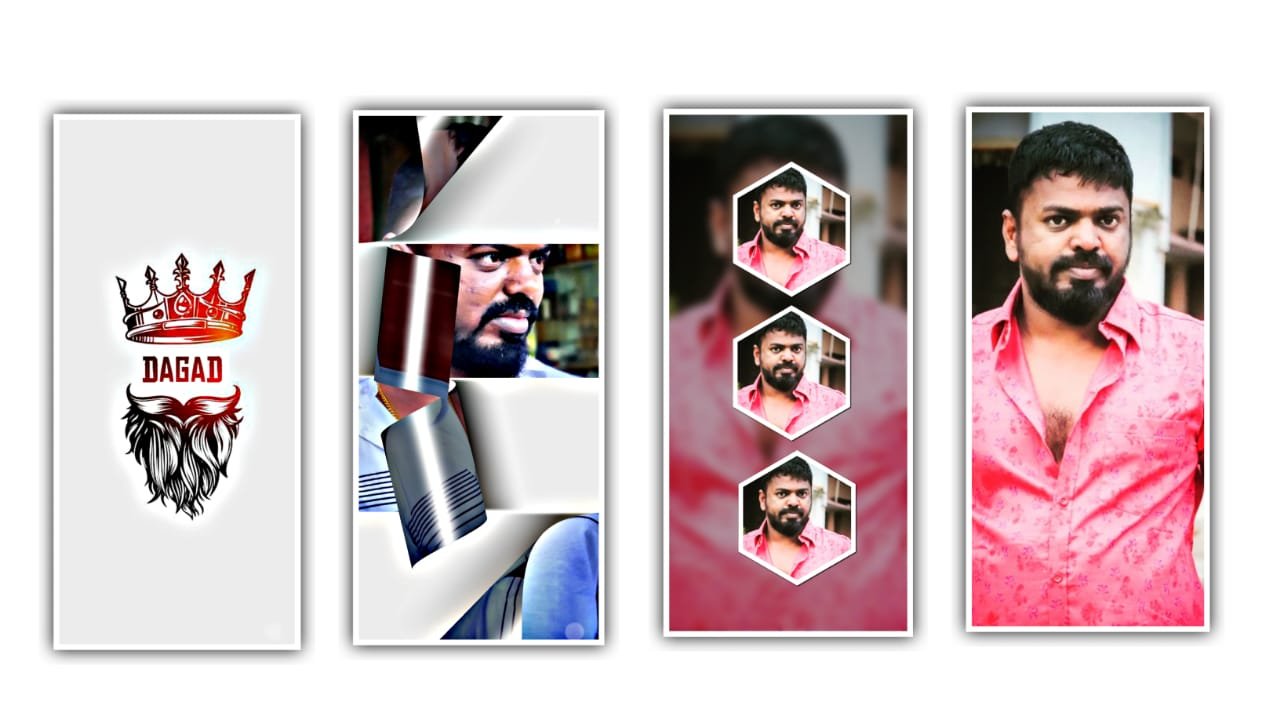
New Style Trending Dj Remix video editing in alight motion Boys Attitude status editing in 9aug3
I know click on move and transform and adjust the lyrics with your fingertips and extract the image up to where the song is ended. And now the same process will be continued till the lyrics end. And split song by using an admission application when you listen this song and trim the extra part.
Now we want to add the effects for the beat mark project. For that click on effects and select the option add effects race with standard settings. Keep center as x=-40, length =1.39, keep intensity=1.75.
now we can add another effect you shift with standard settings. And open the effect and select youshift and ass a key frame in starting as 4.6, and add the key frames in ending as 279, and again click on effects and click on add effects and select the effect text spacing with standard settings. Open effects and keep the line spacing as increase 71%, And again click on effect and select the effect text transform with standard settings. Keep offset as add the key frames in starting as 550, and add the key frame in middle keep as 0, and ass the key frames in ending. X=365, and adjust the curve which is appear in this project.
And click on second key frame l, angle and keep on starting as 0.00, and keep ending as 3.3. and go to curve and copy the curve and select the angle. And paste the curve to the animation. And I will give you template in description please download it from there and add it to the said project. And extend the effects to ending and drag the template to the end of this song.
So the editing process completed and before that click on export and share and we can export the video with high quality. So guys hope you understand how to edit the project so please support us by visiting our website thank you.
All Meterials Links
►Kinemastar Preset Link 👇
DOWNLOAD NOW
►Beat Mark project preset :
DOWNLOAD NOW
►Beat Mark XML file LINK :-
DOWNLOAD NOW
►Shake effect Preset LINK 👇
DOWNLOAD NOW
►Shake effect XML LINK 👇
DOWNLOAD NOW
► Video All photo LINK👇
DOWNLOAD NOW
► Song Download Link 🔗
DOWNLOAD NOW


















Post Comment