New Instag Trending 3 Movie Dj Remix video editing Alight Motion video editing Trending video 11aug2
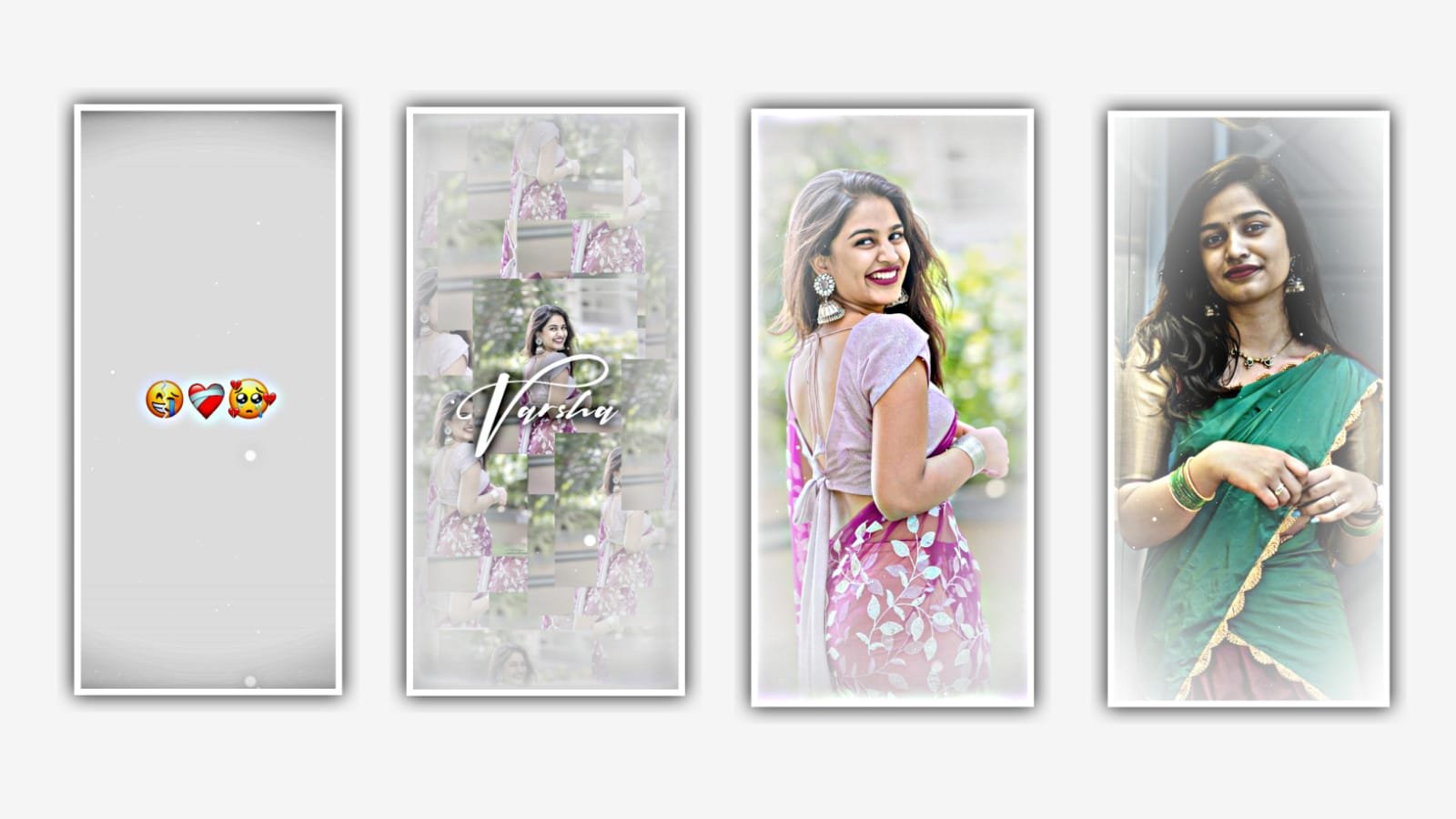
In this video we can learn about Wedding invitation video editing by using alight motion application. I will give you two presets one is wedding invitation project and another one in wedding invitation full project. Wedding invitation full project can be not download for all oly for membership person can download easily given in this description and download the presets and import to the project.
And also given all fonts in description please download and import to the alight motion. And I will also given background videos and download the videos. After that open wedding invitation project and it will be taken some time and Automatically loaded after that there is an option import click on it to add the project to alight motion application. In this project you no need to add the photos because the project will be with images. And now we can add the text before that click on plus icon and select media and add the downloaded videos to beat mark project by clicking plus icon.
And we can add the key frame in ending. Hindi extra necessary part which is there in editing process. After that click on the layer and long press it to scroll down to down. After that select the option blending and opecity and select the option lightern and keep screen enable. After that come back to starting and again click on plus icon and select media and I will give you animated video in description please download it and add it to the project by clicking plus icon and the audio is also available in this project. And there also you can appear the layer background image and click on the layer and drag it to the last.
After that bring all the layers to the down and now we can appear the video. And now we can add the surname first by clicking group 1 and click on edit group and change the names. Example we can write the name of bride and groom And we can also write the marriage date and information of the marriage. After that come back to last from there we can see the animated video in the middle there is in space to add the images. Click on plus icon and select media and images from gallery.
After that image click on image and click on 3 dots and select the option full composition area and zoom the photo. And track the images to down for view of animated project. After that click on the second and select the media and add the images of bride after that click on move and transform and adjust the video with your fingertips.
now we can scroll down to the background image problem. And add the bookmark is there any white colour effect in this the project. And add the image and click on the select the background image and click on there dots and select the option full composition area. And now the images will be added and adjust the images perfectly by clicking move and transform option.
Now the process of editing will be completed to edit these type of videos we can observe and follow the instructions. where the project can be complied with the function and edit this project and full project can be in description. hope you guys will like this project and try with your images it will be awesome editing project to continue these type of projects please encourage us it will gives us energy to do more editings totorials please be visiting our website. Thankyou for your support.
All Meterials Links
►Kinemastar Preset Link 👇
DOWNLOAD NOW
►Beat Mark project preset :
DOWNLOAD NOW
►Beat Mark XML file LINK :-
DOWNLOAD NOW
►Shake effect Preset LINK 👇
DOWNLOAD NOW
►Shake effect XML LINK 👇
DOWNLOAD NOW
► Video All photo LINK👇
DOWNLOAD NOW
► Song Download Link 🔗
DOWNLOAD NOW


















Post Comment