Instag Youtube Trending Best Boys Attitude Video Editing in Alight motion Lyrical Video Editing18aug2
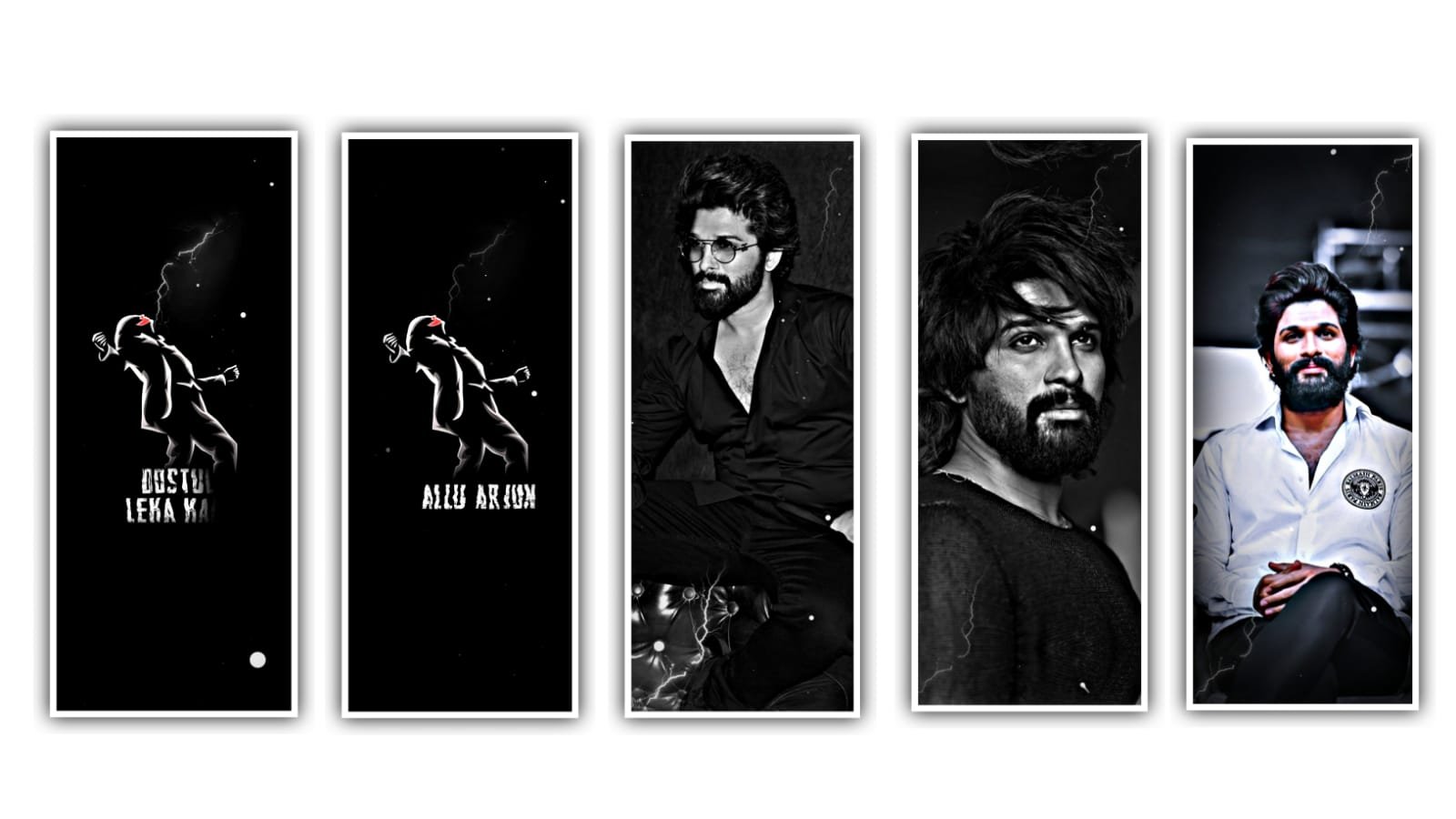
Best trending lyrics song by using awesome text animation by using alight motion application. Open alight motion application and click on plus icon and select the ratio there are so many ratios anre given select the ratio which you like and click on create project.
After that click on audio option and select the which is given in description add it to the said project. Now we want to add the lyrics for the project for that previously you can download the lyrics from any browser and add the lyrics into the notepad and now go back to notepad and copy the lyrics from notepad and paste them by clicking text option and select add text the paste the copied lyrics.
now we want to add the font for the every lyrics for that click on roboto regular and select font which is given in description please download it from description and come back to beatmark project and select the font. Now select the option Move and transform and adjust the lyrics with your fingertips and keep the alignment in middle.
After that click on the layer and make it duplicate layer and go back to notepad and copy the lyrics from notepad and come back to beatmark project and paste the copied lyrics into duplicate layer. And we can add another font for this layer which is given in description to add the font open roboto regular and select the font. And the same process will be continued till the end of the lyrics.
After the completion of the process I will give you text animation preset in description and import the same into this project. And select the down lyrics and click on effects and select option copy effects and paste the copied effect into this project.
After that come back to preset and select the above layer and click on three dots and select copy effects and come back to beatmark project and paste the effects to the above lyric layer.
And paste the same effect to remaining lyrics. Now the process of editing will be completed. Export the video by clicking export icon. After that we want to open node application and click on plus icon and select the ratio keep custom and 1080 X 1380 and keep 60fps. After that click of media and select the edited video into this project.
And click on plus icon and select SSD store and select the effect glow and tap on the colour as red. Now export the video by clicking export icon. Hope you guys will understand how to edit this video. So guys please support us by visiting our website Thankyou..
All Meterials Links :-
►Kinemastar Preset Link 👇
DOWNLOAD NOW
►Beat Mark project preset :
DOWNLOAD NOW
►Beat Mark XML file LINK :-
DOWNLOAD NOW
►Shake effect Preset LINK 👇
DOWNLOAD NOW
►Shake effect XML LINK 👇
DOWNLOAD NOW
► Video All photo LINK👇
DOWNLOAD NOW
► Song Download Link 🔗
DOWNLOAD NOW


















Post Comment