New Trending Rolex Vadi Peru Dilli Video Editing in Alight motion Attitude status editing20aug1
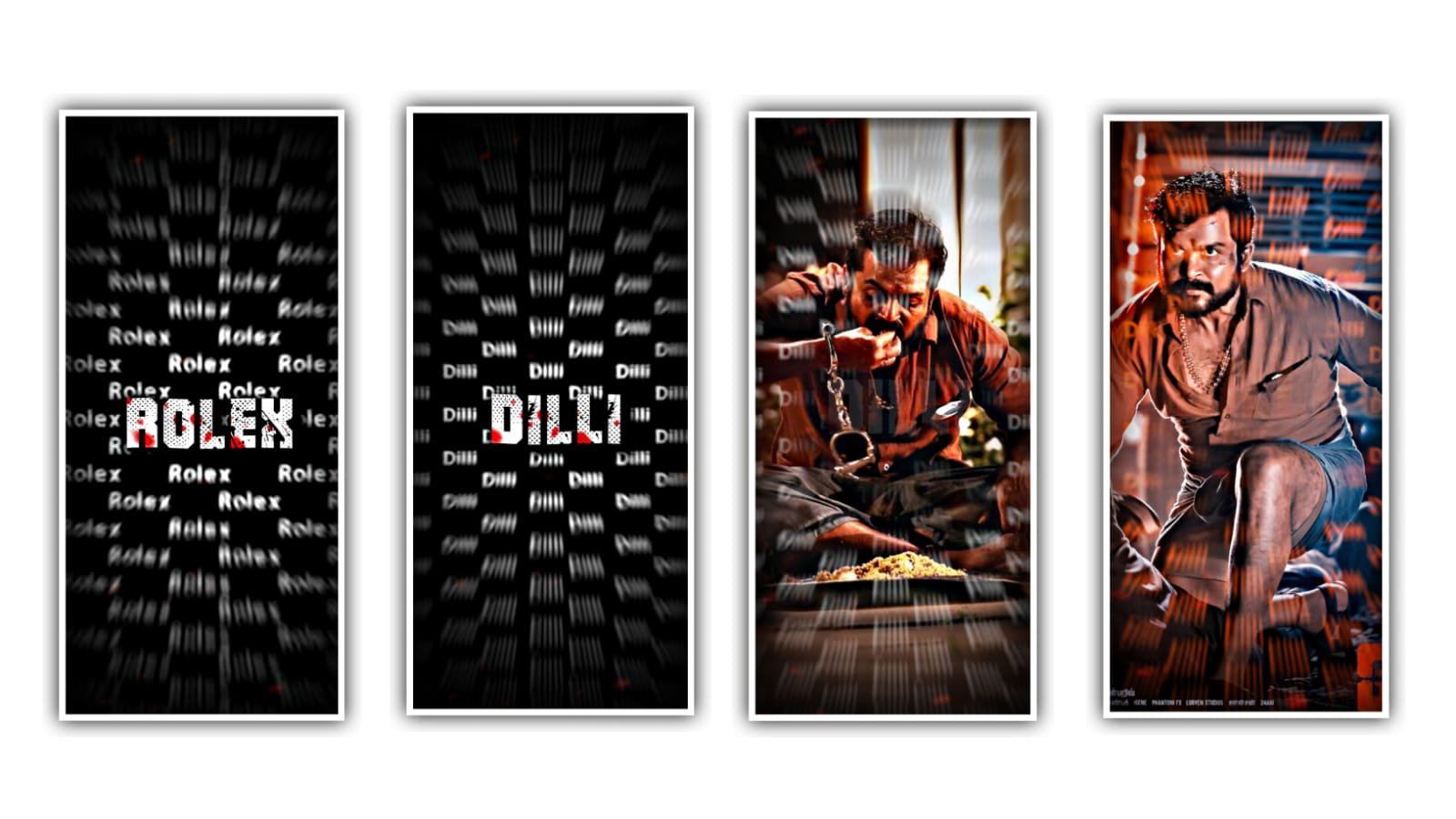
To edit this beat sync effect with awesome photos with alight motion application. Now open alight motion application and click on plus icon and select the ratio which you prefer there are several ratios and select one. And click on create project.
Before editing this project I will give you beat mark shake effect images in description please download from given links and come back to beat mark project and import into the project.
After that open beatmark application now click on image and video click on view all and select the video into the project and play the video we can observe the lyrics. After that trim extra part. After that click on plus icon and click on image and video and select the photos and click on next beat mark.
After that select the another and add the image and the same process will be continued till the end of images. They are several images will be added to this project if there is no any image with you go back to description in this description I will give you most of the images in your link. And trim the extra unnecessary part for this project.
After that click on three dots and select the image and click on full composition and and if click on the p move and transform and adjust the image with your fingertips. After that we want to add the effects for the said project. After that open shake effect and click on plus icon add copied effect into the beat mark project to the first photo in beatmark project. Now click on layer and select the layers option on select the option three dots and paste the copied lyrics.
And the same process will be continued for remaining lyrics in this project upto end of this lyrics. Now I will already skane effects project in this description open shake effect and copy the lyrics from notepad and copy the same effects to the remaining photos. And the same process will be continued till the end of the day project. I will given the effects into the shake effect for long duration photos and small duration for that And copy the small duration and long duration effects from shake effect and come back to beat mark project and paste them by clicking press icon and click on edit text to pastry assets into this layers.
lyrics. Now you can play the song and observe the beat sync efforts which is awesome editing by using alight motion application and we will explain more editing tutorials like this with your support in this they are four effects will be added and the effects will be given in shake effect project.
After that click on export icon and select the resolution and click the high quality and click on export button.
It will be taken some time to convert the project and automatically saved to this project. Hope you guys will like to you can export icon video and the images have generate. Please support us by visiting our website Thankyou for your support.
All Meterials Links :-
►Kinemastar Preset Link 👇
DOWNLOAD NOW
►Beat Mark project preset :
DOWNLOAD NOW
►Beat Mark XML file LINK :-
DOWNLOAD NOW
►Shake effect Preset LINK 👇
DOWNLOAD NOW
►Shake effect XML LINK 👇
DOWNLOAD NOW
► Video All photo LINK👇
DOWNLOAD NOW
► Song Download Link 🔗
DOWNLOAD NOW


















Post Comment