Trending Lyrical Video Editing in Alight motion New Style video editing Status editing 2sep2
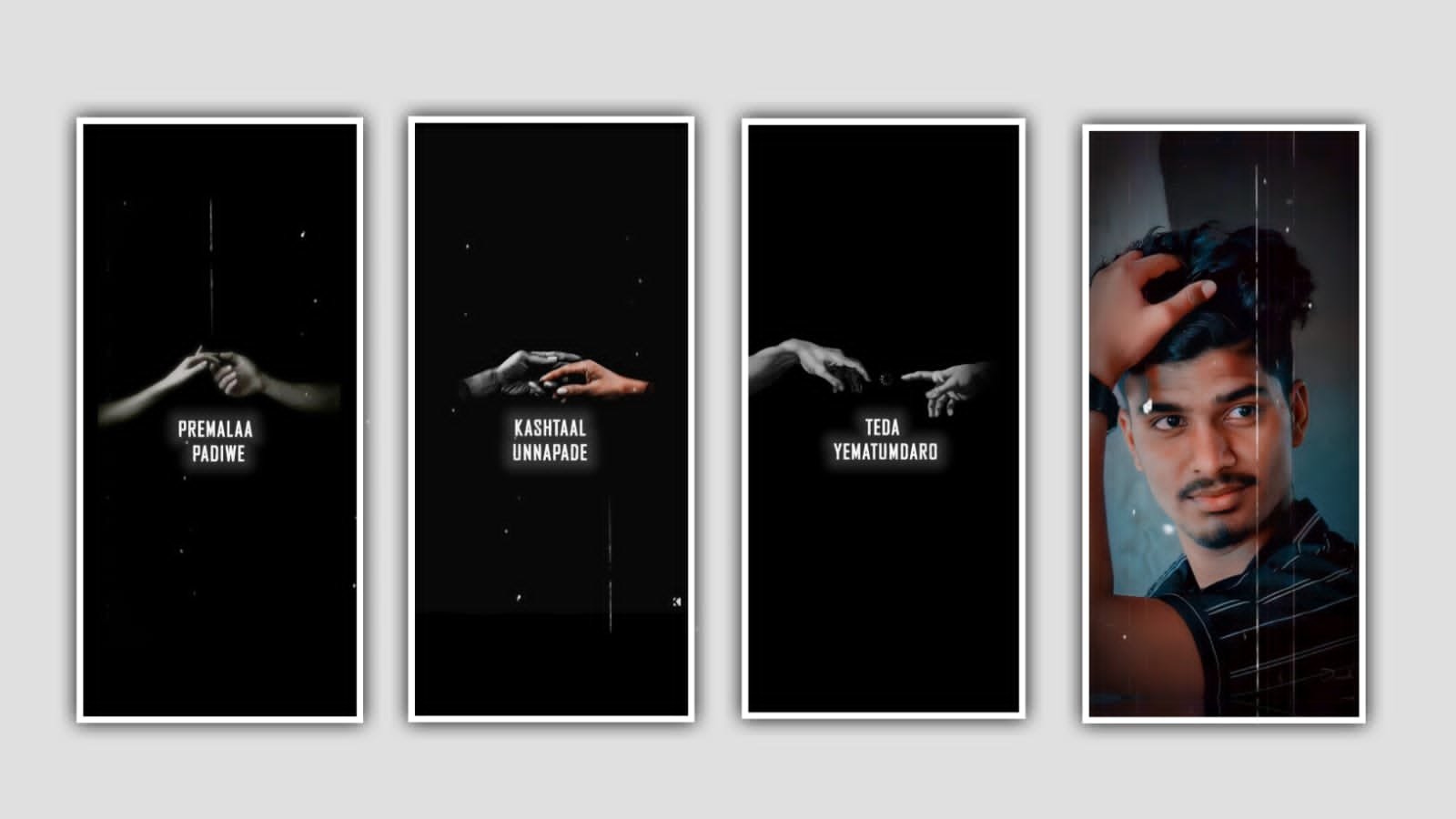
In this project I will explain about brush animation lyrical video editing by using alight motion application. Now simply open alight motion application click on plus icon and select the ratio which you prefer and click on create project. After that click on plus icon and select the option image and video after that add the downloaded video song into this project by clicking plus icon. After that click on fit to screen and and add the song by lyrics and trim the extra unnessary part.
After that click on video and now select the layer and select copy the layer and come back to starting and again we want add new project and select the ratio and click on create project. After that click on layer option and paste the video layer after that click on video layer and select the option extract Audio and extract the audio. And now play the song and observe where the song lyrics is comming and stop there and add a lyrics for the project for that previously you can add the lyrics from any browser and add them to notepad.
Now click on edit text and comeback to notepad and copy the lyrics from notepad and go back to beatmark project and paste the copied lyrics into this project. And adjust the lyrics by using move and transform and keep the alignment as middle and we want to add font for the project for that click on roboto regular and select the font zeat geast and select with standard settings.
And the font link can be provided in description please download it from description. And select the font colour as white and now increase the lyrical siz sand extend the layer. Now paly the song and stop when the continuation lyrics is came and now duplicate the above layer and paste the lyrics. And add another different colour to the duplicate layer. And now select the two layers and split the two layers and again go to notepad and copy the lyrics from notepad and come back to beatmark project and paste the lyrics into this project. And the same process will be continued for adding the remaining lyrics. And now we want to add the animation for the project for that click on any lyrics from this project.
And now click on effects and click on add effects and select the option text transform and select with standard settings and select scale and add a key frame in starting and increase the full in scale option. And now we want to add another key frame in ending and select scale and keep it as 0.00. And nad select Alpha and keep it as -1.000 and scroll down and select the option easein easeout. And keep the overlap as 1000%, and keep the shape as triangle and select the option random order and enable it.
And now select the option phase and add a key frame in starting and add another key in middle and keep it as -100% and add a key frame ending and keep the phase as 0% and click on lyrics and select the option copy effect and paste them to remaining lyrics. Same the process of lyrics is completed.
Now add this project to beatmark project and play now you can observe without song. For that solution click on blending and opacity and decrease the size of opacity and play the song and you can observe the lyrics. Now the process of editing will be completed hope you guys will understand how to edit this project. After that click on export icon to export the video with high quality and click on export button. Guys we need your support please support us by visiting our website Thankyou.
All Meterials Links :-
►Kinemastar Preset Link 👇
DOWNLOAD NOW
►Beat Mark project preset :
DOWNLOAD NOW
►Beat Mark XML file LINK :-
DOWNLOAD NOW
►Shake effect Preset LINK 👇
DOWNLOAD NOW
►Shake effect XML LINK 👇
DOWNLOAD NOW
► Video All photo LINK👇
DOWNLOAD NOW
► Song Download Link 🔗
DOWNLOAD NOW


















Post Comment