⚡Instag Happy Birthday to Me😂 Dialogue Video Editing in Alight motion Birthday Video Editing 5sep1
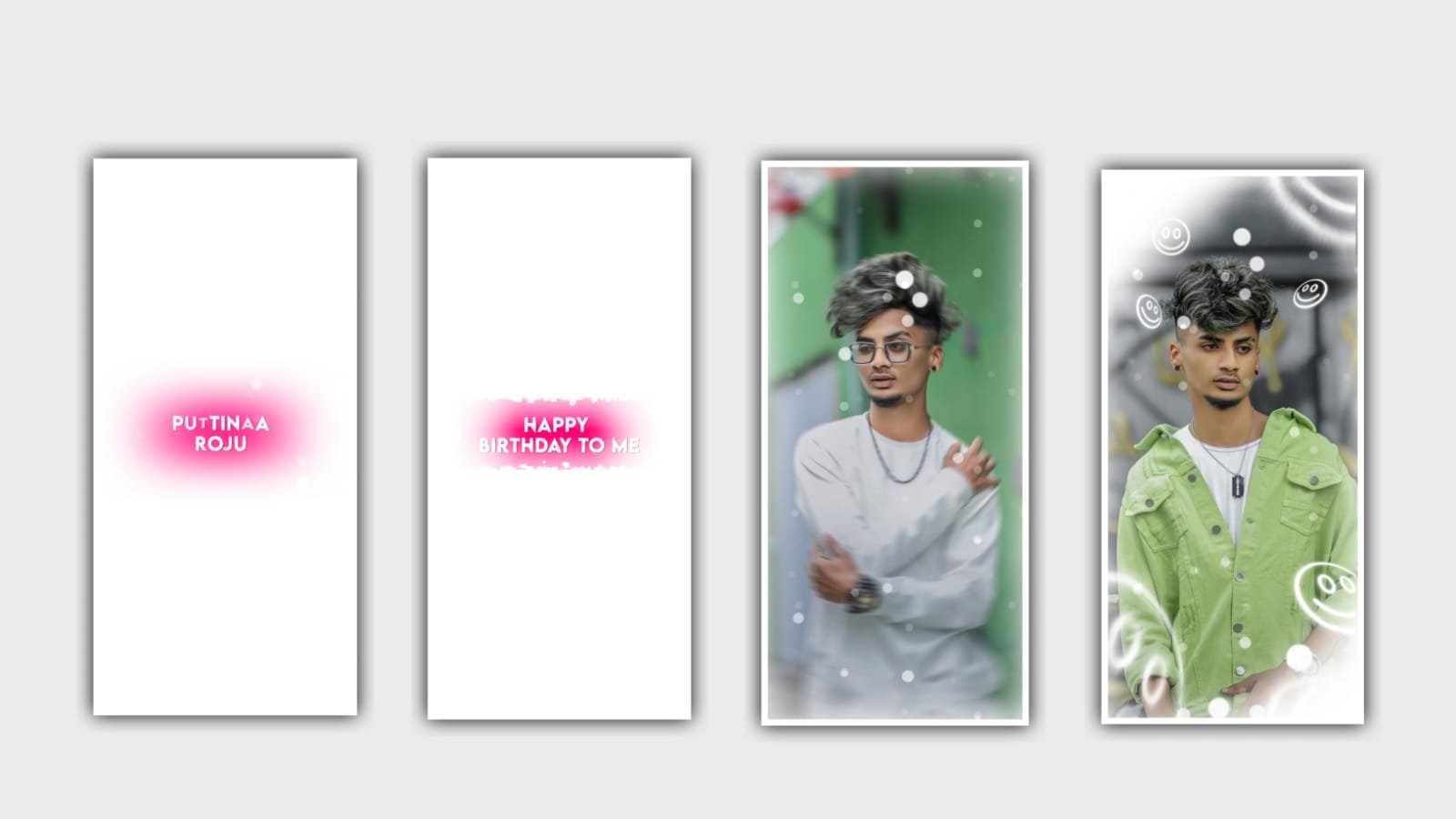
In this project I will explain about lyrical trending video with beautiful love symbol effects by using Alight motion application. And All material links can be given in description please download it from description Open alight motion application click on plus icon and select the ratio 4:5 and click on create project to continue the process.
After that click on plus icon and select the option audio and click on view all and select the audio which you want to edit in this project click on plus icon to add. After that we need to add the lyrics for the project for that click on text option and click on edit text and I will already corporate the lyrics into notepad previously no go back to notepad and copy the lyrics from there and come back to the project and paste them into the text layer.
After that drag the layer and song up to 30 seconds and remaining part can be trim. Now after that click on first layer and split the layer when playing the song and stop the lyrics where is coming and go back to notepad and copy the remaining lyrics from there and where is them into this splitted lyrics in a sequential order.
After that we need to add the template and the link is given in description downloaded from there and added to the project. After that click on template and select the option add effects and select the effect gaussian blur with standard settings and keep strength=220, and zoom the layer and text by using move and transform. And I will given shake effect and the link is in description please download it from there and import it to this project and open and copy the effects from shake effect and paste them by clicking add effects and paste the effects.
the same process will be continued for the remaining lyrics go to shake if it and copy the effects from there and come back to this project and paste the effects with sequenceal order. After that click on export symbol and export the video with high quality it will take some time to process and automatically saved to your gallery. After that open node application and click on plus icon and select the ratio and select the resolution as 1080X1350 and select 60fps. And now click on plus icon and select media and add the video which is edited in alight motion.
After that select the effect glow with standard settings and select the colour which you prefer now play the song and see the effects and now click on export icon and export the video with high quality it may be take some time to process and automatically saved to your gallery.
So hope you guys will understand how to edit there type of projects by using alight motion application. So please support us your support will gives us encouragement for further editing tutorials please continue the same support by visiting our website Thankyou.
All Meterials Links :-
►Kinemastar Preset Link 👇
DOWNLOAD NOW
►Beat Mark project preset :
DOWNLOAD NOW
►Beat Mark XML file LINK :-
DOWNLOAD NOW
►Shake effect Preset LINK 👇
DOWNLOAD NOW
►Shake effect XML LINK 👇
DOWNLOAD NOW
► Video All photo LINK👇
DOWNLOAD NOW
► Song Download Link 🔗
DOWNLOAD NOW


















Post Comment