👌Alight Motion Viral Song Video Editing Instag Trending Boys Attitude Status Editing 17sep1
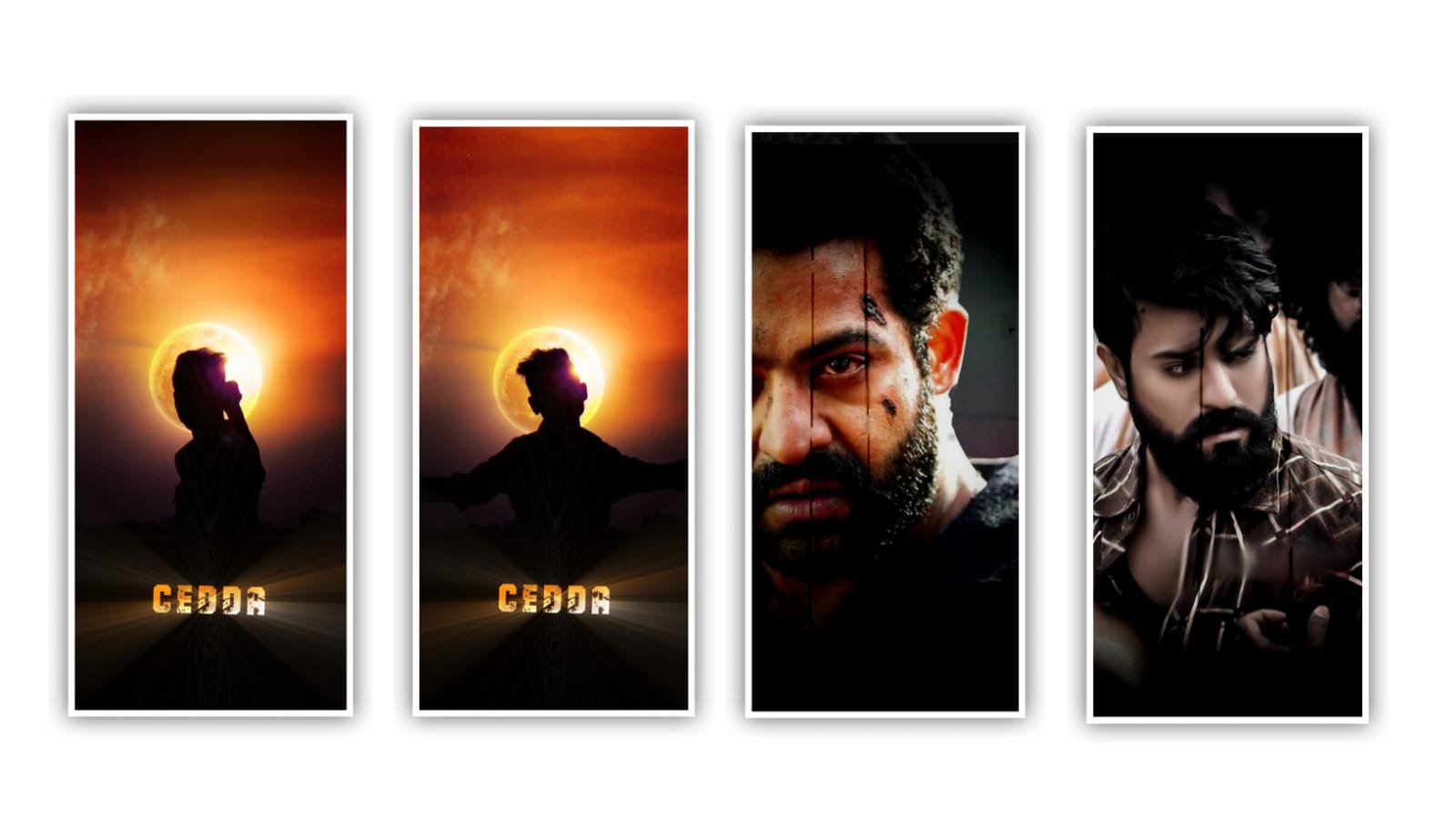
To edit this best photo shake effect project with awesome effects by using alight motion application please follow the instructions as I said in this project then you can understand how to create this type of videos by using editing applications.
Open alight motion application click on the second and select the ratio 9:16 and keep the background colour as Black. And click on the create project for the editing process. Now click on image and video and select the hd images which one to edit in this project and select the first image by clicking plus icon to add.
And the same process will be continued for the remaining photos which is added in this project please add the images in a sequential order. After that select each image and select the option will composition area and zoom the image. And see whether the images will be zoomed or not. Whether there are any disadvantages select the option to move and transform and adjust each image and keep the alignment into the centre.
After that we need to add the song for this project. The song link can be given in description please download it from description and add the song by clicking audio and select the option view all and select the downloaded song and click on plus icon to add.
After that drag the song up to 30 seconds and the remaining part can be trimmed. After that we need to add the effect for this project for that click on effect and select the option add effect and select spectral map with standard settings and now select alpha and keep it as 1.00, and select repeat and keep it as 10.00, after select another effect offset with standard settings and select smoothing =0.230, and select Angle and keep it as 60°, and select amplitude=2.000, and select luma and keep it as 2,00. After that click on add effect and select the effect zoom blur and select with standard settings and adjust the curve as shown in this project and adjust with your fingertips and move and togile right to left.
Now the process of effects adding is completed now play the song and see the effects which is added or not wheather is is not adjusted correcly and it can be manually adjust can be done. After that click on export icon and export the video with high quality and also keep the biteste as high as 1080p and it will take some time to process to complete the quality video and then automatically add to your gallery.
Hope you guys will like this process how to edit you can also try this with your own photos by using this editing application. Guys I will requesting you to please support as because we need you support by visiting our website as now and in future also without your support I will nothing. You support will give us encouragement to create more editing tutorials like this project so please keep the same support in future thankyou.
All Materials Links :-
►Kinemastar Preset Link 👇
DOWNLOAD NOW
►Beat Mark project preset :
DOWNLOAD NOW
►Beat Mark XML file LINK :-
DOWNLOAD NOW
►Shake effect Preset LINK 👇
DOWNLOAD NOW
►Shake effect XML LINK 👇
DOWNLOAD NOW
► Video All photo LINK👇
DOWNLOAD NOW
► Song Download Link 🔗
DOWNLOAD NOW


















Post Comment