Instag Trending Saiyaara Mai Saiyara Effect Video Editing in Alight motion Trending lyrical video 26sep1
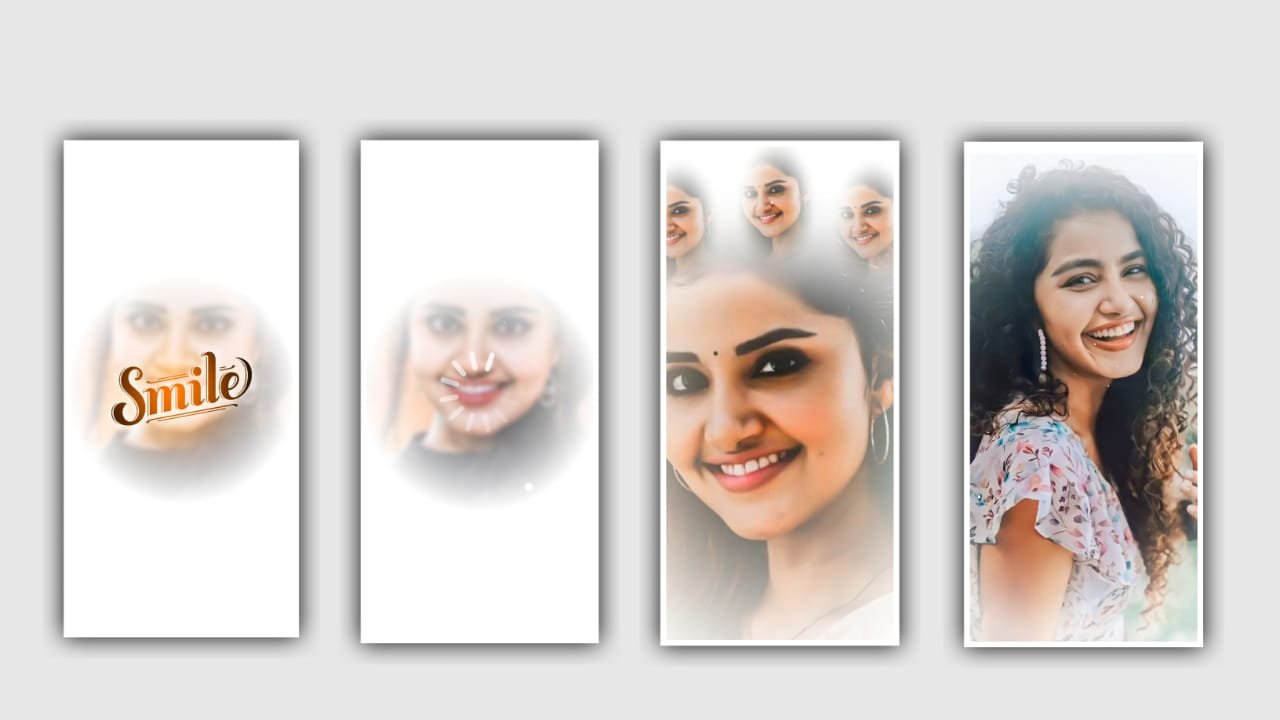
Hi friends in this project we want to know about best trending lyrical video editing by using alight motion application with superb different fonts. Please follow the said instructions carefully then you can understand this project to edit.
Simply open the application alight motion and click on plus icon and select the ratio and keep the background colour as black and click on create project for further editing process. After that we need to add the image for this project for that click on image and video and select the image which you want and the image link can be given in description please download and add it into this project.
After add the image click on the image layer and select three dots and select the option fill composition area and zoon the image and click on right click. After that we need to add the song for this project for that click on audio and select the song which you edit in this project for to create and select the the song into this project by clicking plus icon. Now click on audio layer and drag the image upto 30 seconds.
After that again click on image layer and also make to drag upto 30 seconds. After that process play the song and now according to the song we need to add the lyrics for this editing project. Before editing this process we need to download the lyrics and add the lyrics of this song into notepad. Now simply click on notepad and copy the lyrics form notepad and come back to this project and paste the copied lyrics by selecting the option edit text and paste into this text layer.
After that click on the image layer and and add the font which is given in description. Add the font into them by clicking plus icon and increase the size of lyrics with your interest. After that zoom the lyrics with your fingertips and click on right click. After that drag the image layer till the end of this song layer. After that you can add the lyrics for this project for that play the song and add the continuous lyrics from notepad and paste it into remaining lyrics.
And click on move and transform and keep the alignment into centre and adjust them. After that process we need to add the effects for this project for that click on add effects and select Text transform with standard settings. Now open and select Start and add a key frame in starting and keep is as 93.3 and add a key frame in middle and keep is 0.84 and add a key frame in ending and keep it as 96.6 and select the option scale and keep it as 4.26, and select the option alpha = 0.436m now the effects adding is completed hope you guys will understand this process to edit in your own custamization.
Click on export icon and export the video with high resolution quality and download into your gallery. Hope you please support us by visiting our website your support will make us to improve ourselves to create more editing tutorials like you ever before editing thank you for your support keep the same support for further.
All Materials Links :-
►Kinemastar Preset Link 👇
DOWNLOAD NOW
►Beat Mark Presets LINK :-
DOWNLOAD NOW
►Beat Mark XML file LINK :-
DOWNLOAD NOW
►Shake effect Preset LINK 👇
DOWNLOAD NOW
►Shake effect XML LINK 👇
DOWNLOAD NOW
► Video All photo LINK👇
DOWNLOAD NOW
► Video All photo LINK 2 👇
DOWNLOAD NOW
► Song Download Link 🔗
DOWNLOAD NOW


















Post Comment