trending👌Trending Navratri Dussehra Video Editing in Alight motion vijayadashmi video editing 2022 4oct1
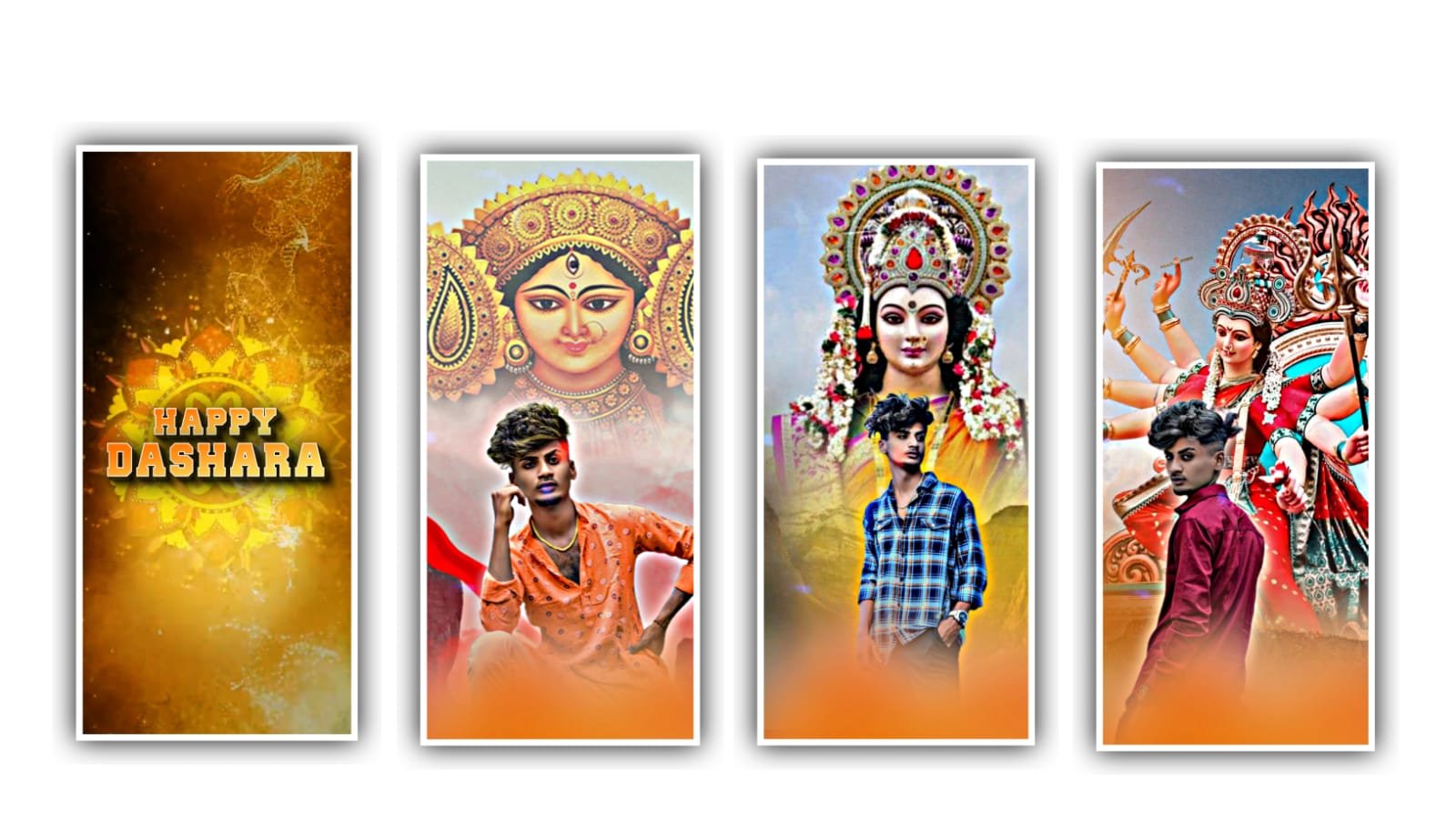
In this project I will explain about the best trending animation lyrical video editing by using Alight motion application. Simply open alight motion application and click on plus icon and select the ratio and click on create project to continue the process of editing for this project they are several animations that can be used for creating this project.
After that for every project we need to add similar requirements that firstly add the song for this project for that you need to Deside the song and add the same song into this project. For the lengthy song we need not to edit to take much more time to process. So simply you need to trim the song length up to 30 seconds for creating a project.
After that we can add the high quality best images into this project. And it will be pre-edited in PicsArt. And I will give you a high quality image in description please download it from description and add the same image into this project and click on three dots and zoom the image as full screen.
After that we can drag the image layer upto 30 seconds. After that you can listen to the song and add the lyrics according to the song. For adding the lyrics you need to add the song lyrics into notepad in the previous version of this editing process. Now we need to add the lyrics into this project for that Click on text option and select the option edit text.
Now go back to the notepad and copy the following lyrics into this project and paste them into this following project. After that we need to add the font for this project. For that Click on roboto regular and select the font which you want and apt for this project. And select the font by clicking the plus icon. After that we need to increase the size from 18PT to 24PT and add the colour for this lyrics which is visible as radiant.
After that drag the first layer upto 30 seconds. Add the continuous lyrics to the following layers by splitting the each layer and according to the song add the lyrics to this project. After completion of adding the song we need to adjust the lyrics and make it into the middle of this project by clicking some marketing elements. After that play the song to see the effects.
Now simply click on effects and select the option add effect and select Start and add a key frame in starting and keep is as 89.6 and add a key frame in middle and keep is 0.93 and add a key frame in ending and keep it as 94.2 and select the option scale and keep it as 4.46, and select the option alpha = 0.279.
After adding the key frames now the editing process will be completed. Simply click on export button to export the video with high quality. Guys please support the website with using your valuable time. We need your support for further editing process. Please be continue the same support in future thankyou.
All Materials Links :-
►Kinemaster Preset Link 👇
DOWNLOAD NOW
►Beat Mark project preset :
DOWNLOAD NOW
►Beat Mark Xml file Link :-
DOWNLOAD NOW
►Shake effect Preset LINK 👇
DOWNLOAD NOW
►Shake effect XML LINK 👇
DOWNLOAD NOW
► Video All photo LINK 👇
DOWNLOAD NOW
► Song Download Link 🔗
DOWNLOAD NOW

















Post Comment