🔥Alight Motion Viral Ravana Next Level Video Editing in Instagram Trending video editing 19oct1
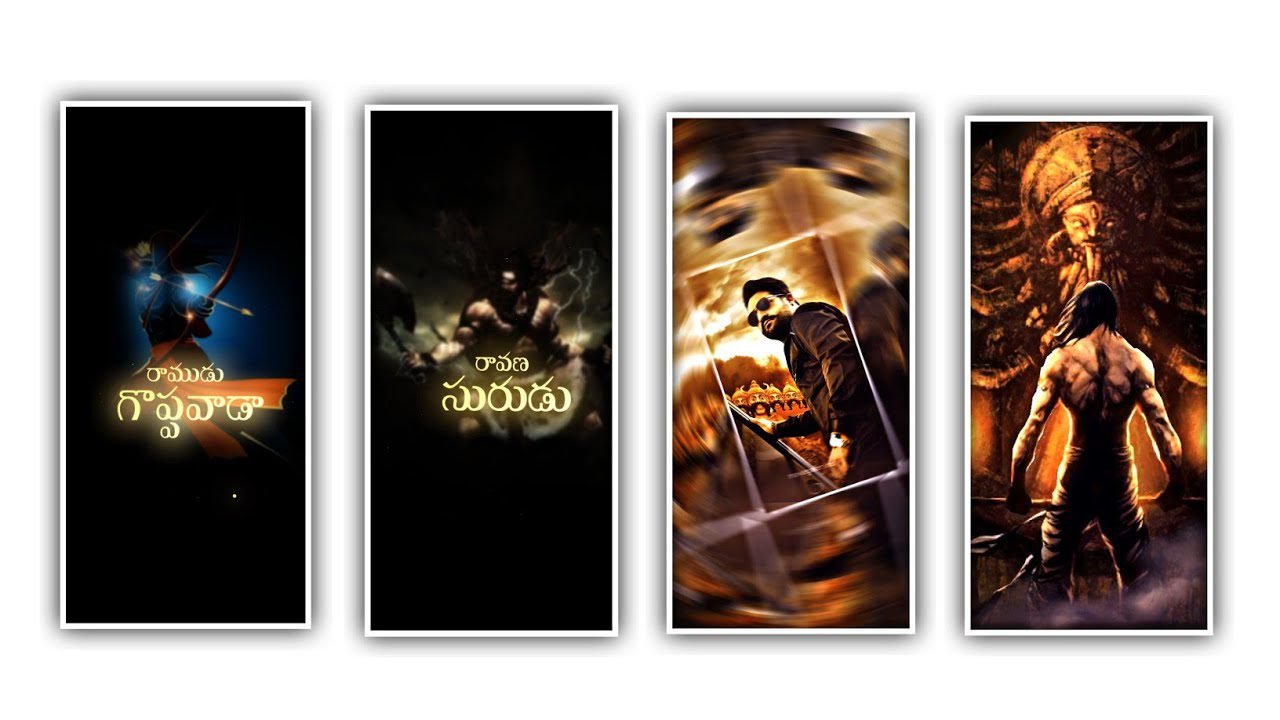
In this project we are explaining about the trending shake effect video in this project so please follow the instructions so you can understand the best of the editing by learning the project. We are used the best effects to define this project by using editing application.
Now simply open alight motion application and select the screen ratio as 9:16 for full screen experience. And click on frame rate as high and keep the black colour as background and continue the process of this project by clicking create project.
After that add and the images for this project I will give you high quality image link in description please download from description to add into this project by using the option image and video to select the downloaded images back clicking plus icon to add for the process of editing for this project. After that you need to full screen the images by using the option three dots and select fill composition area to zoom out the images as full screen. After that adjust the content into middle.
After that process add the song for the said project according to the images to add the song click on audio option to select the song to edit and add by clicking plus icon to add. After adding the song into this project we need to trim the song layer because length of the song will be 30 seconds remaining part will be trim. After that Click on move and transform to adjust the image as fit and keep the alignment into centre.
Now we need to add the effects for this project for that we are given preset and shake up at link in description please download this shake it from description and import into the Alight motion application. After that open shake effect project and see the effects of Shake effect there are two effects can be added in this project. Now need to add the same effects into the said project.
Now open shake effect and copy the first layer effects from shake effect at the same effects into this project for the images of 2, 4, 6, 8 and we need to add another affect from shake effect into this project for remaining photos of 1,3, 5, 7 images. After that play the song and see the effects which is added in this project with a shake effect. Now the process will be completed.
Now click on export icon to export the video with the best finest quality of bit rate and save the same into your gallery. After processing the project. Hope you guys will also try this project with your own photos to be edited.
You need more project like this project please support us by visiting our website we need your support to create more projects in different animations please keep following us define more trending projects in upcoming projects thank you for your support from beginning to now and keep the same support your support will unbelievable Thankyou.
All Materials Links :-
►Kinemastar Preset Link 👇
DOWNLOAD
► Full Project Presets LINK :-
DOWNLOAD
►Full Project XML file LINK :-
DOWNLOAD
► Cap Cut App Link 👇
DOWNLOAD
► Video All photo LINK👇
DOWNLOAD
► Song Download Link 🔗
DOWNLOAD


















Post Comment