🔥Alight Motion Trending New Style video editing in Serena Safari Song video editing 19oct3
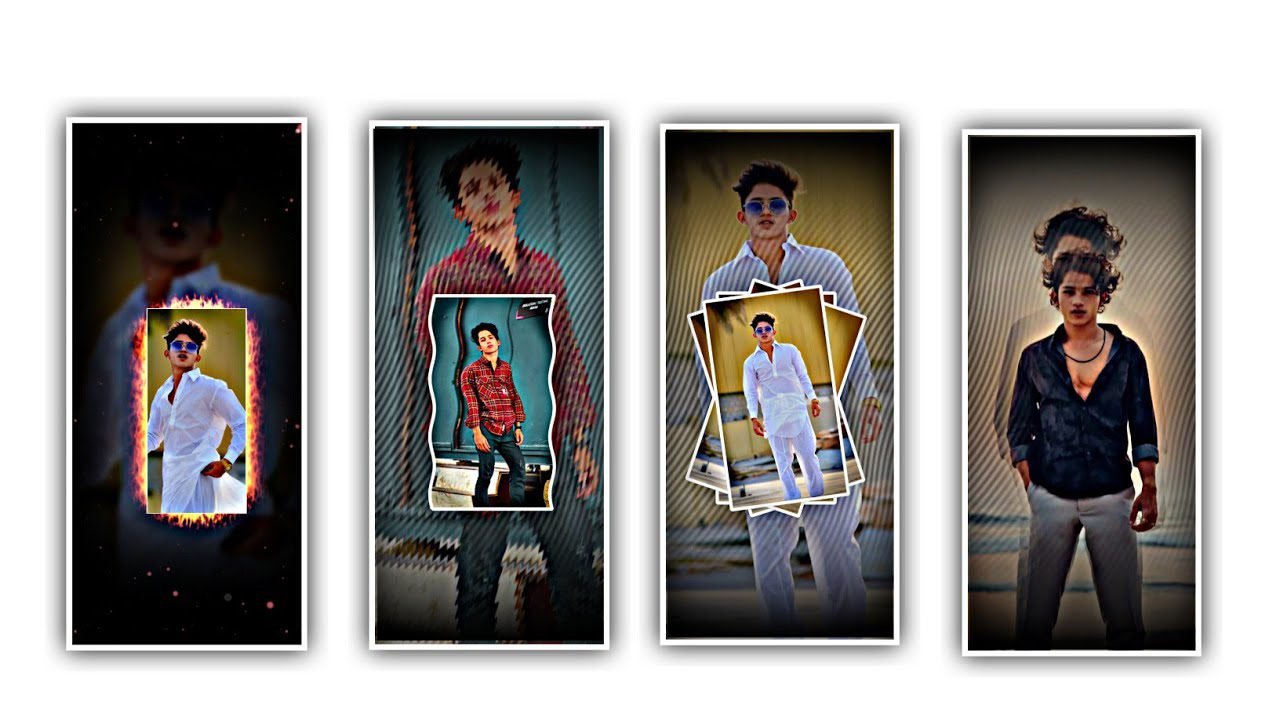
In this project I’m explaining about new trending Instagram lyrical video editing by using editing application. And all meteral links can be provided in this description. I will given best font in description please download to add into this project.
Now open full project video after that remove the background to add your image for that click on image and video to select the image by clicking plus icon to add to this project. In this project I will use two fonts one is for lyrical and another font for title. And you can observe to groups layers can be applied for this project. Click on first group and I will give you two photos in description and it will be used for background.
After that Click on visable image and select the option copy layer. After that click on image and video and to select the background removed image into this project. After that drag the image to end of this project approximately to 30 seconds.
After that Click on arrow symbol and select the colour option off to paste the copied image again. And it will not matching the background images so I will give you another background image in description please have your look and it to download this and add into this project.
After that select PNG and click on text option to add your name into this project. After that zoom the image up to 38 PT. And I will give you title font in description please selected to add into this project. And select the colour as white for the title.
After that click on move and transform and select rotate option and rotate upto 11 degrees. And select the size option to increase the size by using move and transform. After that we need to add the animation for. This project for that copy the first effect and paste the effects into this project. And now remove the last effect. After that we need to add the image into this project.
After that we need to add animation for text and photo after that click on effects project to select the text layer and copy the effect ro add into this project by clicking three dots to select add effects and paste the copied effect. And same effects will be applicable for remaining projets. After that click on image layer effects and paste the same effects to the said project image and play the song to see the effects. Now the process will be completed.
Please follow the instructions as I said in this article the n you can understand the said project because it is the simple process to determine and the full project can can be import to defend the substitution for this project.
hope you guys will understand this project please support us by visiting our website your support will makes to improve ourselves to create best content in future thankyou. And keep the same support in future to discuss about the trending projects with high quality resolution Thankyou.
All Materials Links :-
►Kinemaster Preset Link 👇
DOWNLOAD
►Beat Mark project preset :
DOWNLOAD
►Beat Mark Xml file Link :-
DOWNLOAD
►Shake effect Preset LINK 👇
DOWNLOAD
►Shake effect XML LINK 👇
DOWNLOAD
► Song Download Link 🔗
DOWNLOAD


















Post Comment