👌Instag Trending Tune Bgm Video Editing Trending Full Screen video editing lyrics Editing 26oct1
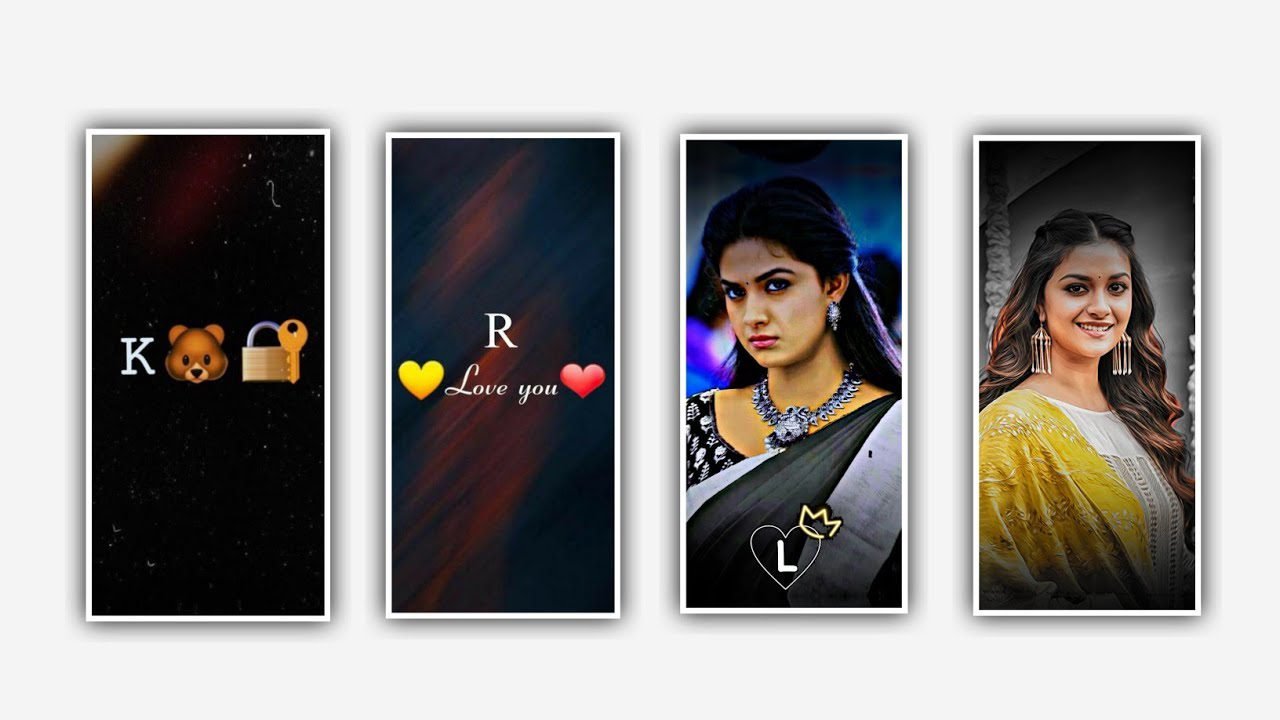
In this project I’m explaining about the lyrical video editing by using alight motion application for that open alight motion application and selecting the ratio 9:16 and selecting the frame rate as 60fps and clicking on create project to continue the process. So please follow the conditions to create the same project with your customize.
Now observe the interface of the project and click on plus icon to choose the option image and video and previously before editing of this project I will given you image link in description please download and add into this project.
After click on plus icon to choose and click on audio to I can be provided the audio link in description. And add the same song for this project and length of the song only 30 seconds add into editing project. Click on plus icon and to choose click on plus Icon to add the song.
Now extend the image layer upto the song layer because the song layer is already upto 30 seconds for the process of editing. Now return to starting to process now we want to add song lyrics for this project according to the song you must add the song lyrics into notepad before editing this project.
Now open notepad to choose the lyrics which is you want to edit in the lyrics from notepad and Trim extra unnecessary part. then you need to select a font which is provided link in description please download it from there.
And add for this project then click on move and transform to adjust the lyrics. And select shadow and select third option shadow enable it. then and the song and lyrics to it and trim the unnecessary extra part to for further editing process.
And the same process will be continued when the song is ended and the lyrics is completed to trim unnecessary part. Then we need to add effects to the lyrics for that search option wipe with the option standard settings.
Then you want to start and add a key frame in starting. And keep the 79%. then go to middle and add another key frame and add go to stating key frame and keep it as 46.5 and again we would like to add another key frame in middle and keep as 94.7. and click on angle and keep it as 16.42. and keep feather as 4.70. and therefore the effect which is added in this project will be completed.
So that guys you may observe the animation after that click on effects and copy the effect. And paste the tu o remaining lyrics which is substituted in this project. And keep the beginning as -7.5 or -17. Please follow the instructions asual for of editing.
Then click on export icon to export this project and choose the ratio to export. hope you understand the editing the project for more interesting projects please support us by encouragement to our website for new editing tutorials thank you for visiting our website. We are creating the best valuable content in future thankyou.
All Materials Links :-
►Kinemaster Preset Link 👇
DOWNLOAD
►Beat Mark project preset :
DOWNLOAD
►Beat Mark Xml file Link :-
DOWNLOAD
►Shake effect Preset LINK 👇
DOWNLOAD
►Shake effect XML LINK 👇
DOWNLOAD
► Song Download Link 🔗
DOWNLOAD


















Post Comment